11
English
Basic Operation
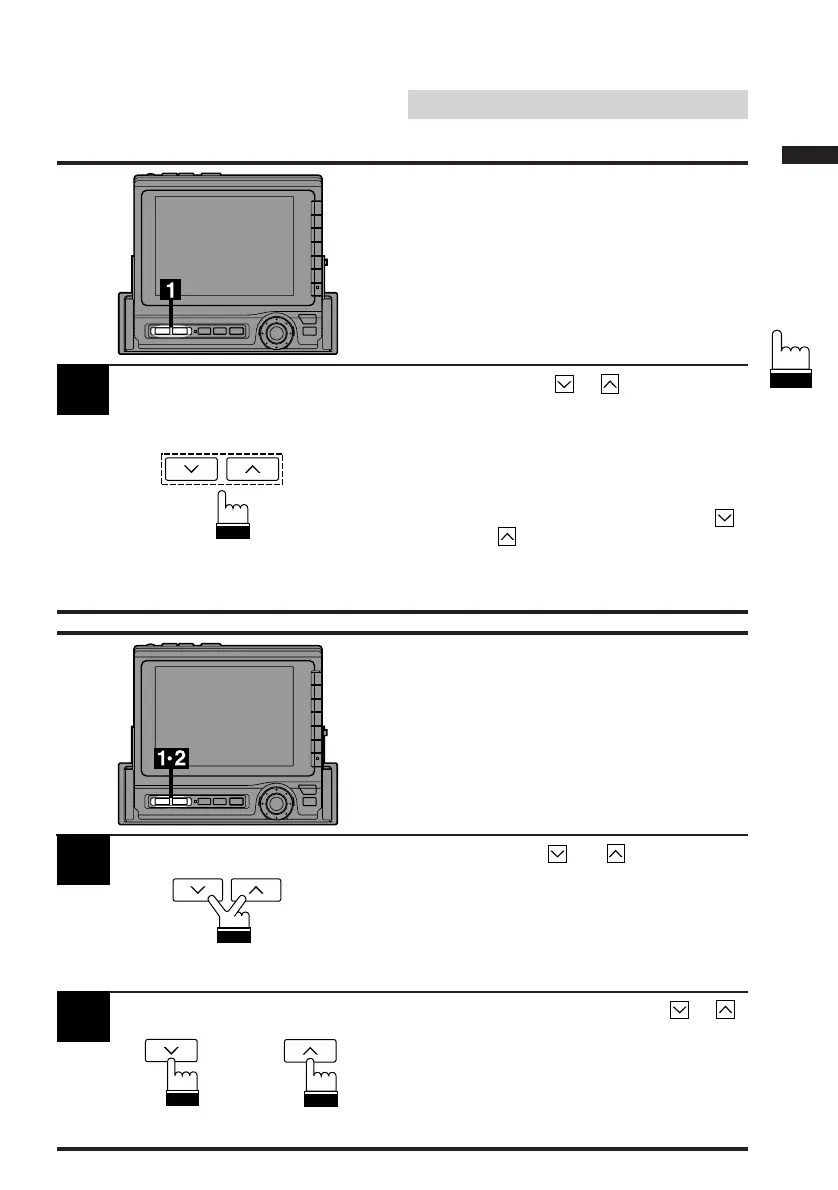
Press the VOLUME or button until the
desired sound level is obtained. A bar graph
appears in the display while changing the
volume. After 3 seconds, a number indicating
the volume level will replace the bar graph.
Note: You can adjust the volume level with
the monitor closed by pressing the
and button on the front panel.
These buttons are used to adjust the
screen angle when the monitor is open.
1
Press and hold the and buttons
simultaneously to mute the unit.
1
2
To cancel the mute mode, press the or
button.
Adjusting the Volume
Level
Muting the Sound
or



 To Next Page