16
English
Basic Operation
Turning Non-Fading
Preout (N.F.P.) On or Off
When the N.F.P. mode is turned on, the Pre-
Output will not be affected by the fader.
This is ideal for driving a subwoofer amplifier.
Note: When an equalizer is connected, the
N.F.P. menu will not appear on the
screen. In this case, Turn the N.F.P.
mode on or off using the equalizer
connected.
1
3
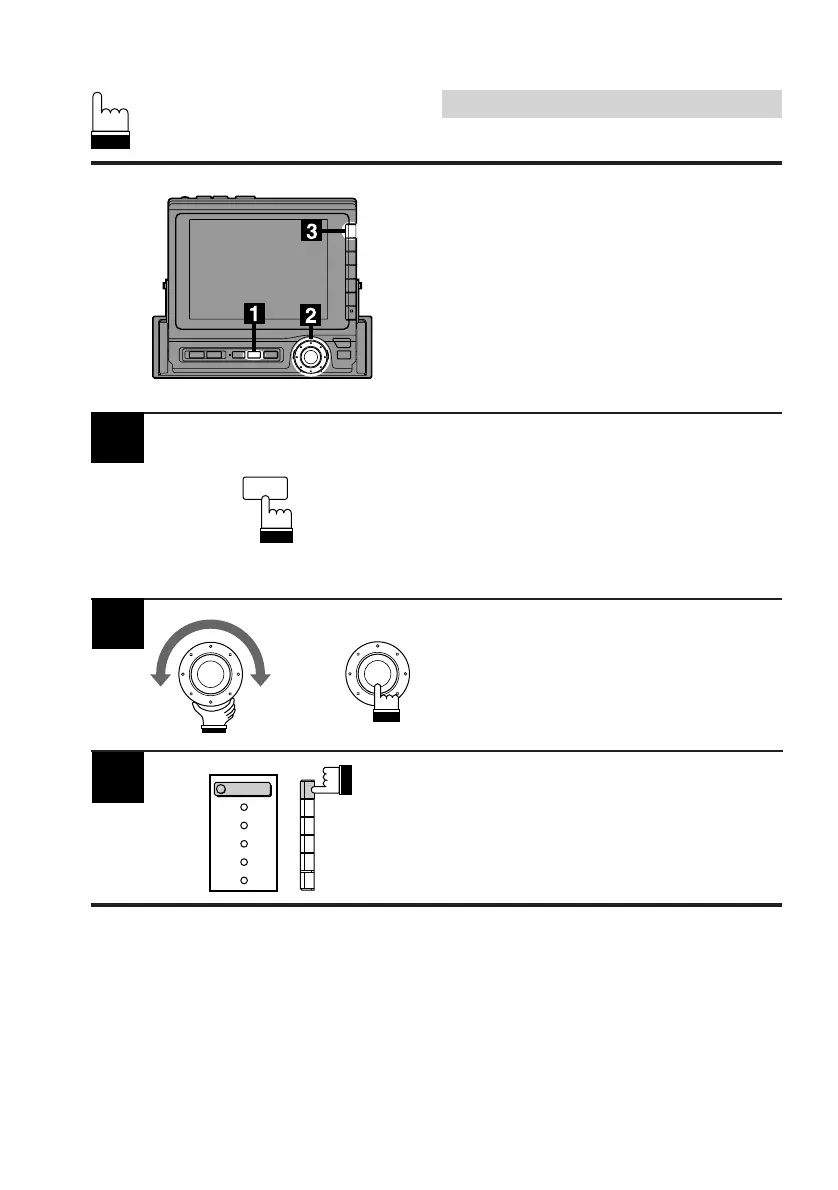
Press the F1 (OUTPUT) button to turn the
N.F.P. mode on or off.
Each press toggles between the N.F.P. on and
off modes.
Press the SET UP button. The Set Up screen
appears.
Turn the rotary switch and select the N.F.P. cont.
menu, then press the rotary switch.
x
1
OUTPUT
SET UP



 To Next Page