English
72
Auxiliary Source
Operation
Playing Auxiliary Sources
(Optional)
This feature permits you to play auxiliary
sources such as TV and VCR.
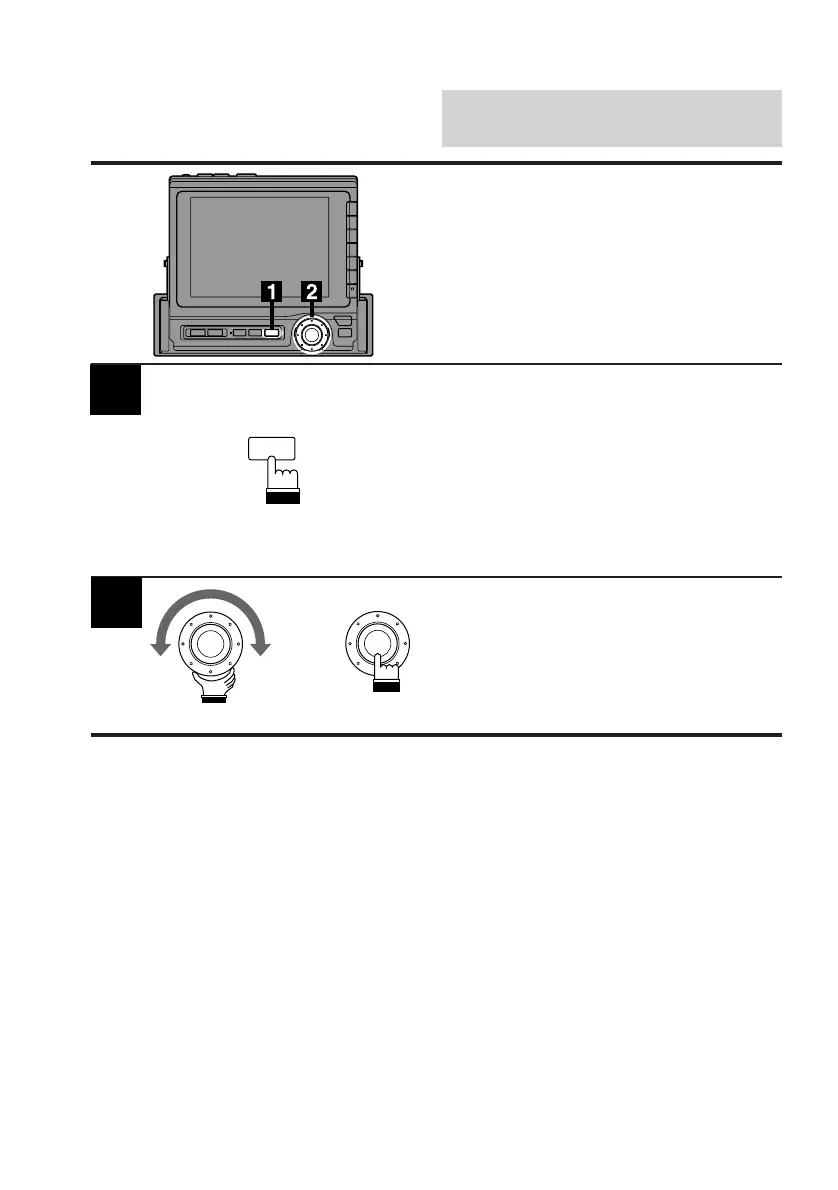
Press the SOURCE button.
The menu screen appears.
Note: Pressing the SOURCE button while
driving (Parking Brake OFF) will cause
the audio source to change immedi-
ately. The SOURCE Selection menu
will not appear. Press the SOURCE
button repeatedly until you are in the
auxiliary source mode.
Turn the rotary switch to select the desired
auxiliary source connected (AUX1 or AUX2).
Then press the rotary switch.
The selected auxiliary source will be activated.
2
x
SOURCE



 To Next Page