53
English
Audio Processor
Operation
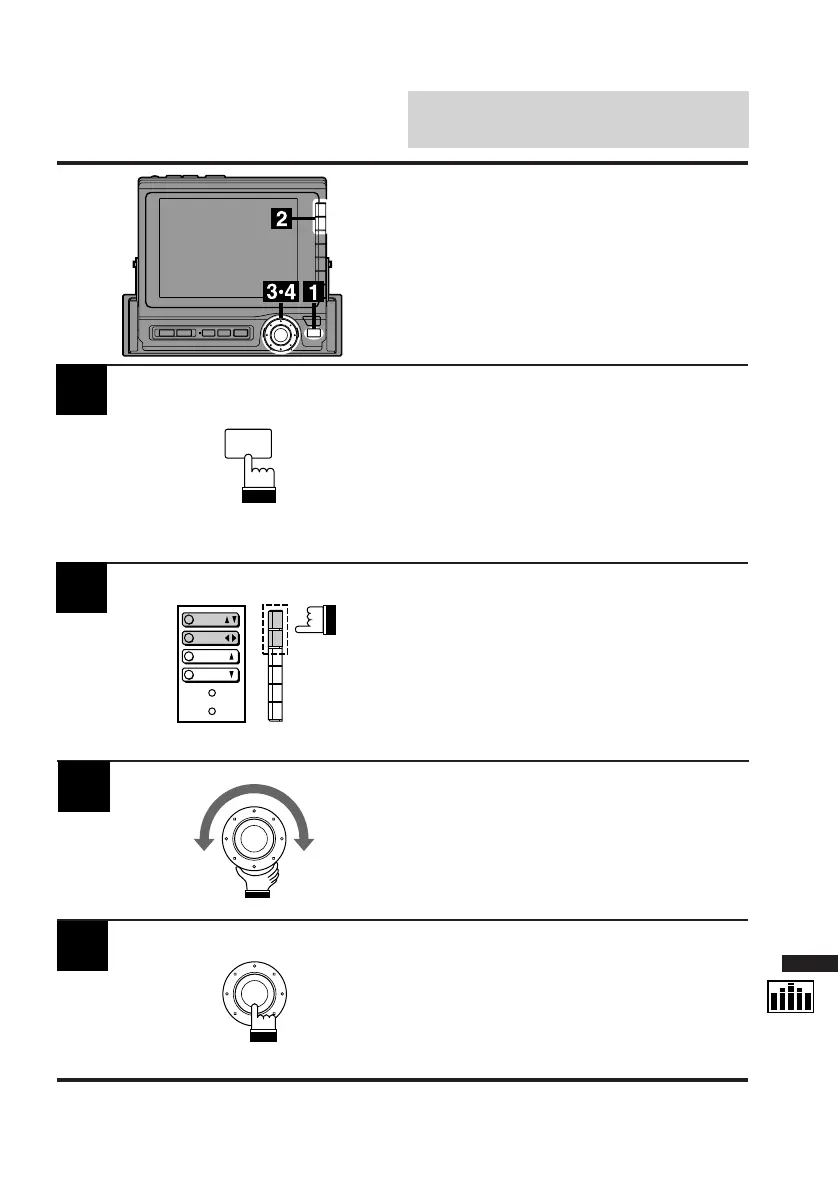
Display the LPS cont. screen and select the
listening position you wish to adjust by referring
to "Selecting Listening Position."
Press the FUNC button.
The contents of the Function Guide screen is
changed.
1
2
Press the F1 (Front/Rear) button or F2 (Left/
Right) button to select the position you wish to
adjust. When the F1 button is pressed, the
menu display changes to show "Rear/RTN/
Front."
When the F2 button is pressed, the menu
display changes to show "Left/RTN/Right."
3
Turn the rotary switch to adjust to the desired
position.
The ball indicator in the display shows the
adjusted position.
When adjustment is complete, press the rotary
switch.
The display returns to the Set Up screen.
4
Adjusting Listening
Position
P.UP
P.
DOWN
FR/RR
LT/RT
FUNC



 To Next Page