73
English
Selecting NTSC or
PAL System
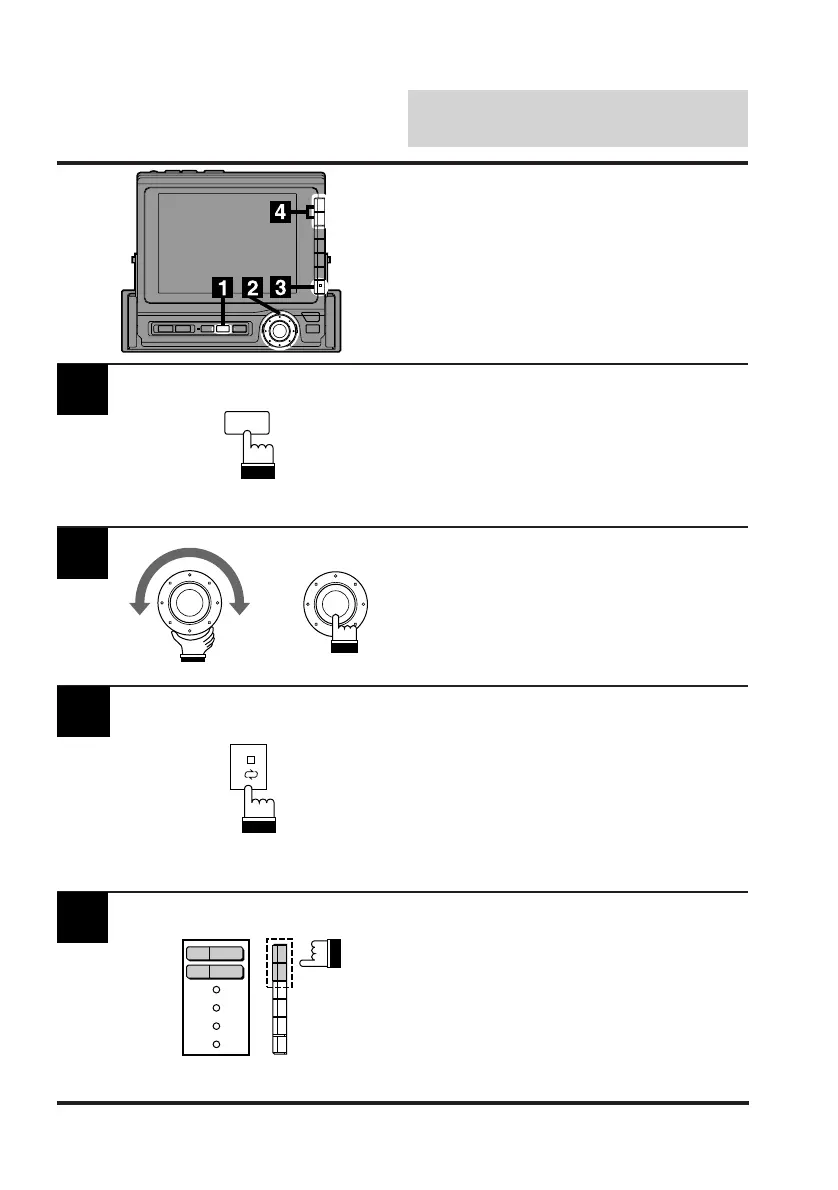
Press the SET UP button.
The Set Up screen appears.
Switching Between NTSC
and PAL Systems
SET UP
Turn the rotary switch and select the System
cont. menu. Press the rotary switch.
The display changes to the System cont.
(System Control) screen.
2
3
x
Press the NEXT (0/) button. The display
changes to the NTSC/PAL System switching
screen.
Press the F1 (AUX-1) or F2 (AUX-2) button to
select the auxiliary source connected. Each
press toggles between the NTSC and PAL
Systems.
4
PAL
PAL
AUX-1
AUX-2



 To Next Page