25
English
Radio Operation
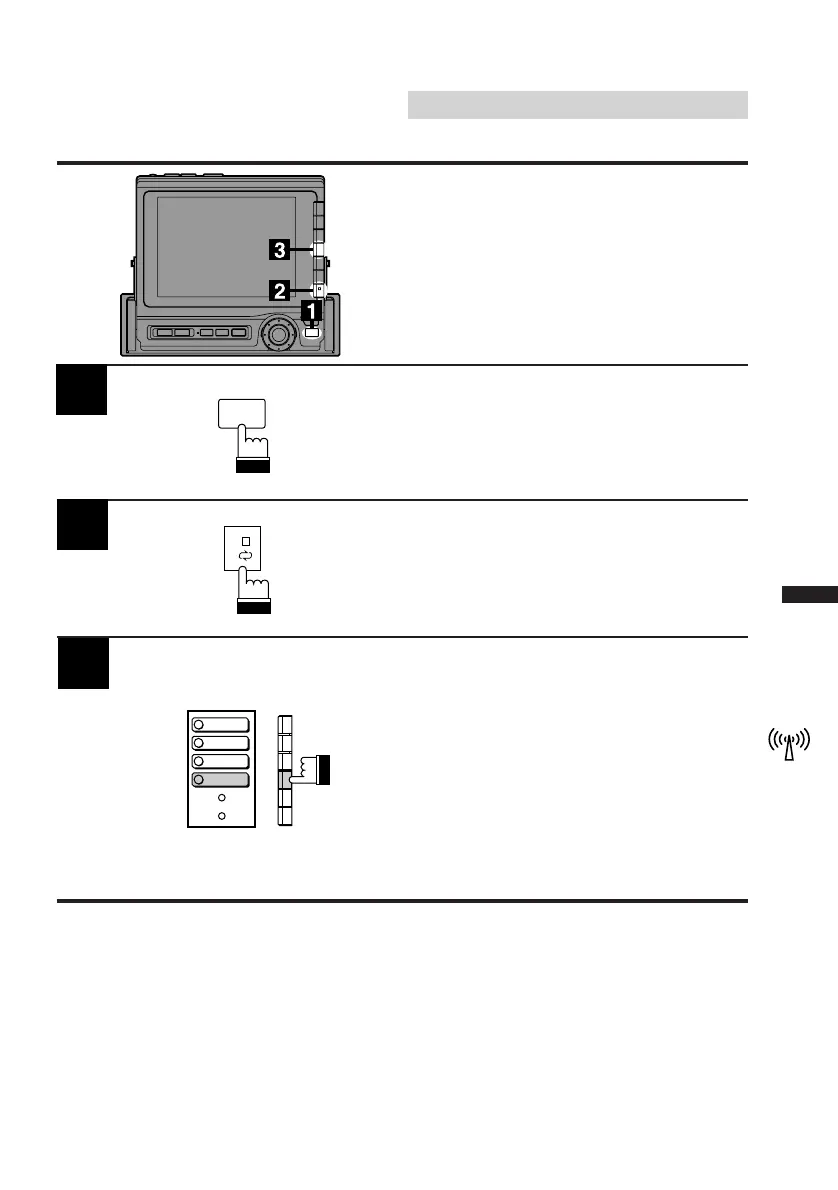
Activate the radio mode.
Press the FUNC button.
Press the NEXT (0/) button.
The Function Guide screen changes.
2
1
3
Press the F4 (D.A.P.) button to activate the
D.A.P. band.
To memorize stations onto the D.A.P. band,
follow the steps for the Automatic or Manual
Storing of Station Presets procedure above.
Note: This function can be used together with
the Automatic Memory Preset if you
want to have all AM or all FM stations
stored into D.A.P.
When the D.A.P. mode is turned on or
off, the menu screen changes.
Storing into Direct Ac-
cess Preset (D.A.P.) Band
Any combination of AM or FM radio stations (up
to 6 stations) can be manually preset onto the
D.A.P. band.
FUNC
1
2
MONO
P.SCAN
4
TITLE
5
DAP



 To Next Page