English
50
Audio Processor
Operation
BBE1
BBE2
BBE3
BBE OFF
L-LEVEL
H-LEVEL
Selecting BBE Mode
The BBE (Barcus Berry Electronics) Surround
Processor is designed to return the natural
balance of harmonic time alignment, which
disappears when the sound signal is amplified
and reproduced by loudspeakers. The result of
this processing is crisp, clean sound with tighter
transients and sharper imaging. If you make the
BBE adjustments after adjusting the surround
settings, the audible processing result will be
enhanced remarkably.
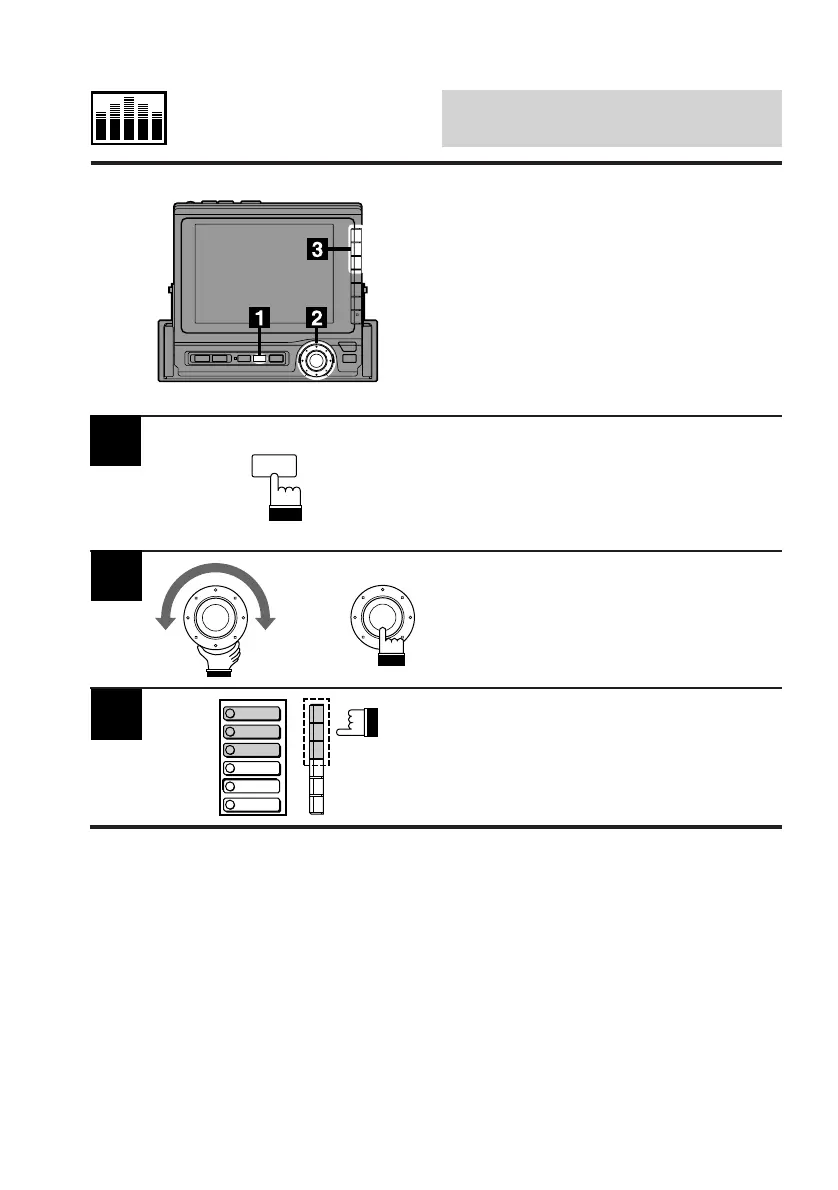
Press the SET UP button.
The Set Up screen appears.
Turn the rotary switch and select the BBE cont.
menu from the SET UP screen. Press the rotary
switch.
The display changes to the BBE cont. (BBE
Control) screen.
2
3
Select a desired BBE mode and press the
corresponding Function button (F1 through F3).
The effect is proportionally reduced for the
BBE-2 and BBE-3 has the least effect.
To deactivate the BBE mode, press the F4
(BBE OFF) button.
SET UP
x



 To Next Page