18
English
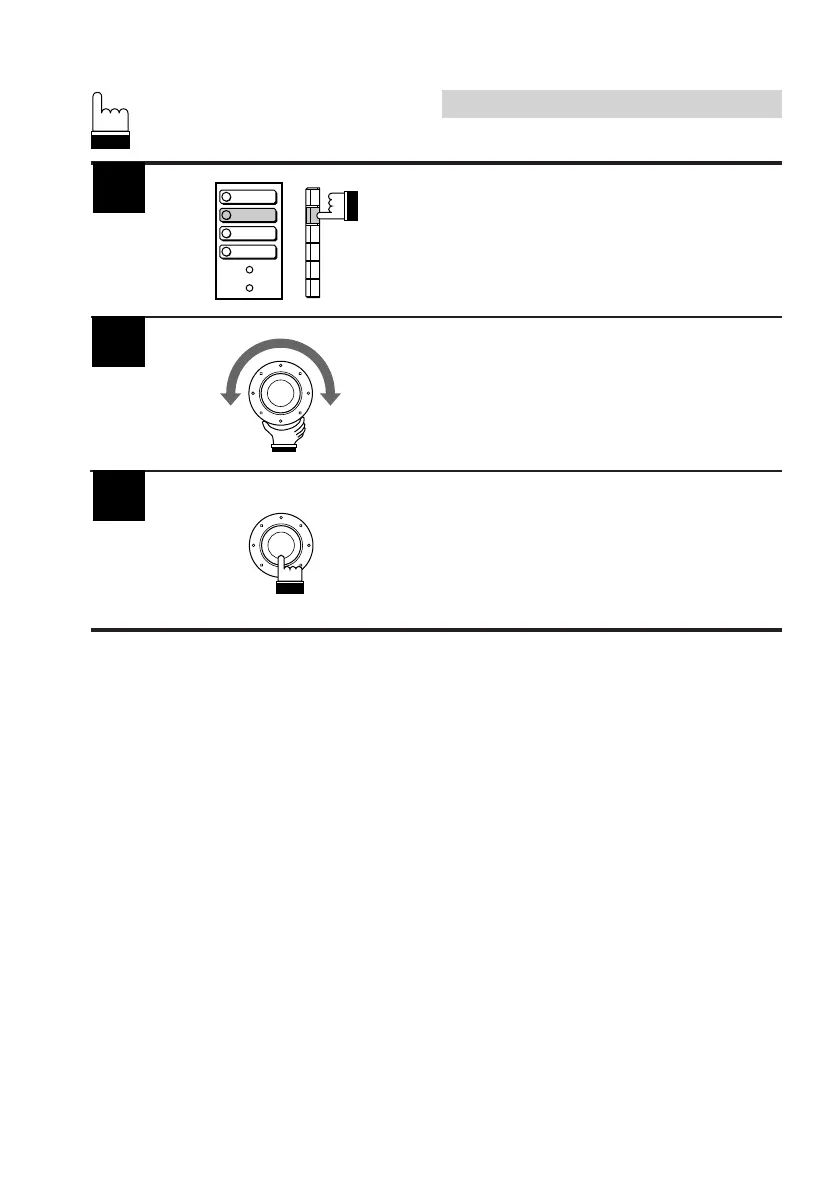
Press the F2 (BRIGHT) button.
The Brightness adjustment mode will be
activated and the DN/RTN/UP menu appears.
Turn the rotary switch clockwise or
counterclockwise for the desired brightness.
When the adjustment has been completed,
press the rotary switch.
5
Basic Operation
6
7
1
2
3
4
BACKGND
BRIGHT
TINT
COLOR



 To Next Page