English
44
Audio Processor
Operation
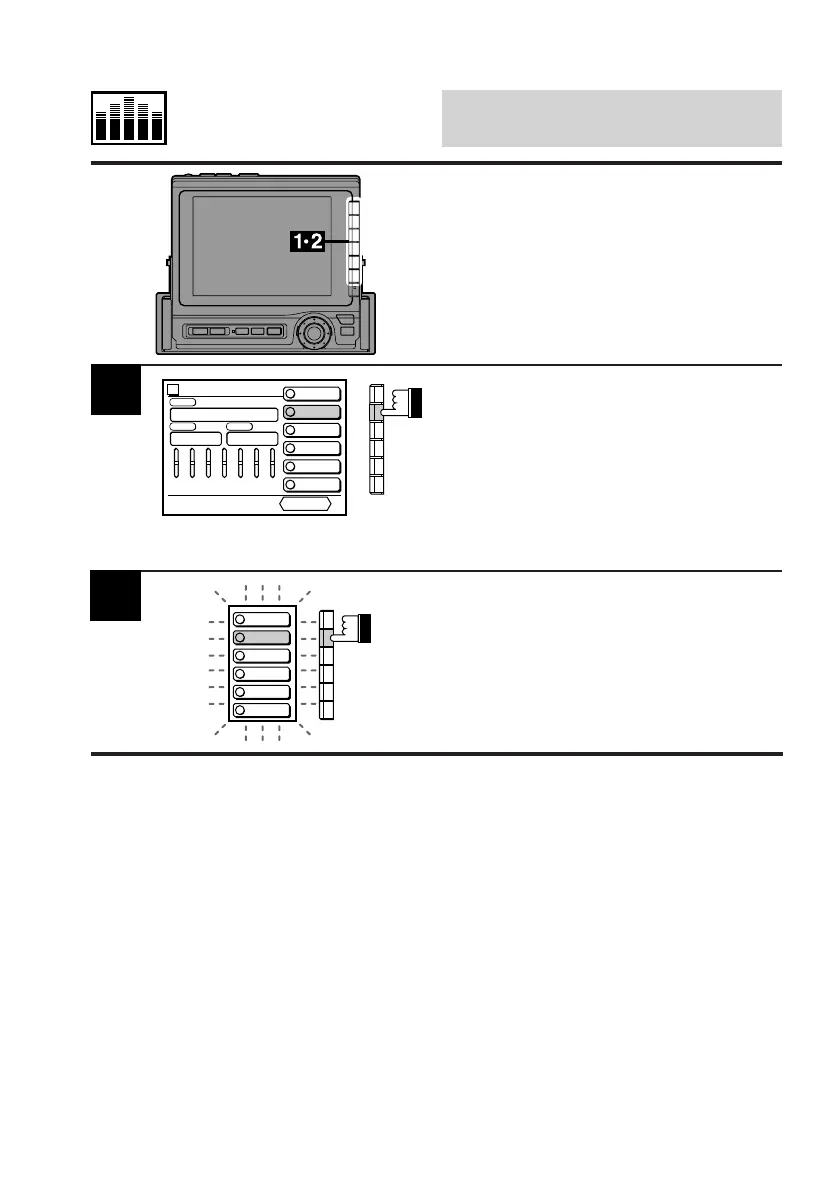
Display the EQ cont. screen.
Select one of the factory Characteristic Curves
or make your own (personal) characteristic
curve. Then, press and hold any one of the
Function buttons (F1 through F6) for at least 2
seconds.
The preset indicators blink for 5 seconds
indicating that you can memorize the character-
istic curve.
Memorizing Characteris-
tic Curves
(This display example shows
when the F2 button is selected.)
Equalizer
CONT.
PRIVATE1
PRIVATE2
PRIVATE3
PRIVATE4
PRIVATE5
PRIVATE6
vol. 0
FREQ
50 140 310 800 2K 5K 11K
LEVEL
PRESET No.
2
PSET
RETURN
1
2
3
4
5
6
2
While the preset indicators are blinking, press
the Function button into which you wish to
memorize the characteristic curve.
Now, the characteristic curve is memorized.
Repeat this procedure to memorize other
characteristic curves.
PRIVATE1
PRIVATE2
PRIVATE3
PRIVATE4
PRIVATE5
PRIVATE6
1
2
3
4
5
6



 To Next Page