English
58
Audio Processor
Operation
1
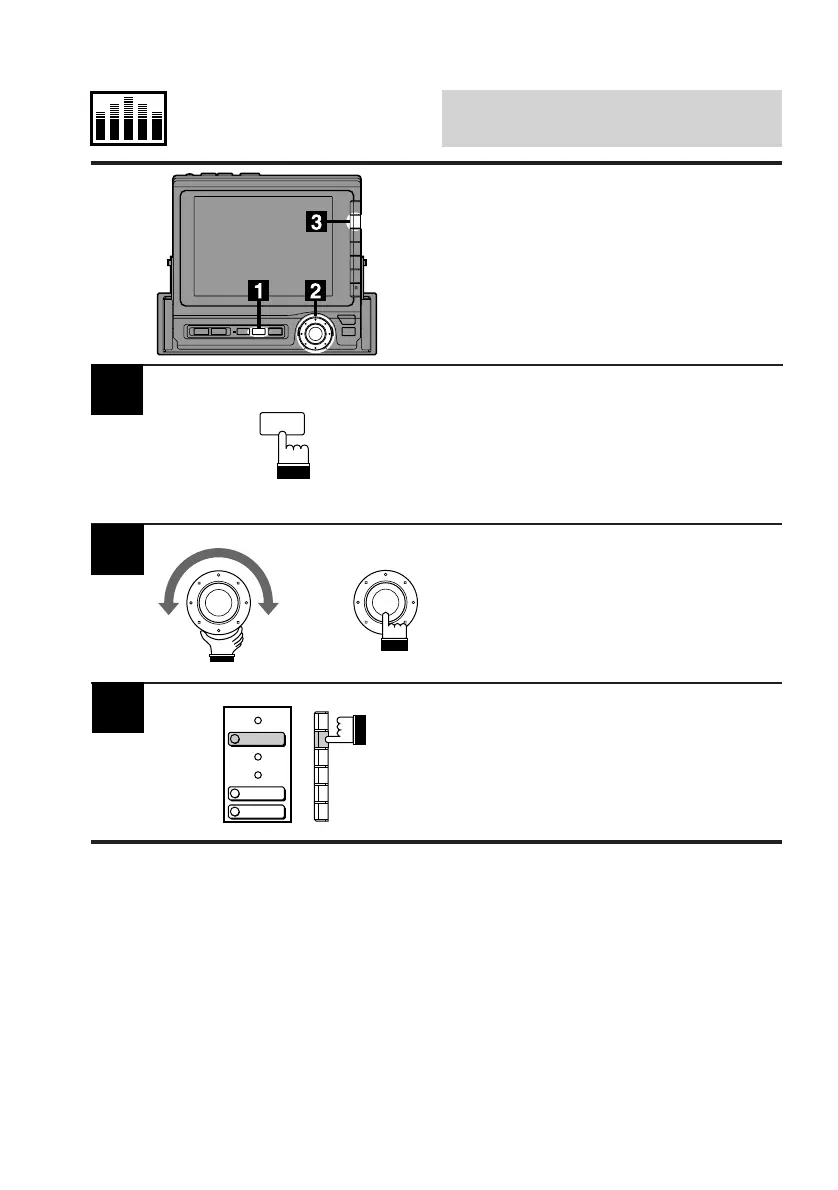
Press the SET UP button.
The Set Up screen appears.
Turn the rotary switch and select the "Audio
cont." menu. Press the rotary switch.
The display changes to the Audio cont. (Audio
Control) screen.
2
Press the F2 (DEFEAT) button to turn the
Defeat mode on or off.
Each press toggles between the Defeat on and
off modes.
3
Turning Defeat Mode
On or Off
Use the Defeat On mode, when you want to
bypass the BBE/surround circuits in order to
output the BBE/surround signals directly and to
have flat equalizer settings simultaneously.
SET UP
x
DEFEAT
BALANCE
FADER



 To Next Page