77
English
Other Useful
Features
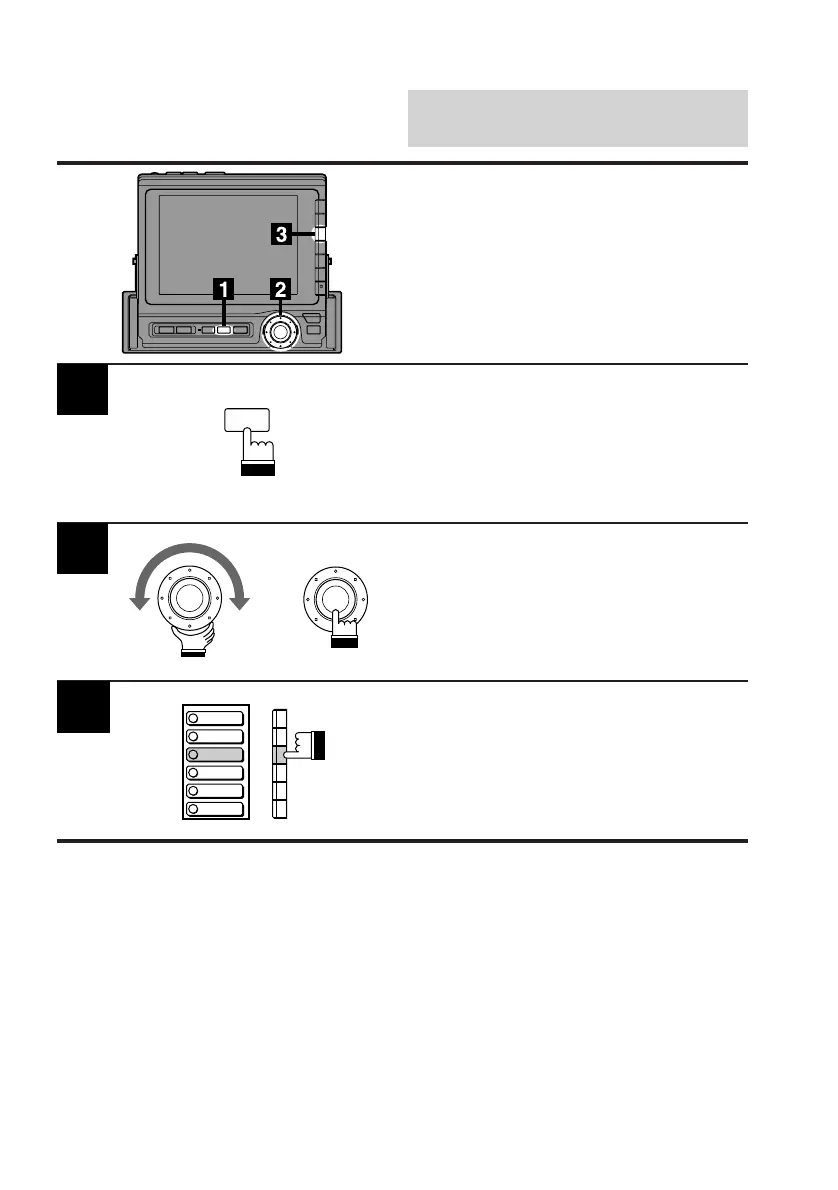
Press the SET UP button.
The Set Up screen appears.
Turn the rotary switch and select the System
cont. menu. Press the rotary switch.
The display changes to the System cont.
(System Control) screen.
Press the F3 (CLK DISP.) button. The current
Time is displayed.
Note: If the monitor display is kept on with the
vehicle's engine off for an extended
period of time, the battery may
discharge.
2
3
Displaying Current Time
x
BEEP
SPE-ANA
CLK DISP
HOUR
MINUTE
RESET
SET UP



 To Next Page