129
Chapter 3 Handling
3
Adjustment Method
1
Turn the printer on.
2
Display the printer driver window.
(See "How to Display the Printer Driver" on page 43.)
3
Select [Printer Utilities] tab and click [Printer Setting Utility] under [Printer Pref-
erences].
4
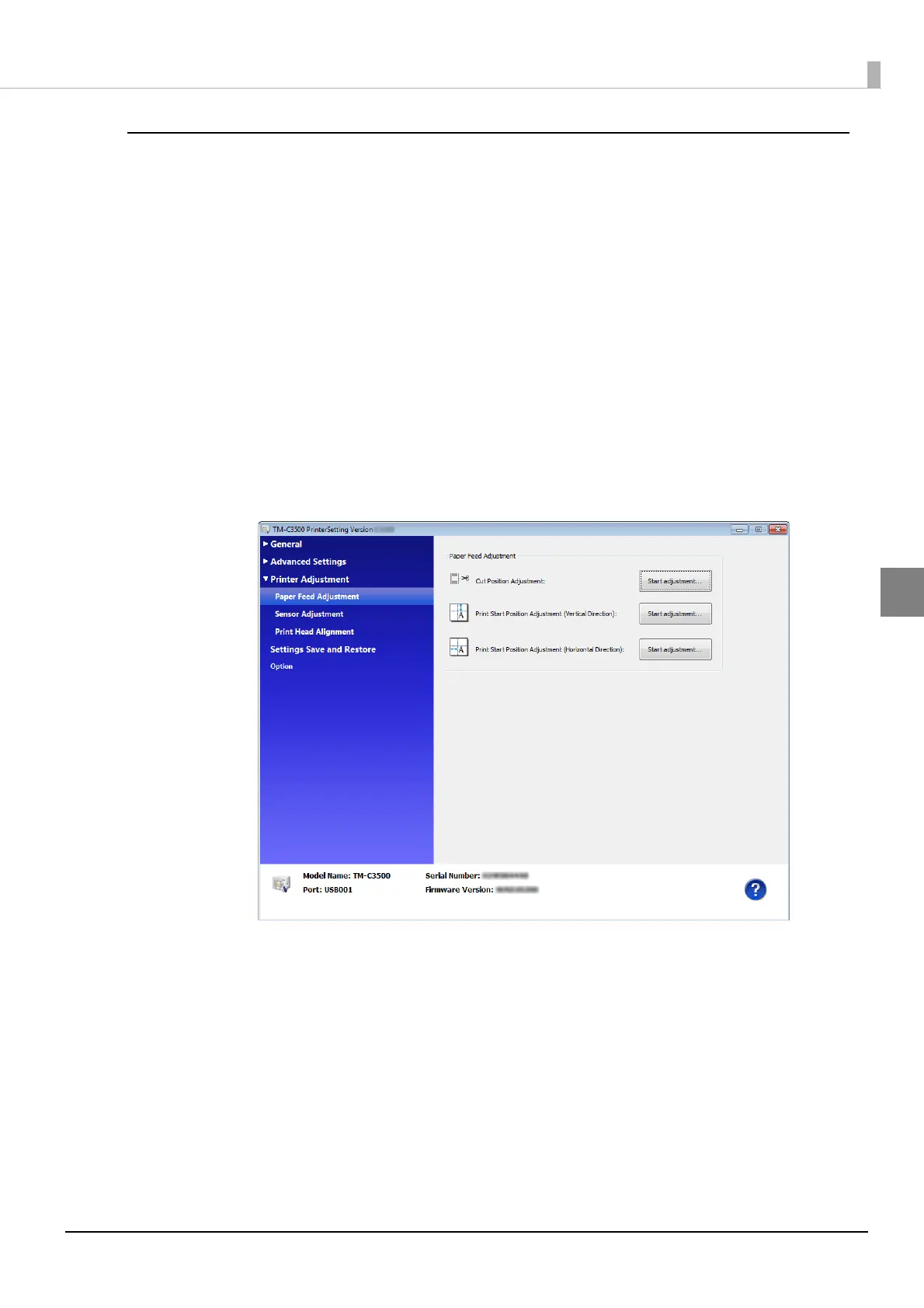
TM-C3500 PrinterSetting window appears. Select [Printer Adjustment]-
[Paper Feed Adjustment].
5
"Paper Feed Adjustment" window appears. Specify each item. Then, click
[Apply Settings].
6
The confirmation window appears. Click [Yes] to send the settings to the
printer.



 To Next Page