188
Local Printer
To change the settings for local printers, use TM-C3500 Printer Driver.
Follow the steps below to change the settings:
1
Prepare a backup file and distribute it to the client computer.
For details, see "Creating a Printer Backup File" on page 189.
2
Connect the client computer to the printer whose settings are to be
changed.
3
From the TM-C3500 printer driver, start TM-C3500 PrinterSetting.
4
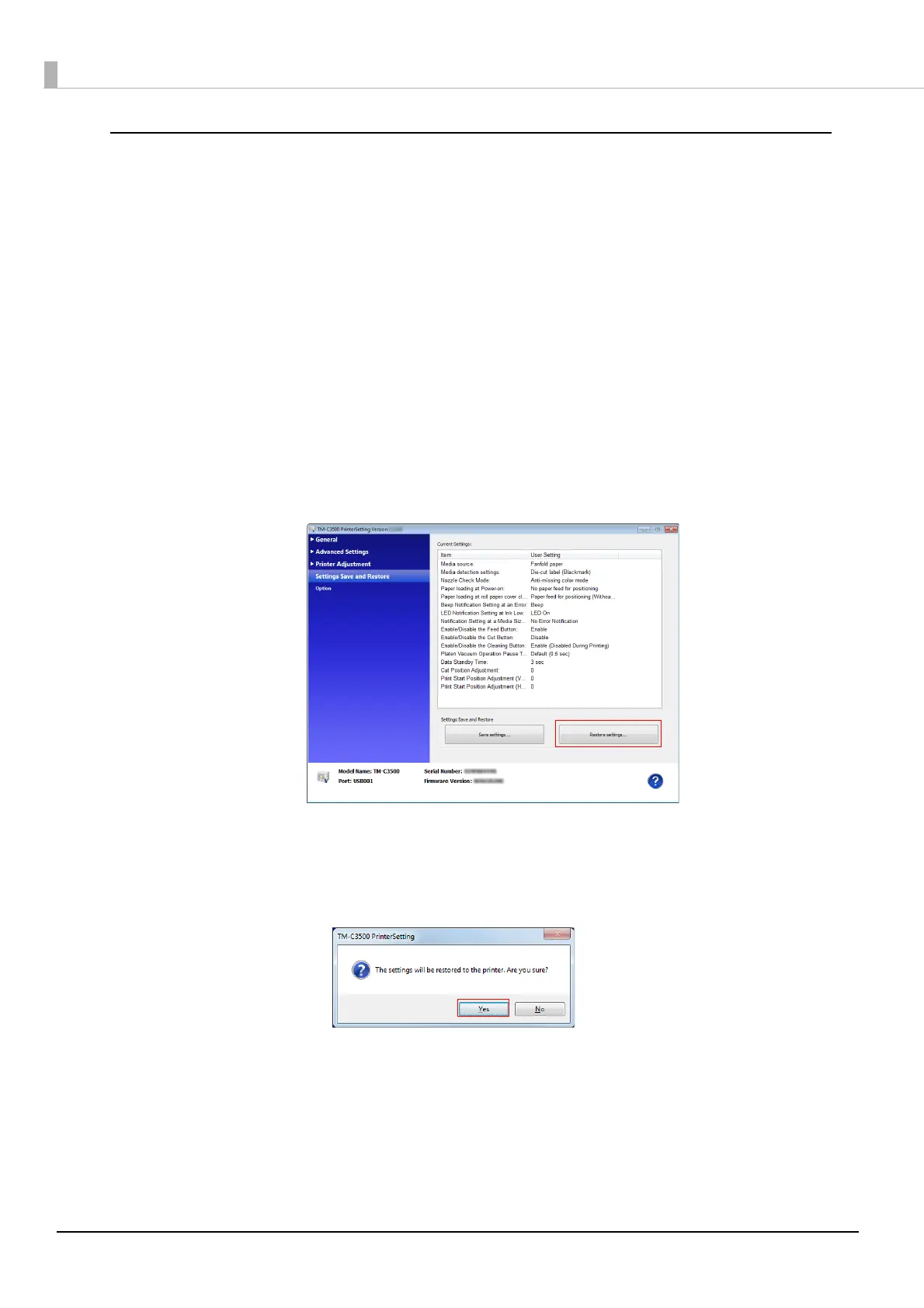
Click [Settings Save and Restore].
5
Click [Restore Settings].
6
The "Open" window appears. Specify the backup file prepared in Step 1.
7
The following window appears. Click [Yes].
The setting process starts.



 To Next Page