189
Chapter 5 Maintenance
5
8
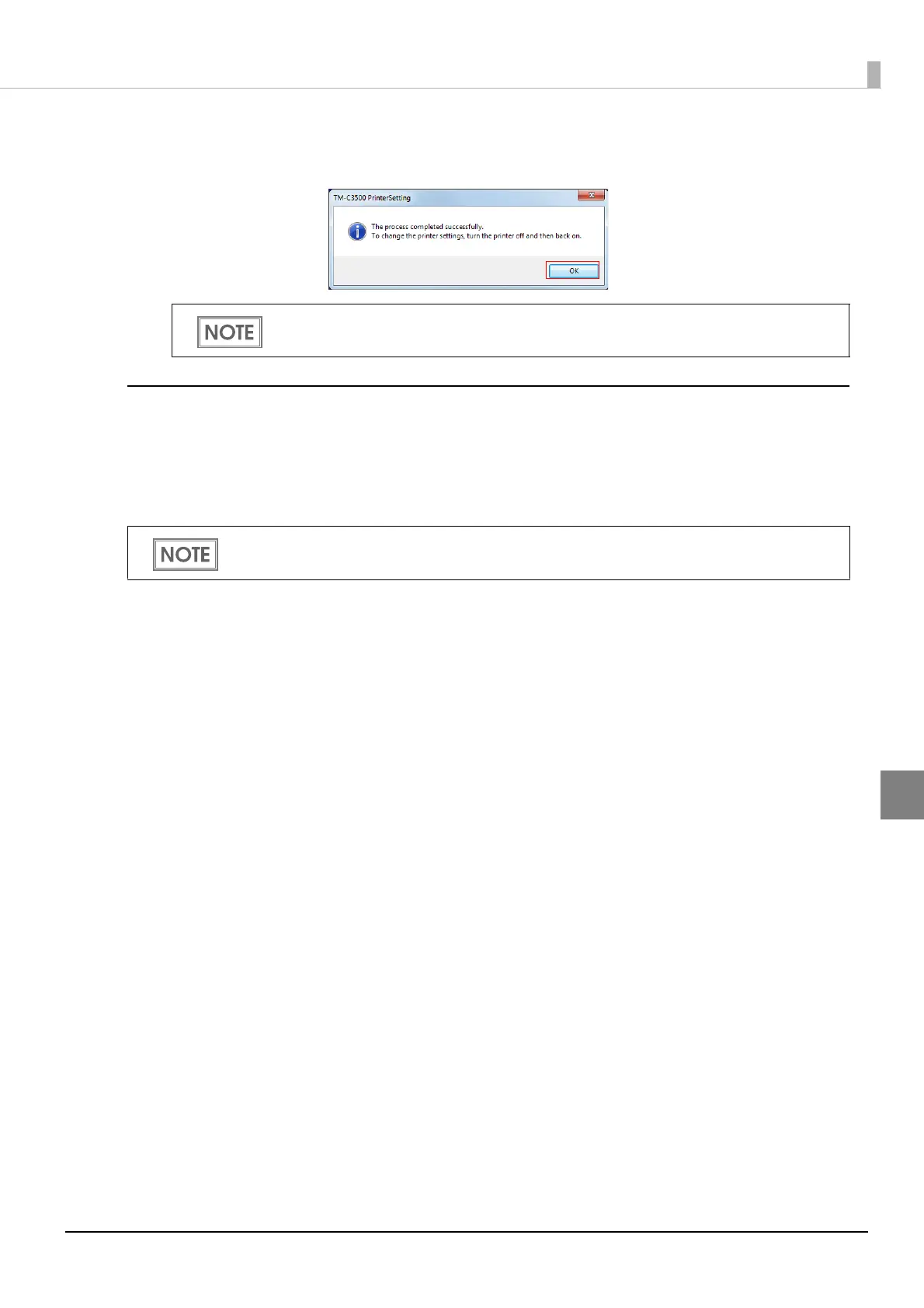
When the process is completed, the following window appears. Click [OK]
and power on the printer again.
Creating a Printer Backup File
After ink charging, create a backup file containing the printer settings to set up a printer. The backup
file can be created from TM-C3500 Printer Driver.
You do not have to create this file when the settings other than the media type and IP address are
unnecessary.
The settings to be saved in a backup file
•Media settings
•Printer operation settings
•Notification settings
•Panel button settings
•Operating time settings
• Paper feed adjustment
When the media settings are changed, the printer driver settings must also be changed.
For details, see "Changing the Printer Driver Settings" on page 192.
The backup file must be created on the administrator's computer. Install TM-C3500 Printer
Driver to the administrator's computer before starting the operation.



 To Next Page