37
Chapter 2 Setup
2
3
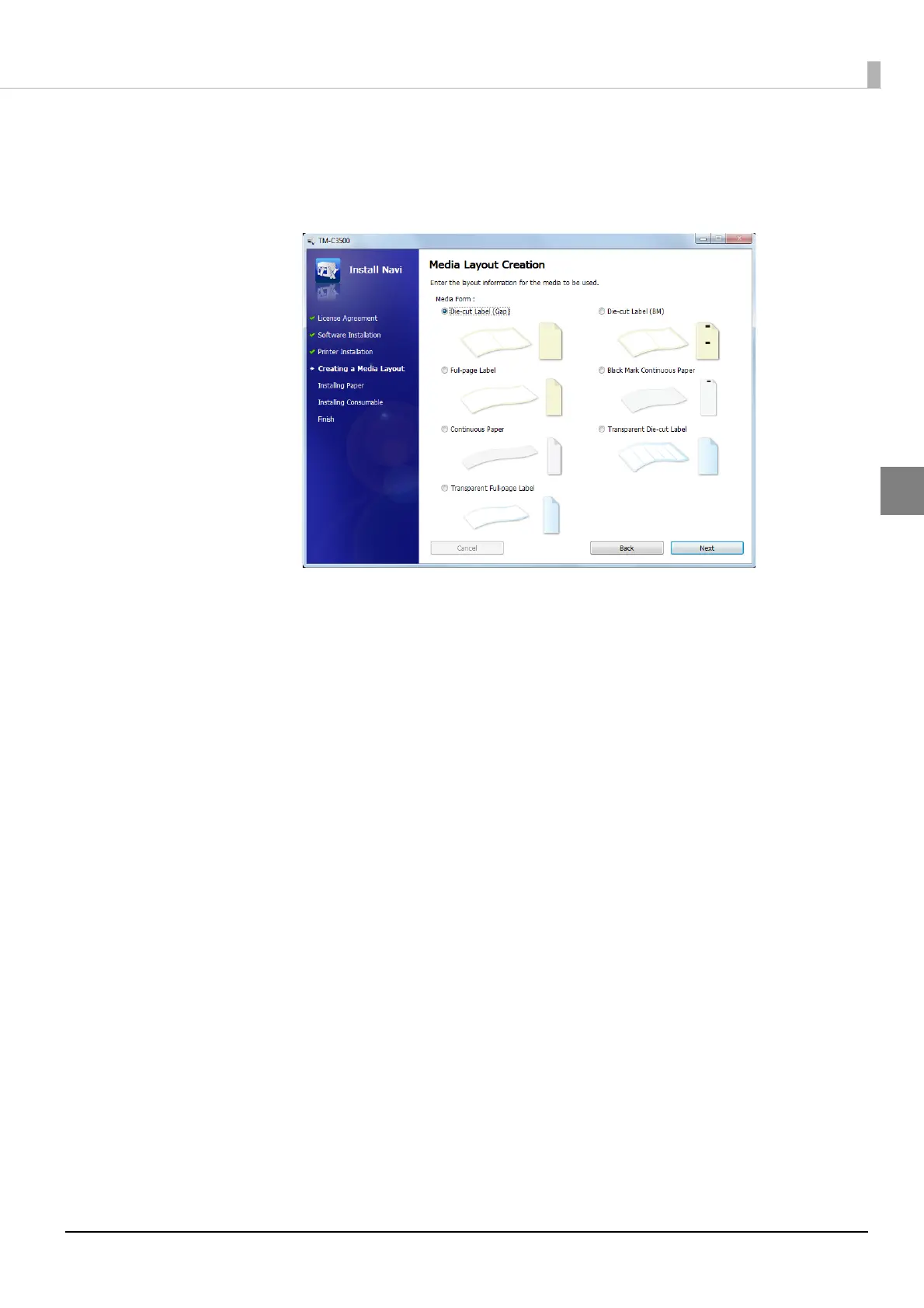
The following window appears.
Select the media to be used and click [Next].
When fanfold paper is selected, you can select [Die-cut label (Gap)], [Die-cut label (Black-
mark)], [Continuous paper (Blackmark)], or [Transparent die-cut label (Gap)].



 To Next Page