38
4
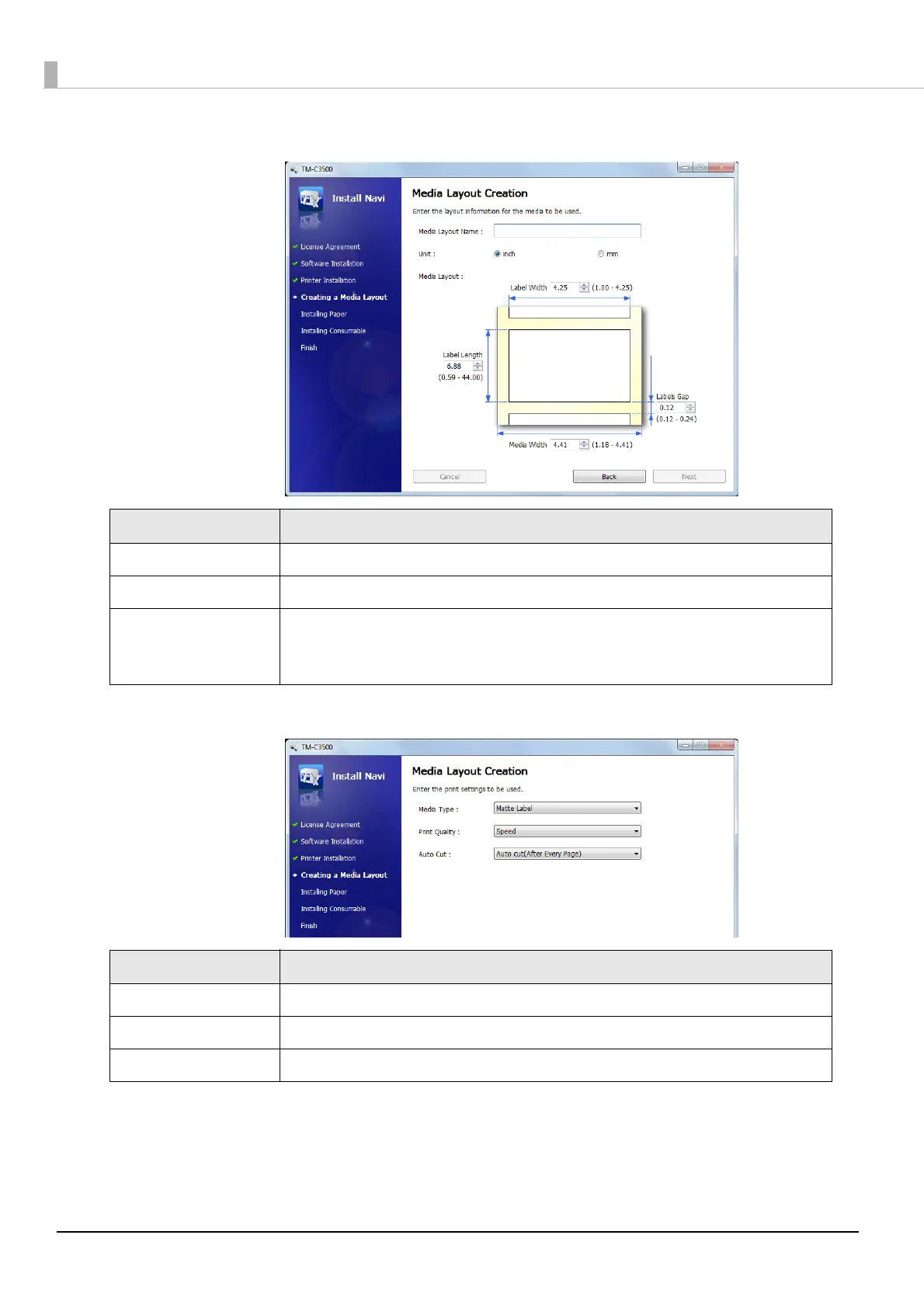
The following window appears. Enter each item and click [Next].
5
The following window appears. Enter each item and click [Next].
Item Description
Media Layout Name Enter any name.
Unit Select the unit.
Media Layout
Enter the width and length of the media to be used.
The information to be entered is different depending on the media type
selected in Step 3.
Item Description
Media Type Select the media type.
Print Quality Select the print quality.
Auto Cut Select whether to enable/disable autocut.



 To Next Page