74
24
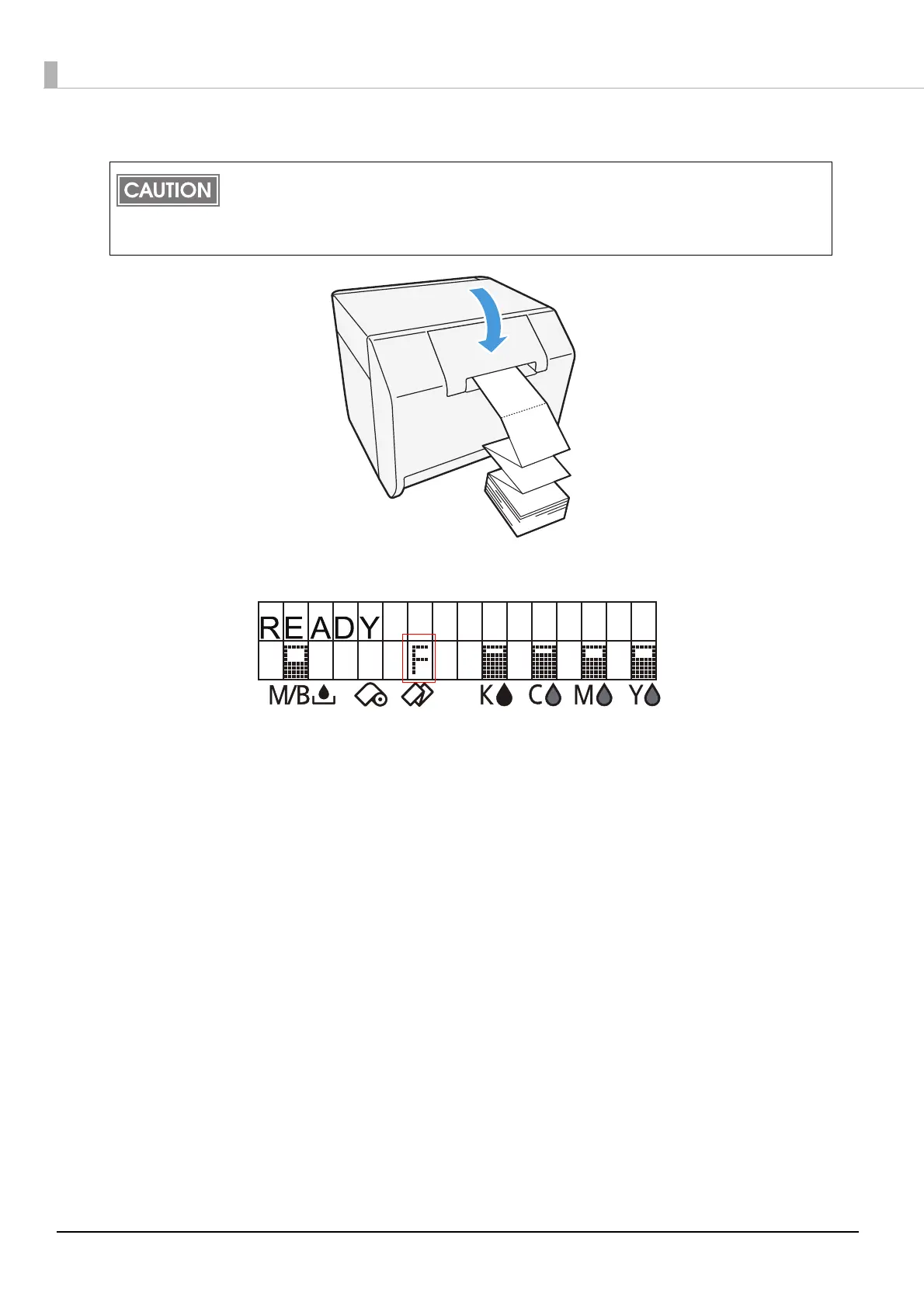
Close the fanfold paper cover.
25
Confirm that the LCD displays an "F".
This is the end of loading of the fanfold paper.
To prevent liquid and dust from getting into the printer, keep the fanfold paper cover closed
when using the printer.
To prevent paper jams from occurring, insert fanfold paper into the fanfold paper slot on the
back of the printer with the roll paper cover closed.



 To Next Page