USB-Blaster II driver if necessary
Power on the DE1_SoC board.
Execute the demo batch file “ DE1_SoC_SDRAM_RTL_Test.bat” from the directoy
\DE1_SoC_SDRAM_RTL_Test \demo_batch.
Press KEY0 on the DE1_SoC board to start the verification process. When KEY0 is
pressed, the LEDR [2:0] should turn on. When KEY0 is then released, LEDR1 and
LEDR2 should start blinking.
After approximately 8 seconds, LEDR1 should stop blinking and stay ON to indicate
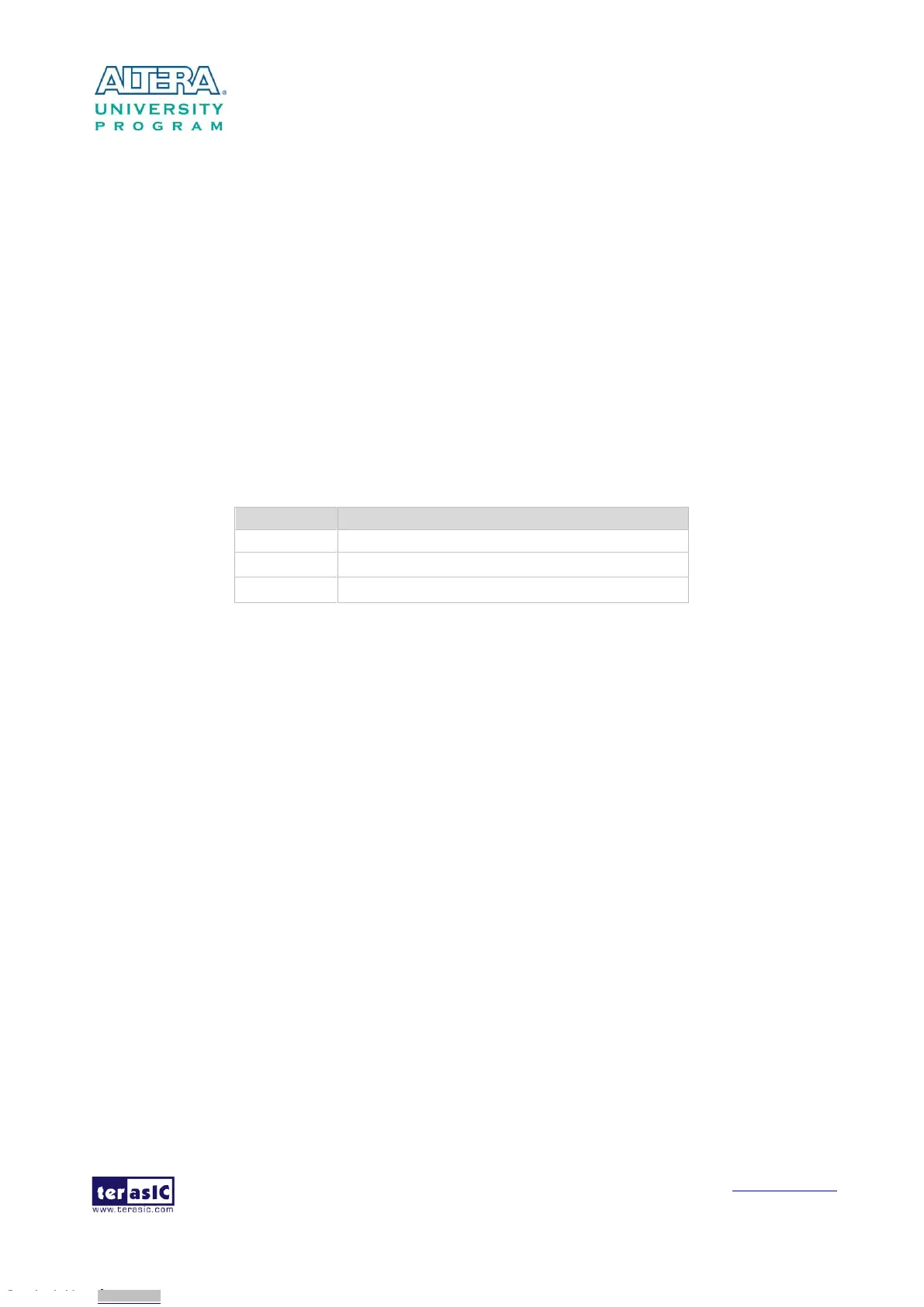
the test is PASS. Table 5-3 lists the status of LED indicators.
If LEDR2 is not blinking, it means 50MHz clock source is not working.
If LEDR1 failed to remain ON after approximately 8 seconds, the SDRAM test is NG.
Press KEY0 again to repeat the SDRAM test.
Table 5-3 Status of LED Indicators
ON if the test is PASS after releasing KEY0
5
5
.
.
6
6
T
T
V
V
B
B
o
o
x
x
D
D
e
e
m
m
o
o
n
n
s
s
t
t
r
r
a
a
t
t
i
i
o
o
n
n
This demonstration turns DE1-SoC board into a TV box by playing video and audio from a DVD
player using the VGA output, audio CODEC and the TV decoder on the DE1-SoC board. Figure
5-9 shows the block diagram of the design. There are two major blocks in the system called
I2C_AV_Config and TV_to_VGA. The TV_to_VGA block consists of the ITU-R 656 Decoder,
SDRAM Frame Buffer, YUV422 to YUV444, YCbCr to RGB, and VGA Controller. The figure also
shows the TV decoder (ADV7180) and the VGA DAC (ADV7123) chip used.
The register values of the TV decoder are used to configure the TV decoder via the I2C_AV_Config
block, which uses the I2C protocol to communicate with the TV decoder. The TV decoder will be
unstable for a time period upon power up, and the Lock Detector block is responsible for detecting
this instability.
The ITU-R 656 Decoder block extracts YcrCb 4:2:2 (YUV 4:2:2) video signals from the ITU-R 656
data stream sent from the TV decoder. It also generates a data valid control signal, which indicates
the valid period of data output. De-interlacing needs to be performed on the data source because the
video signal for the TV decoder is interlaced. The SDRAM Frame Buffer and a field selection
multiplexer (MUX), which is controlled by the VGA Controller, are used to perform the
Downloaded from Arrow.com.Downloaded from Arrow.com.Downloaded from Arrow.com.Downloaded from Arrow.com.Downloaded from Arrow.com.Downloaded from Arrow.com.Downloaded from Arrow.com.Downloaded from Arrow.com.Downloaded from Arrow.com.Downloaded from Arrow.com.Downloaded from Arrow.com.Downloaded from Arrow.com.Downloaded from Arrow.com.Downloaded from Arrow.com.Downloaded from Arrow.com.Downloaded from Arrow.com.Downloaded from Arrow.com.Downloaded from Arrow.com.Downloaded from Arrow.com.Downloaded from Arrow.com.Downloaded from Arrow.com.Downloaded from Arrow.com.Downloaded from Arrow.com.Downloaded from Arrow.com.Downloaded from Arrow.com.Downloaded from Arrow.com.Downloaded from Arrow.com.Downloaded from Arrow.com.Downloaded from Arrow.com.Downloaded from Arrow.com.Downloaded from Arrow.com.Downloaded from Arrow.com.Downloaded from Arrow.com.Downloaded from Arrow.com.Downloaded from Arrow.com.Downloaded from Arrow.com.Downloaded from Arrow.com.Downloaded from Arrow.com.Downloaded from Arrow.com.Downloaded from Arrow.com.Downloaded from Arrow.com.Downloaded from Arrow.com.Downloaded from Arrow.com.Downloaded from Arrow.com.Downloaded from Arrow.com.Downloaded from Arrow.com.Downloaded from Arrow.com.Downloaded from Arrow.com.Downloaded from Arrow.com.Downloaded from Arrow.com.Downloaded from Arrow.com.Downloaded from Arrow.com.Downloaded from Arrow.com.Downloaded from Arrow.com.Downloaded from Arrow.com.Downloaded from Arrow.com.Downloaded from Arrow.com.Downloaded from Arrow.com.Downloaded from Arrow.com.Downloaded from Arrow.com.Downloaded from Arrow.com.Downloaded from Arrow.com.Downloaded from Arrow.com.Downloaded from Arrow.com.Downloaded from Arrow.com.Downloaded from Arrow.com.Downloaded from Arrow.com.Downloaded from Arrow.com.Downloaded from Arrow.com.Downloaded from Arrow.com.Downloaded from Arrow.com.Downloaded from Arrow.com.



 To Next Page