18 MaxCommunicator Manual
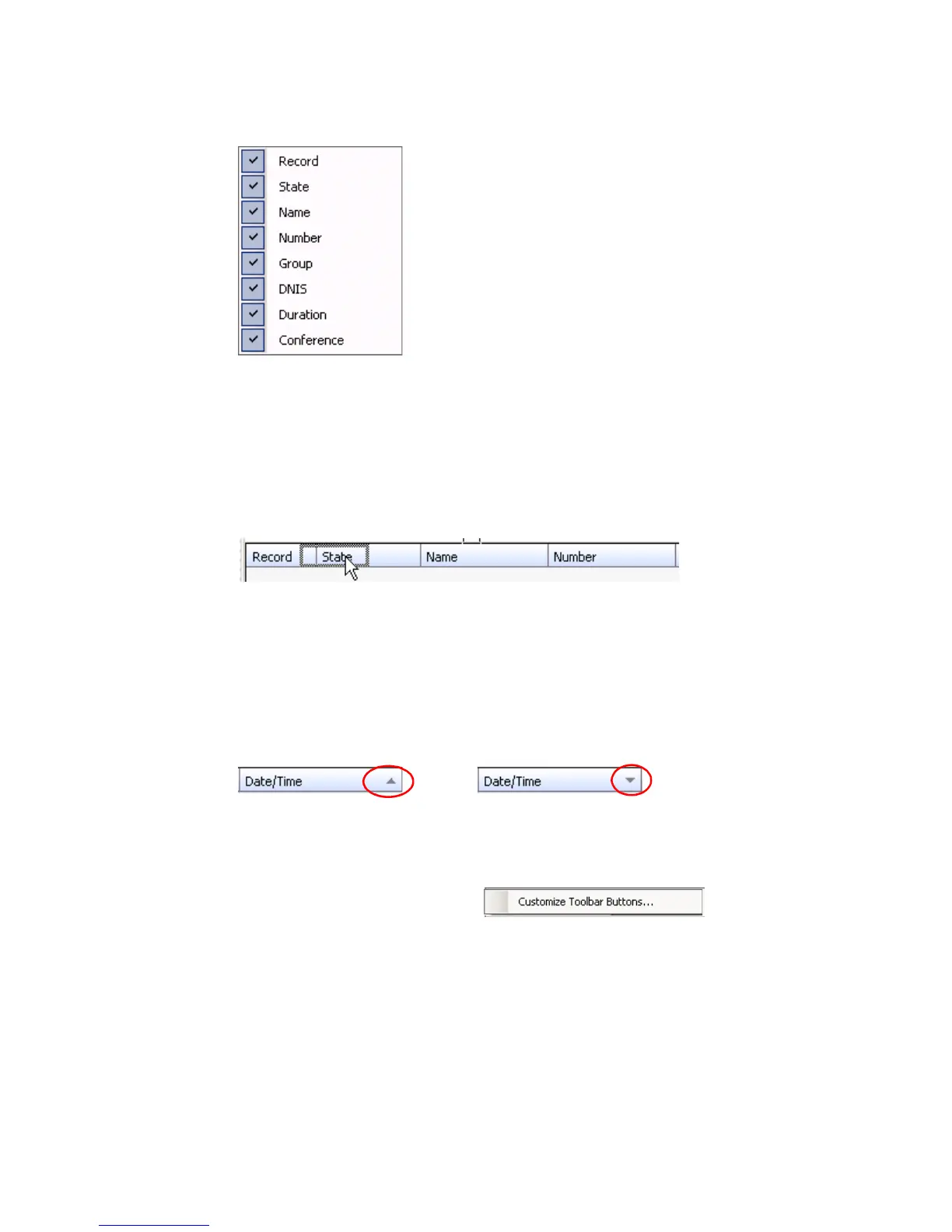
• Resize columns by placing the cursor on a column divider in the
header area until the cursor changes to a movable double bar (||). Then
move the bar to resize the column.
• Rearrange columns by clicking and dragging a column name to the
location you want.
• Sort columns in ascending or descending order by clicking the
column heading. An ascending (first to last) or descending (last to
first) arrow appears. Click the column heading again to sort in the
reverse order.
• Add, remove, and rearrange the toolbar buttons at the top of
MaxCommunicator by right-clicking in the button area and choosing
Customize Toolbar Buttons. The
Toolbar Customization dialog box opens:
Moving the Record column to the right
Ascending order Descending order



 To Next Page