20 MaxCommunicator Manual
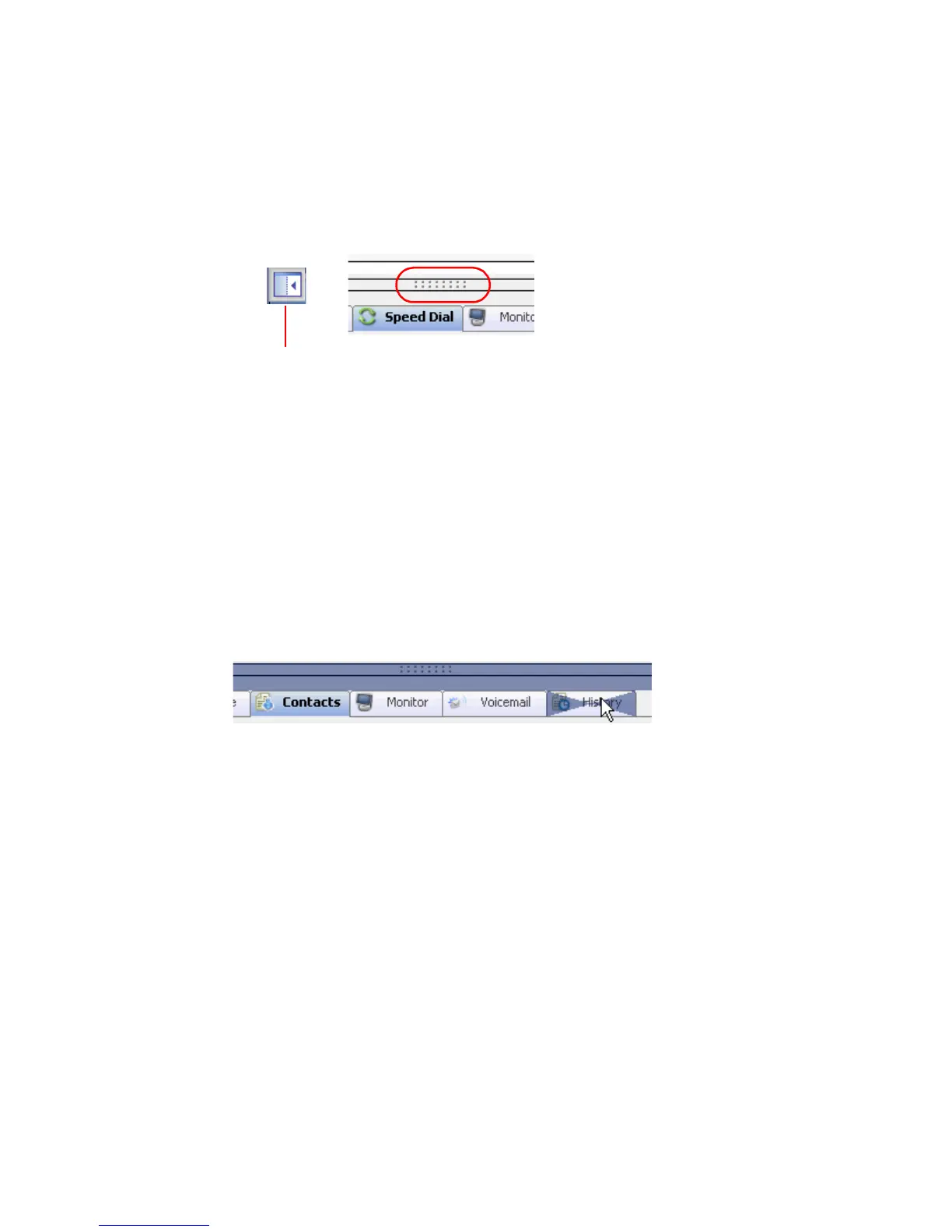
• Drag and dock the tabs by dragging the dotted area above them to the
right arrow, the left arrow or the bottom arrow. Once you start moving
the group of tabs, the arrows appear. Move the cursor to an arrow, and
the tabs will be docked at the side you selected.
• Drag and dock one tab by dragging it by its tab until the cursor is on
the arrow where you want the tab to dock.
• Make a tab a separate window independent of the
MaxCommunicator main window by dragging it out by its tab, or by
double-clicking the tab. Then you can resize the window and move it
around.
To dismiss the window, click the close button in the upper right corner.
To return the window to the set of tabbed pages, drag it by its title bar
to the tabs area.
When the docking arrows appear, they look like this
Dragging and docking tabs
A tab is being dragged from an independent window back
to the tabs group.



 To Next Page