IS-300A
4. How to Operate Screens
4-14
(g) STEP #
The present number of steps is displayed when STEPPER MODE (see (9)(k)) is
not OFF on the MODE SELECT screen. (In the example above, the VALVE 1 is
set to STEP 1, the VALVE 2; STEP 3.)
(h) STEPPER COUNT
The number of welds in the present step is displayed when STEPPER MODE
(see (9)(k)) is not OFF on the MODE SELECT screen.
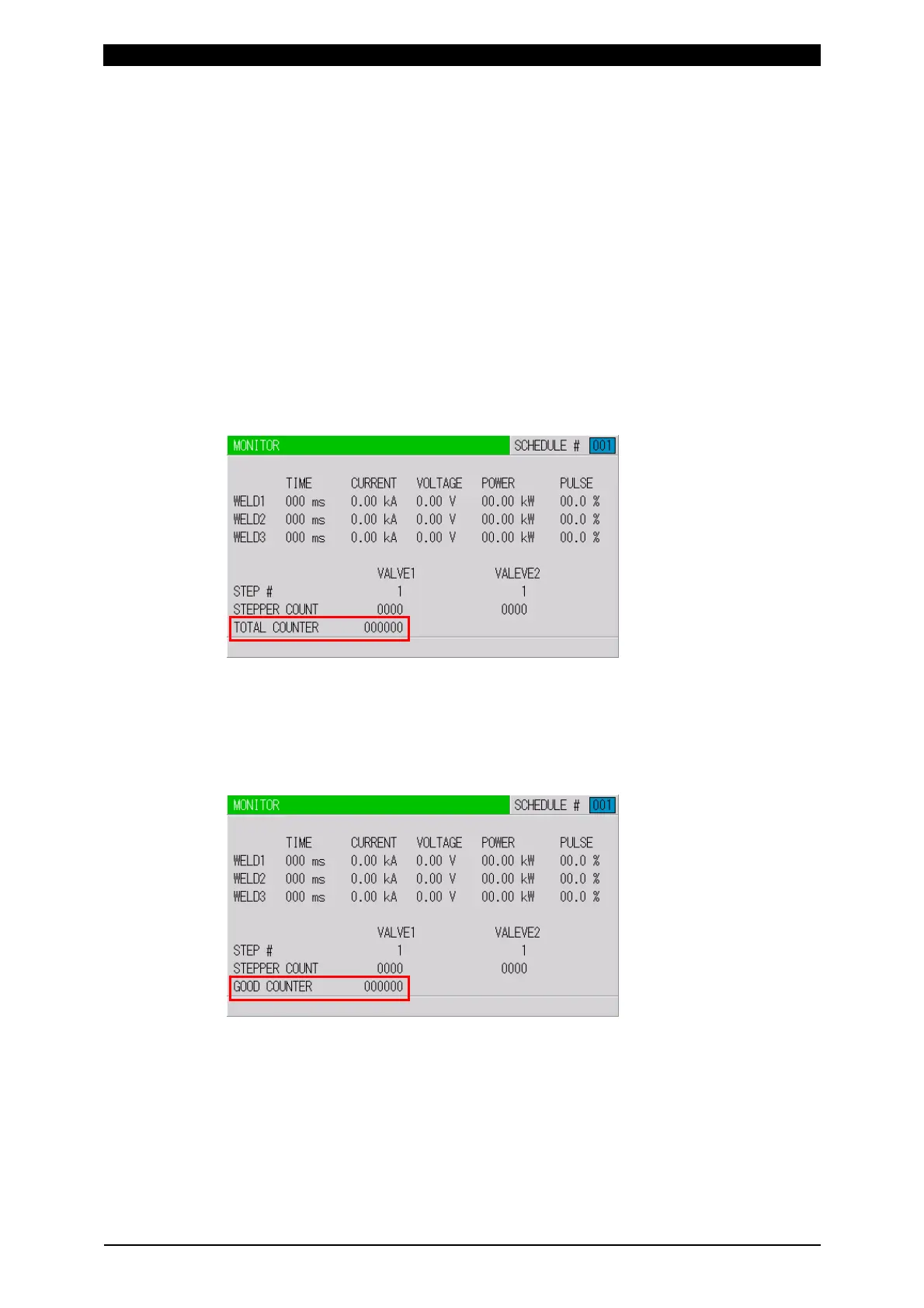
(i) TOTAL COUNTER
The display changes depending on the setting of WELD2 STOP/WELD COUNT
and COUNTER on the MODE SELECT screen (see (9)(g) and (p)).
When the WELD2 STOP/WELD COUNT is WELD2 STOP and COUNTER is
TOTAL
TOTAL COUNTER is displayed. The count value is incremented by one
despite the result of the upper/lower limit judgment in monitoring.
When WELD2 STOP/WELD COUNT is WELD2 STOP and COUNTER is
GOOD
GOOD COUNTER is displayed. The count value is incremented by one when
the monitored value is within the range of the upper/lower limit.



 To Next Page