IS-300A
4. How to Operate Screens
4-43
WELD STOP OFF TIME
Set value
Welding stop
signal input
(e) MONITOR FIRST TIME
Use this setting to specify the start time to measure the monitored value (current,
voltage, power, pulse width). The start time can be set in a range from 1 to 15
ms.
Use this setting to exclude the initial rise of current from measurement.
The monitored value will not be displayed if the weld time is shorter than
MONITOR FIRST TIME. The monitored value will not be also checked against
the upper and lower tolerance limits.
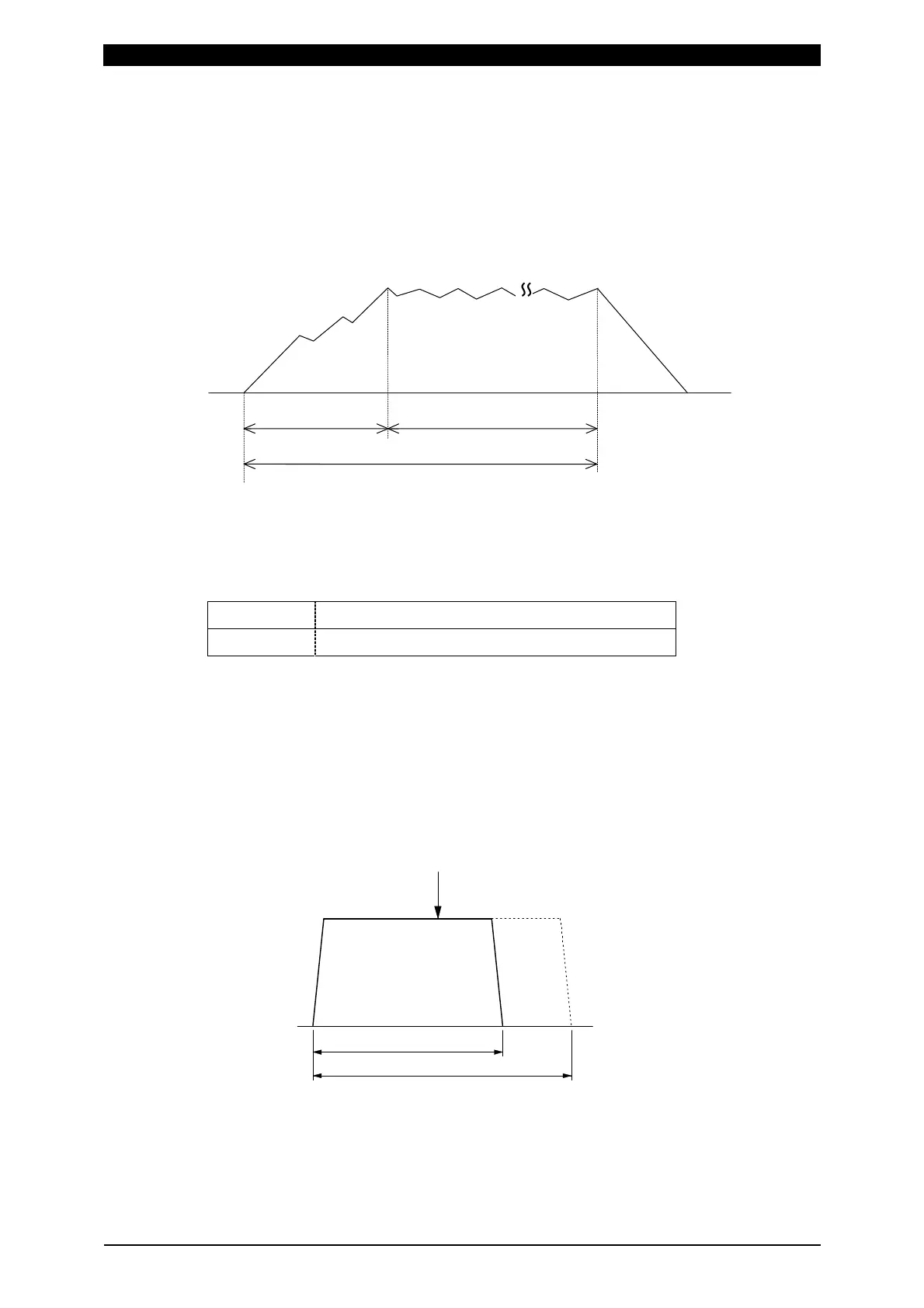
t Monitor measurement
Weld Time WELD1, WELD2, WELD3
t = MONITOR FIRST TIME
~
~
(f) MONITOR SLOPE MODE
Select whether or not to include a slope period in the monitored value to be
displayed.
EXCLUDE
Slope period will not be included.
INCLUDE
Slope period will be included.
(g) WELD STOP OFF TIME
Sets the neglecting time of the welding stop signal for each of WELD1, WELD2
and WELD3.
Even if the welding stop signal is input during welding, the current is supplied for
the set time and the sequence will switch to the next.
The setting range is 0 to 999 ms.
When the welding stop signal is input within WELD STOP OFF TIME
The welding is stopped at the end of WELD STOP OFF TIME.



 To Next Page