Faults and Troubleshooting
Page 72 of 100 Back-in-Box-Lift K70 / K90 / K90 ACTIVE
9.5 Installing the remote control App and
teaching it in
ð Download the "AMF BB" App from the Play Store (An-
droid) or App Store (iOS).
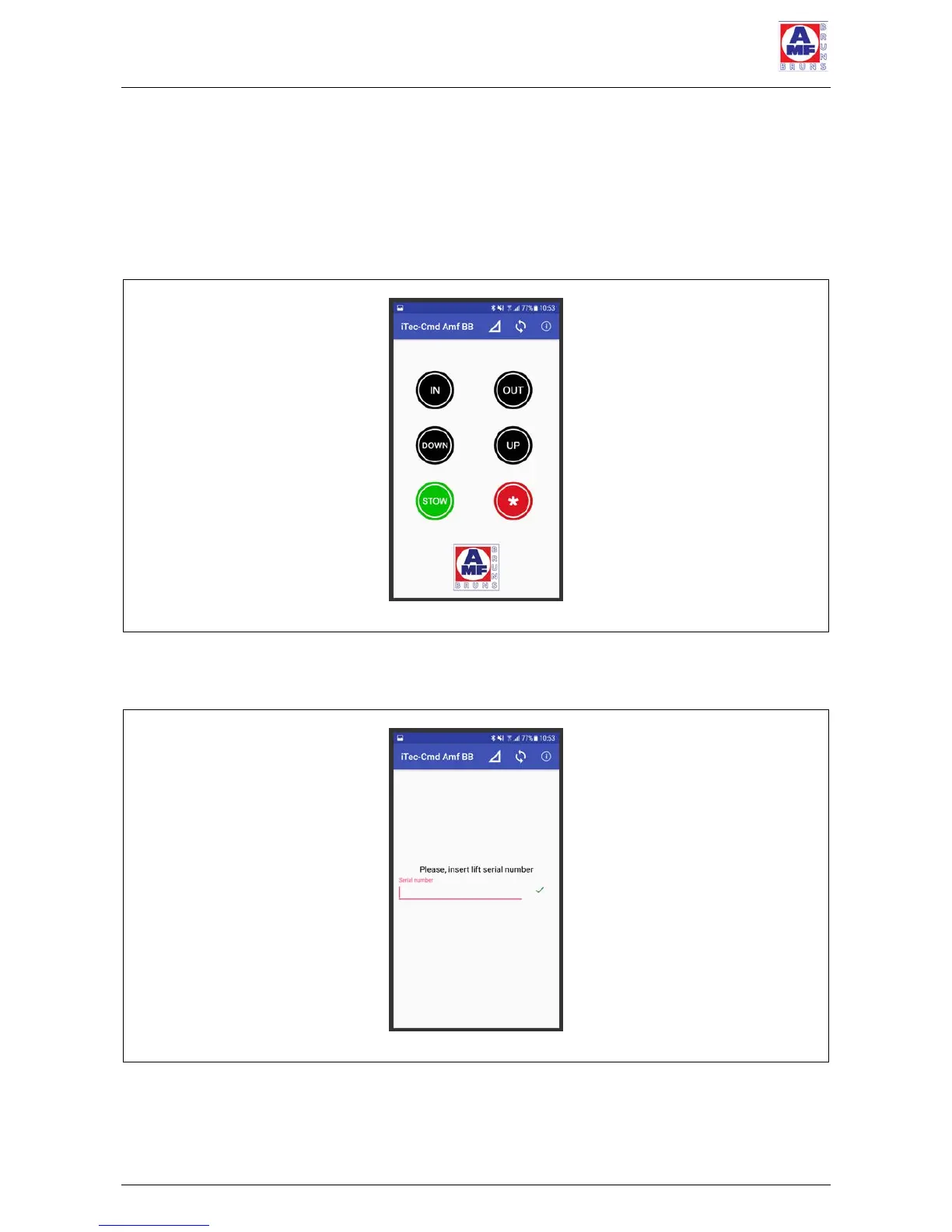
ð Install the App on your Smartphone (see Figure 51).
Figure 51: Smartphone App, User Interface
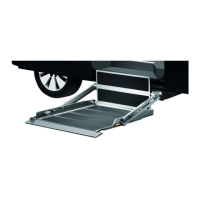
ð Enter the serial number of your Back-in-Box-Lift (see
Figure 52 and Figure 14, page 22).
Figure 52: Smartphone App, Entering the Serial Number
Connect your Smartphone to the Back-in-Box-Lift's Blue-
tooth receiver (see Smartphone operating instructions).



 To Next Page