ANAFI Ai
82
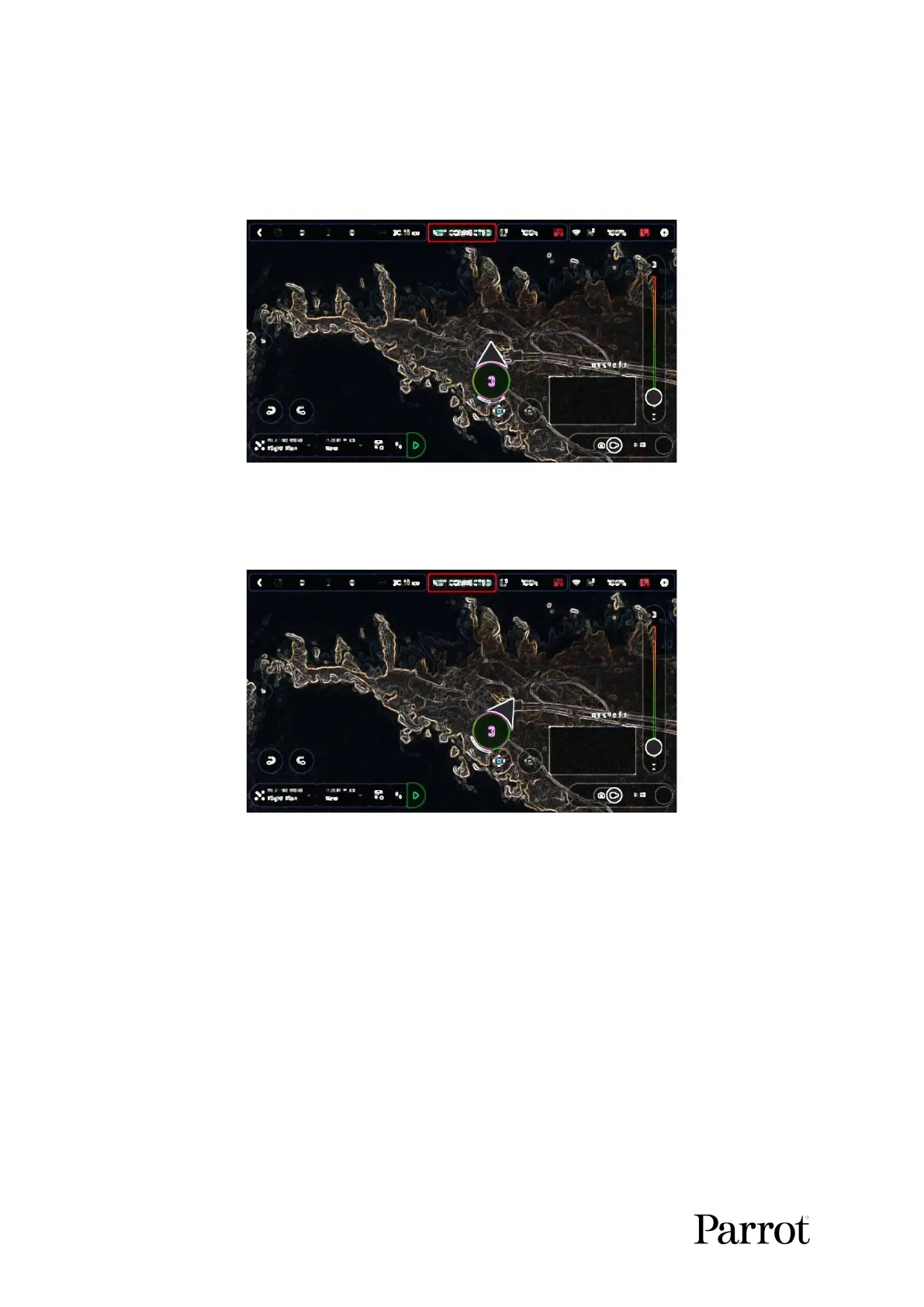
First, select your initial waypoint: ideally, very close to your intended take-off
point. Tap the screen to set it. The green circle represents the waypoint, the white
figure the altitude of the drone, and the white arrow the direction of ANAFI Ai’s
camera.
iOS: initial waypoint
Tap the white arrow and hold it to move it around. In this example, we want
ANAFI Ai to frame the lighthouse as it starts the flight.
iOS: initial waypoint, with the camera framing the lighthouse



 To Next Page