v.early.1.03 – published on December 20, 2021
83
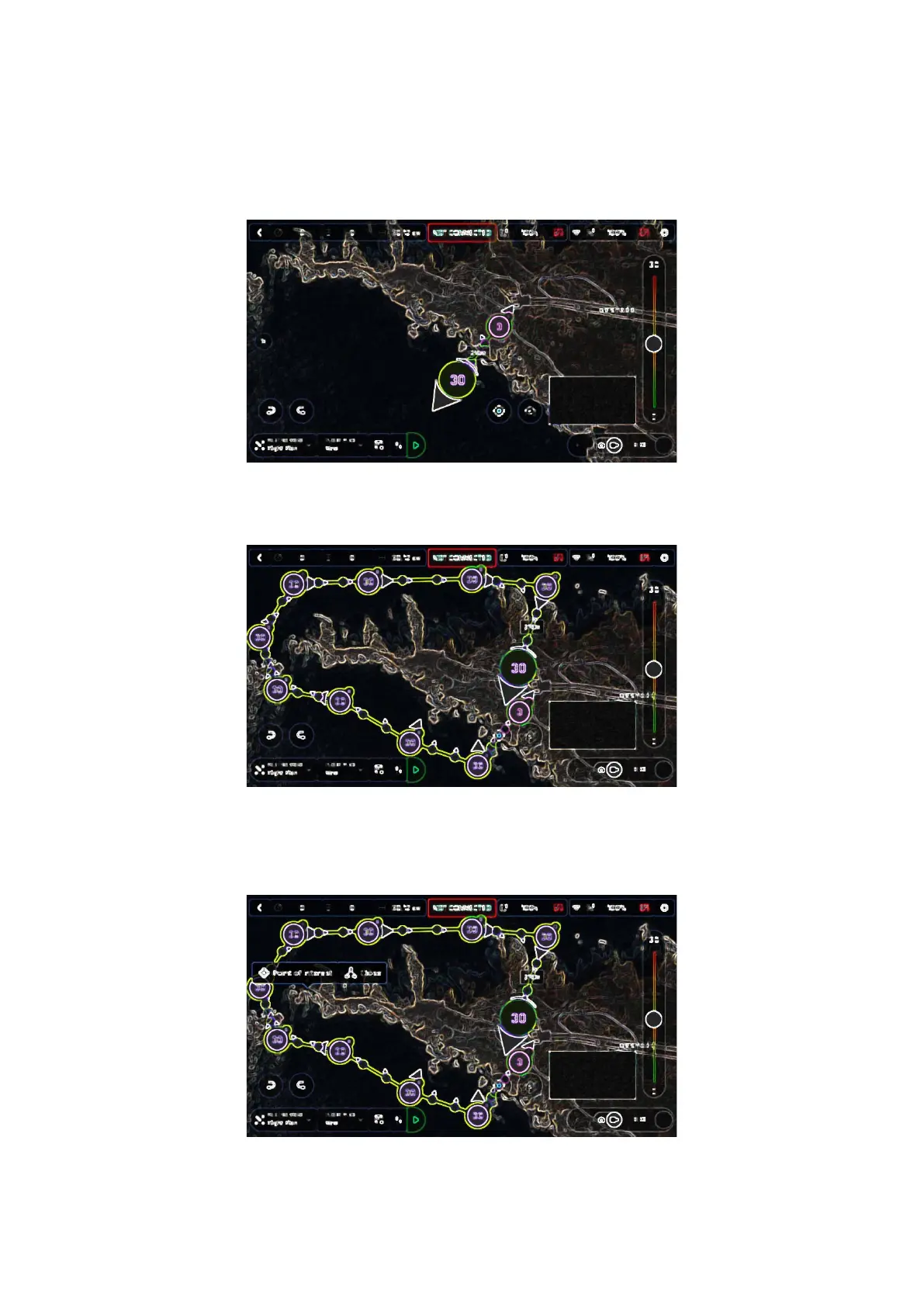
Tap the map to set the second waypoint: the distance between the two waypoints
appears on the screen. Use the slider on the right of the screen to set the altitude of
the waypoint. In this example, ANAFI Ai will climb from 3 to 30 meters between the
initial waypoint and the second waypoint.
iOS: second waypoint
Add waypoints to tour the area and end your Flight Plan where you intend to land.
iOS: full Flight Plan
The tip of the peninsula is a POI: we want ANAFI Ai to focus on it while it flies
around it. Tap it and hold your finger on the screen to call choices (POI/Close).
iOS: setting a POI



 To Next Page