ANAFI Ai
84
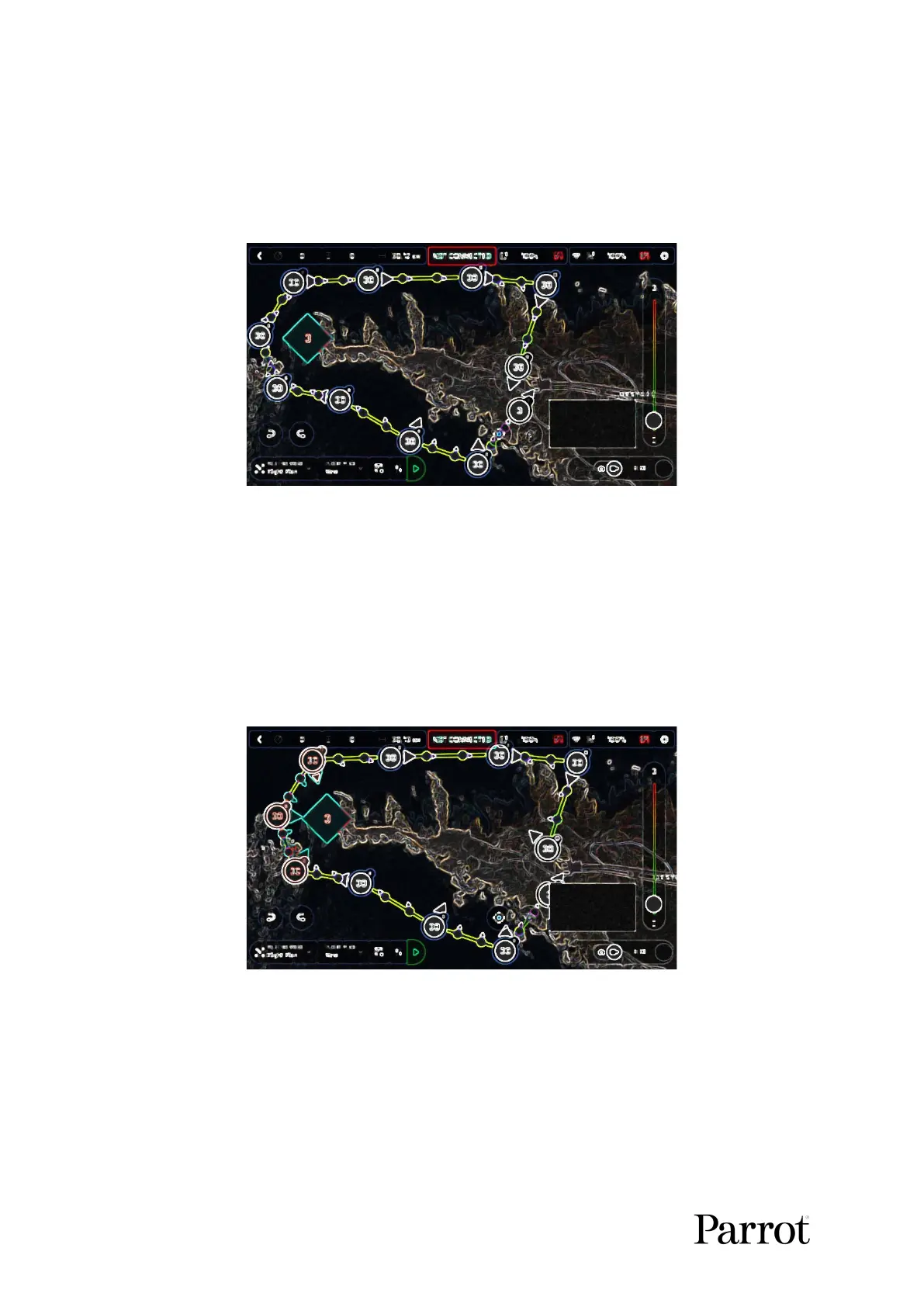
Tap “Point of interest” to add the POI. It appears as a blue square diamond. The
figure in the center represents the height of the POI, which you can modify using the
slider on the right of the screen. All waypoints turn white as they can now be selected
to be linked to the POI.
iOS: open waypoints
Tap waypoints to link them to the POI. In this example, we want ANAFI Ai to film
the tip of the peninsula as it flies around it: we have selected the three waypoints to
the left of the peninsula. The arrows of those waypoints have turned toward the POI
and are colored in blue – the last one which was selected has a blue border around
the white arrow.
iOS: three waypoints linked to the POI



 To Next Page