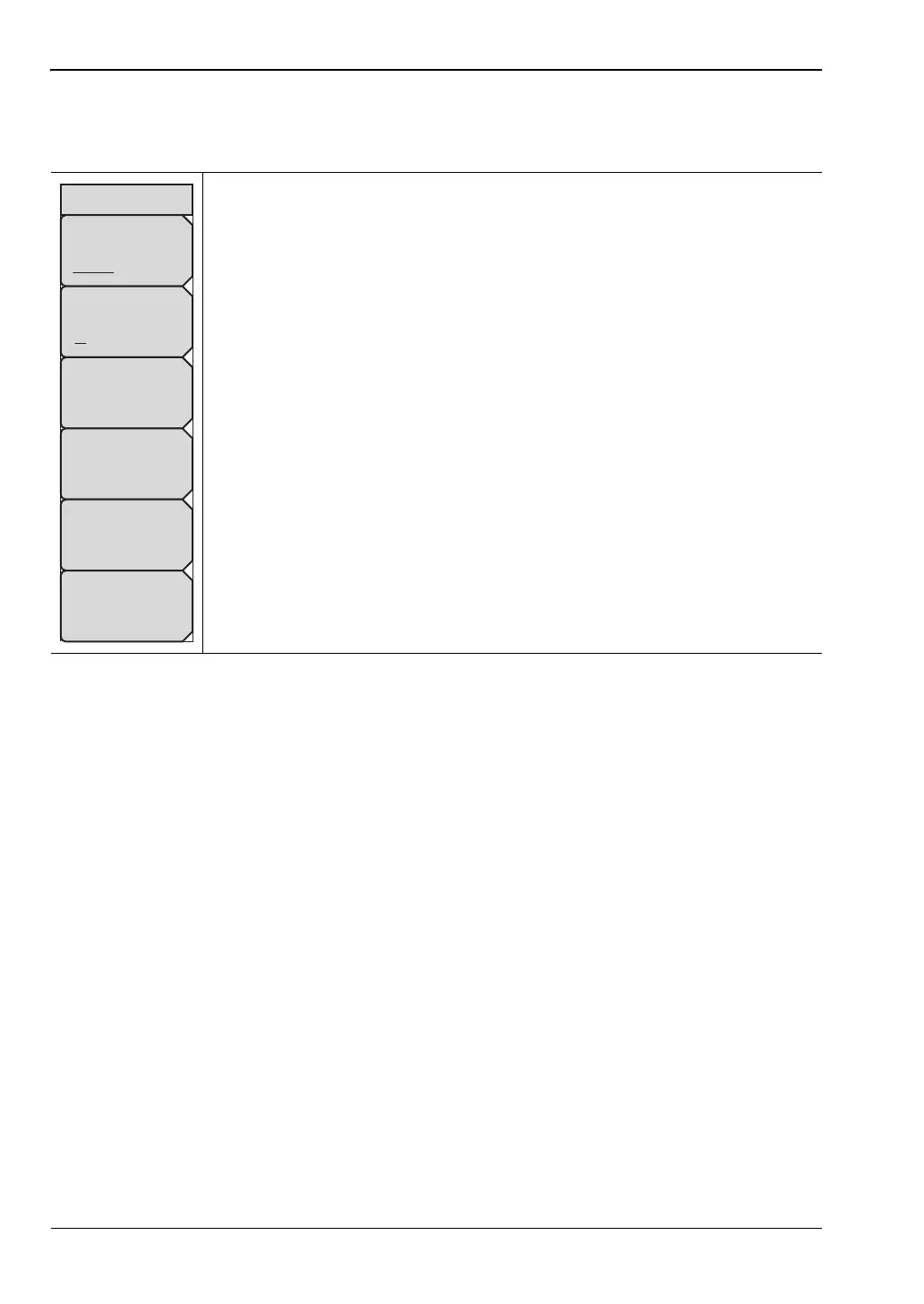
B-3 Ethernet Configuration LAN and DHCP
B-2 PN: 10580-00252 Rev. K Site Master User Guide
Ethernet Menu
Key Sequence: Shift, System (8)>System Options > Ethernet Config
Type
Manual DHCP: Press the Type submenu key to select whether the IP
address will be entered manually or will be supplied automatically by a
network DHCP server. See Figure B-2 and Figure B-3 on page B-3. If Manual
is selected, use the submenu keys or the Left/Right arrow keys to select the
field that is to be modified in the Ethernet Editor dialog. Use the numeric
keypad, the Up/Down arrow keys, or the rotary knob to enter the values.
Press Enter to accept the changes, or press the Esc key to exit Ethernet
Configuration without making changes.
Field
IP G-Way Sub: Press this submenu key to select the desired Internet
Protocol Property to be edited.
First Octet: Moves the cursor to the leftmost column of the selected IP
properties field.
Second Octet: Moves the cursor to the second column from the left of the
selected IP properties field.
Third Octet: Moves the cursor to the third column from the left of the
selected IP properties field.
Fourth Octet: Moves the cursor to the fourth column from the left of the
selected IP properties field.
Figure B-1. Ethernet Menu
Ethernet
Type
Manual DHCP
Field
IP G-Way Sub
First Octet
Second Octet
Third Octet
Fourth Octet











 To Next Page