Site Master User Guide PN: 10580-00252 Rev. K 3-1
Chapter 3 — Quick Start Guide
3-1 Introduction
This chapter provides a brief overview of basic setups for the following measurement modes:
• “Cable & Antenna Analyzer” on page 3-2
• “Spectrum Analyzer” on page 3-7
For detailed descriptions of measurement functions and settings, refer to the appropriate
Measurement Guide as listed in Appendix A.
3-2 Measurement Mode Selection
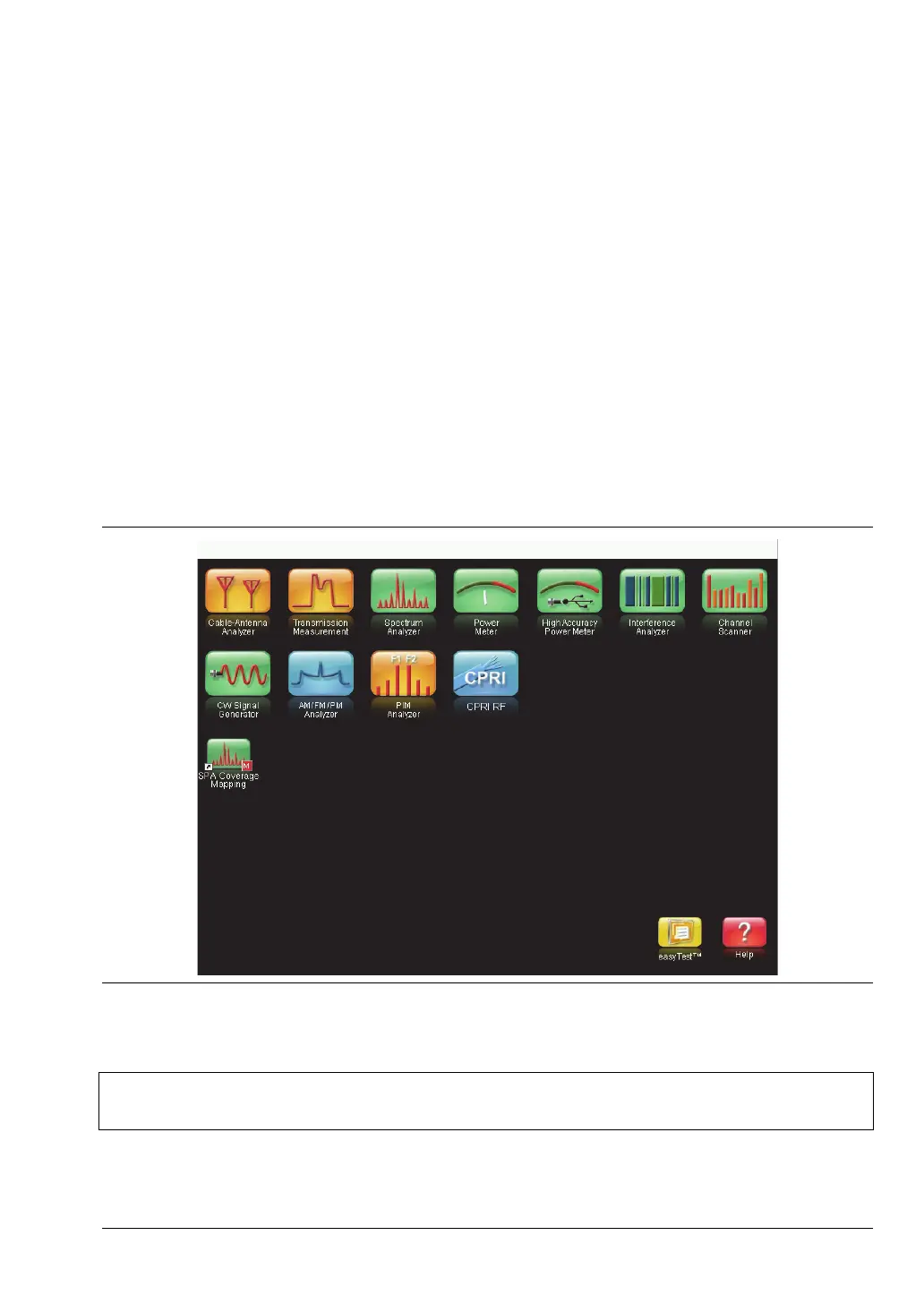
Press the Menu key, then press the shortcut icon for the desired application, or measurement
mode. See Figure 3-1. Alternatively, you can press Shift followed by the Mode (9) key, then
select the measurement mode from the Mode Selector list box.
Figure 3-1. Menu Key Screen
Note
The application shortcuts displayed in the top rows of the Menu screen will vary
depending on the firmware and options installed on the instrument.











 To Next Page