4-4 File Menu File Management
4-14 PN: 10580-00252 Rev. K Site Master User Guide
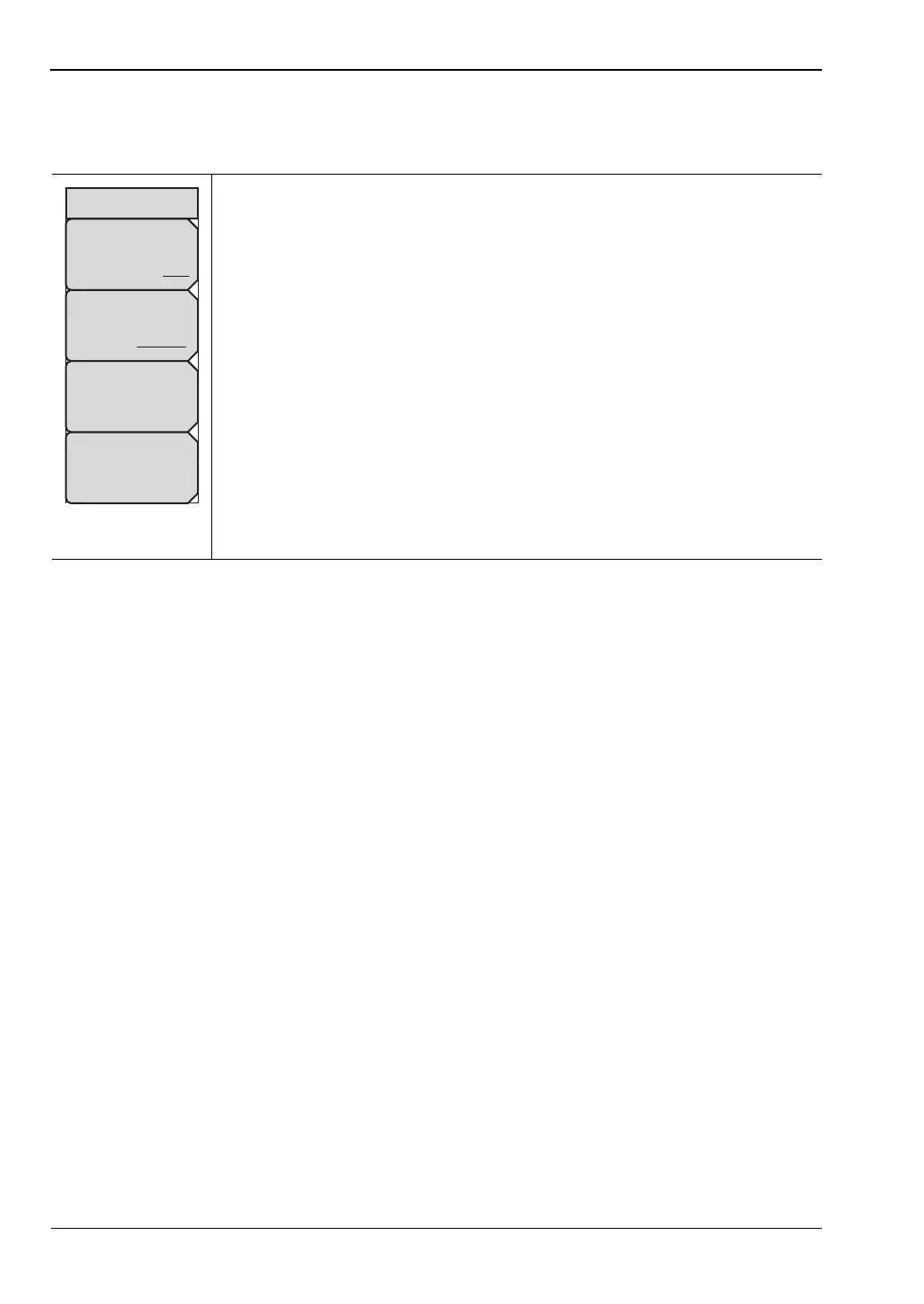
Recall Menu
Key Sequence: Shift > File (7) > Recall
Sort By
Name Type Date: Press this submenu key to choose the item by which
folders and files are sorted in the Recall dialog box. See Figure 4-7
on page 4-6.
Sort Order
Ascend Descend: Press this key to toggle the sort order of the file list
between Ascending and Descending.
File Type: Press this submenu key to open the Select File Type list box.
Press the desired file type on the list, then press Enter to apply the
selection. JPEG image files cannot be recalled and are not listed.
Alternatively, you can select directly from the Filetype drop down list in the
Recall dialog box.
Refresh Directories: Press this key to update the file list after connecting
or disconnecting an external USB drive.
Figure 4-17. Recall Menu
Sort By
Name Type Date
Sort Order
Ascend Descend
File Type
Measurement
Refresh
Directories
Recall











 To Next Page