9-3 Web Remote Control Interface Web Remote Control
9-10 PN: 10580-00252 Rev. K Site Master User Guide
If the selected item is a single file, the file will open in the default application for the file type.
For example, a JPEG file will open in the computer's default image viewer, while a
measurement file will open in Master Software Tools (MST), provided the application is
installed.
Device Management
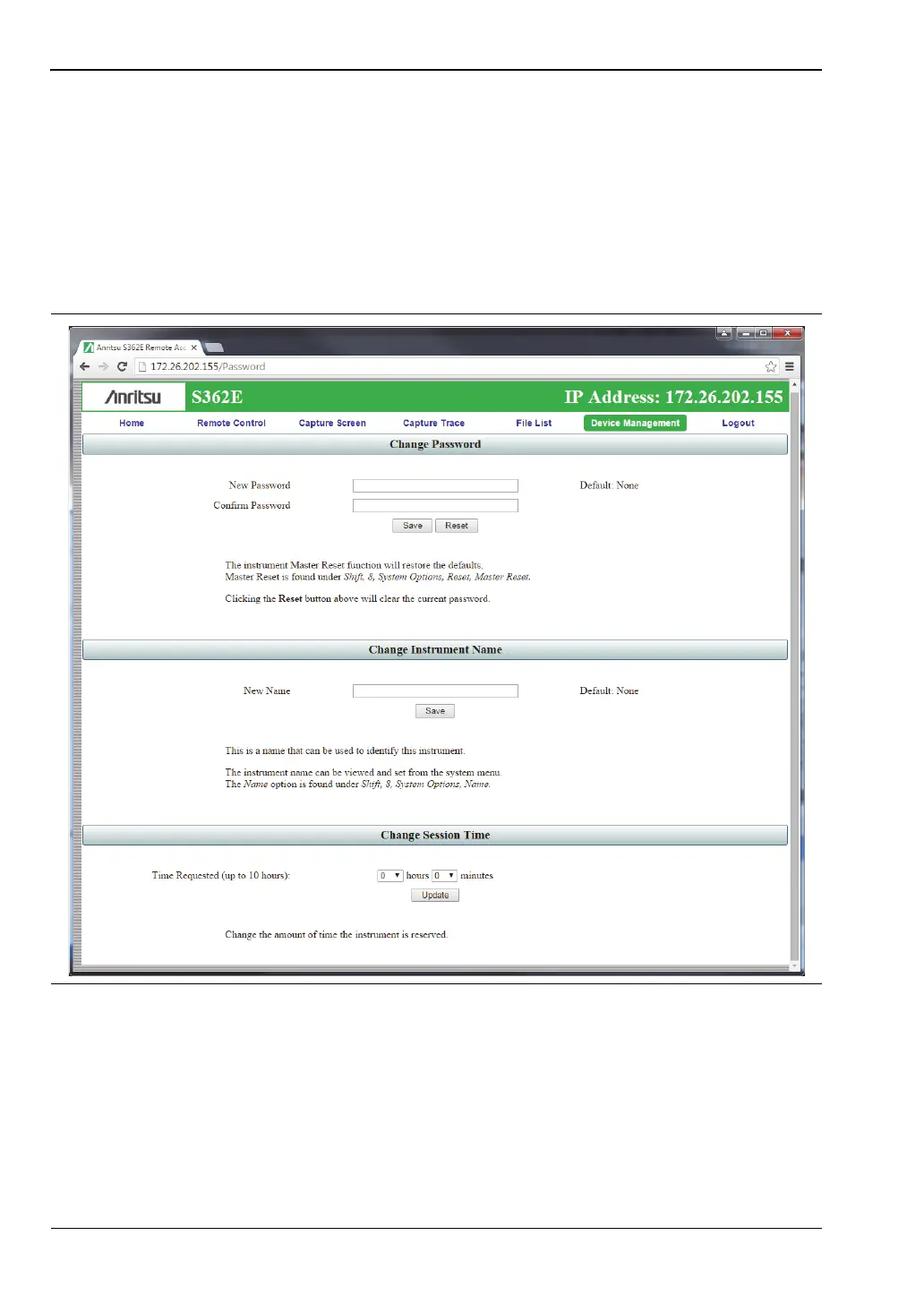
Click the Device Management tab on the menu bar to set or clear the instrument password, or
to assign a device or unit name to the instrument. See Figure 9-8.
Password
If no password is set, access to the instrument is unrestricted and any user who knows the
instrument IP address can connect to it, provided the instrument is not being used. When a
password is set, the user is prompted for the password upon login.
Figure 9-8. Device Management Page











 To Next Page