2-6 Mode Selector Instrument Overview
2-16 PN: 10580-00252 Rev. K Site Master User Guide
2-6 Mode Selector
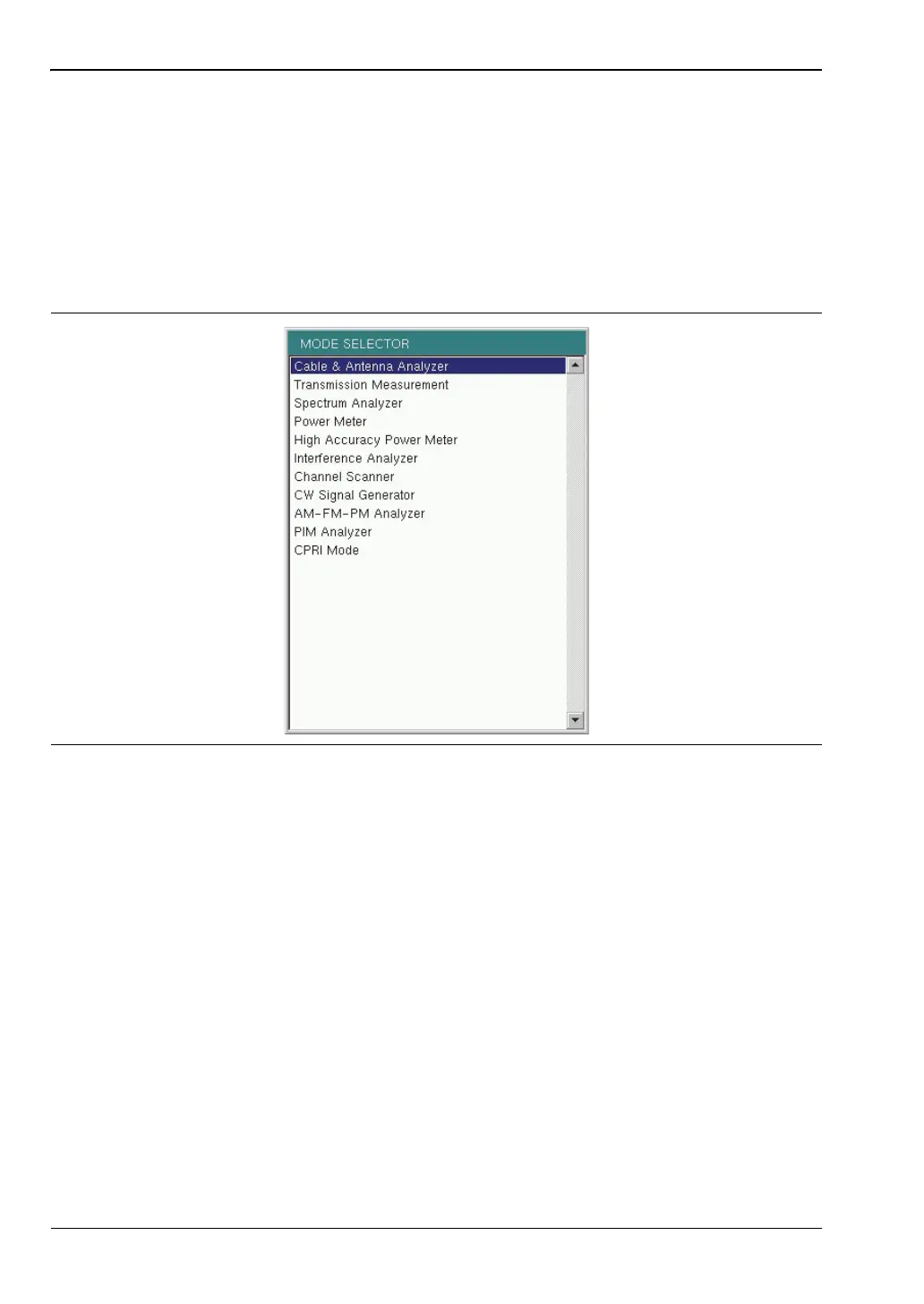
To change to another operation or measurement mode, press Shift, then the Mode (9) key to
display the Mode Selector list box, illustrated in Figure 2-14. Use the directional arrow keys
or the rotary knob to highlight the desired mode, then press Enter to switch to the selected
application. The measurement modes available for selection depend on the options that are
installed and activated on your instrument.
An alternate method of selecting a measurement mode is through the use of the “Menu Key”
on page 2-4.
Figure 2-14. Mode Selector List Box











 To Next Page