File Management 4-4 File Menu
Site Master User Guide PN: 10580-00252 Rev. K 4-13
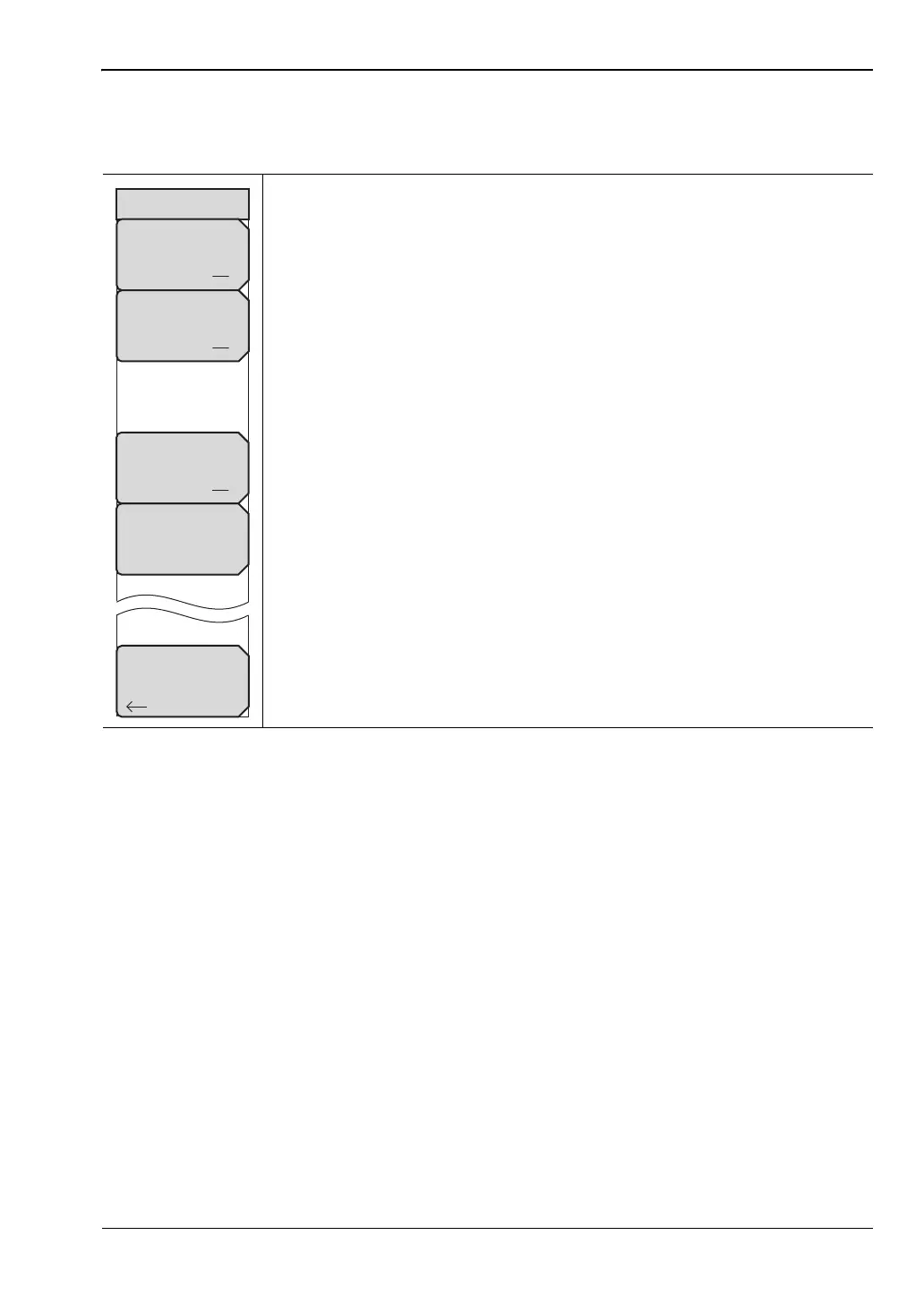
Save On... Menu
Key Sequence: Shift > File (7) > Save On Event
In Spectrum Analyzer mode, this menu is used to automatically save
measurements to the current save location after any of the following events:
...Crossing Limit
On Off: When this submenu key is set to On, measurement data is
automatically saved when the trace crosses a limit line that has been
specified with the Limit menu.
...Sweep Complete
On Off: When this key is set to On, measurement data is automatically
saved after the current sweep is completed.
Save Then Stop
On Off: Set this key to On to stop the sweep after a measurement is
saved. If this setting is Off and Sweep Complete is On, a measurement is
saved after every sweep.
Clear All: Press this key to turn Off all three Save On Event keys:
Crossing Limit
Sweep Complete
Save Then Stop
Back: Press this key to return to the “File Menu” on page 4-10.
Figure 4-16. Save On Menu
Save On...
...Crossing Limit
On Off
...Sweep Complete
On Off
Back
Clear All
Save Then Stop
On Off











 To Next Page