System Operations 5-3 System Menu
Site Master User Guide PN: 10580-00252 Rev. K 5-9
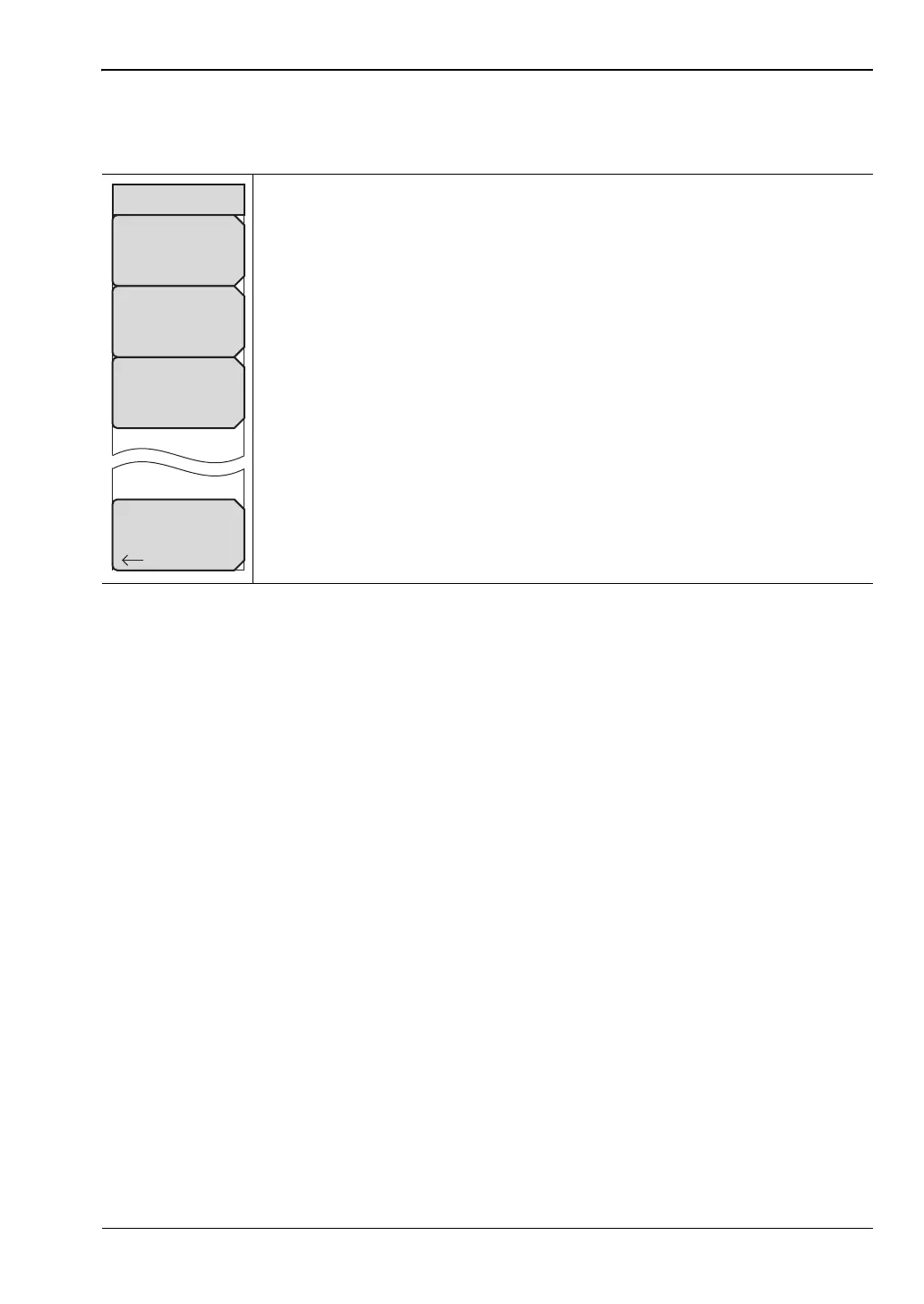
Reset Menu
Key Sequence: Shift, System (8) > System Options > Reset
Factory Defaults: Press this submenu key to restore the instrument to its
factory default settings, including Ethernet (Option 411), language, volume,
and brightness settings. The instrument will power cycle as part of this
operation. Press the Enter key to initiate the reset, or press Esc to abort.
Master Reset: Press this submenu key to restore all instrument settings to
factory defaults and to delete all user files from the instrument internal
memory. The instrument will power cycle as part of this operation. Press the
Enter key to initiate the reset, or press Esc to abort.
Update Firmware: Press this submenu key to update the instrument
operating system using an external USB drive. Press Load Firmware to start
the update procedure, or press the Menu key to cancel and display the Menu
key screen of application icons. Refer to “Updating the Site Master Firmware”
on page 5-11 for additional information on firmware update.
Back: Press this submenu key to return to the “System Options Menu”
on page 5-4.
Figure 5-11. Reset Menu
Back
Reset
Factory
Defaults
Master
Reset
Update
Firmware











 To Next Page