Instrument Overview 2-3 Instrument Front Panel
Site Master User Guide PN: 10580-00252 Rev. K 2-3
Front Panel Keys
The numeric keypad, rotary knob, and the four arrow keys can all be used to change the value
of the currently selected parameter.
Numeric Keypad
Keys 0 through 9 are used for numeric input, with an alternate function printed in blue above
each of the keys. Press the Shift key, then a numeric key, to access the instrument menu or
function indicated by the key label.
Some of the alternate functions associated with the numeric keypad are not available in all
measurement modes. Refer to the Measurement Guides listed in Appendix A.
Shift Key
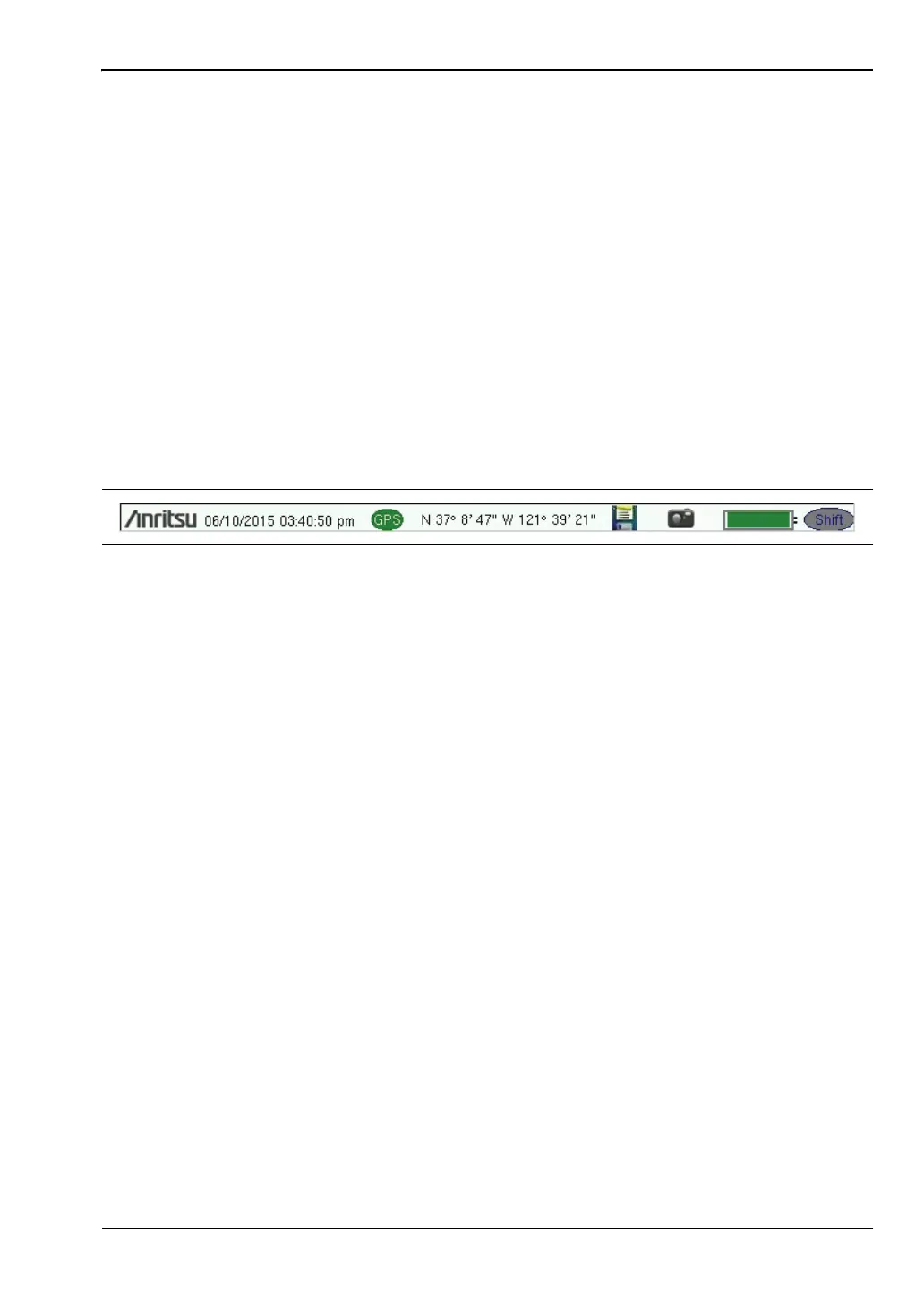
Pressing the Shift key followed by a number key executes the function that is indicated in
blue above the number key. When the Shift key is active, its icon is displayed at the far right
of the title bar, above the sweep window.
Esc Key
Press this key to cancel the parameter change being made and exit the current menu
function, if applicable.
Arrow Keys
The four arrow keys are used to scroll through a list and highlight the item you wish to select,
or to change the value of the currently selected parameter. The arrow keys can also be used to
move markers. The rotary knob performs similar functions.
Enter Key
Press this key to apply a parameter value or instrument setting you have entered, or to select
a highlighted item from a list.
Rotary Knob
Turn the rotary knob to change numerical values, scroll through selectable items in a list, or
to move markers. Values or items may be within a dialog box or an edit window.
Figure 2-2. Shift Key Icon in Title Bar











 To Next Page