System Operations 5-3 System Menu
Site Master User Guide PN: 10580-00252 Rev. K 5-5
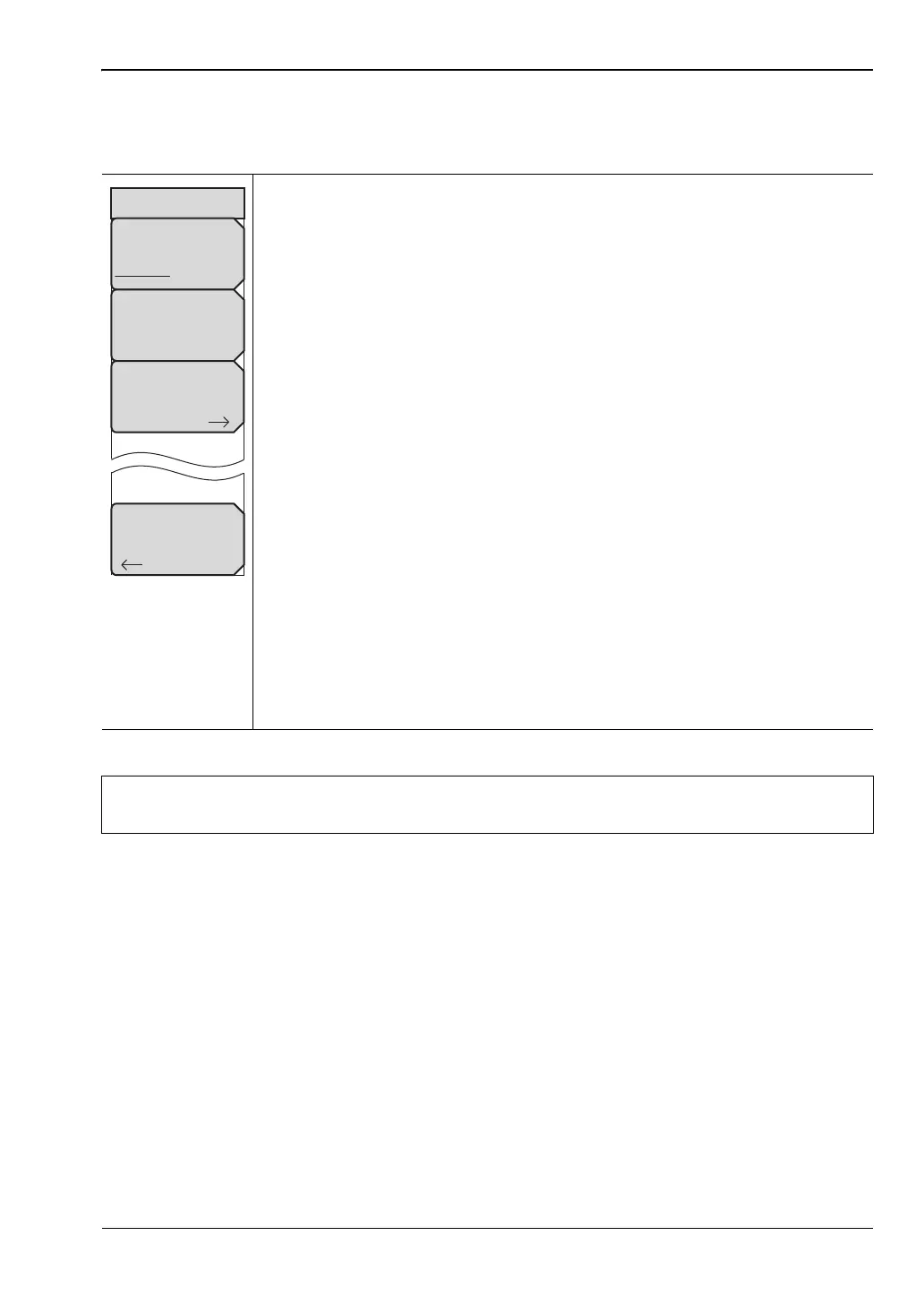
System Options 2/2 Menu
Key Sequence: Shift, System (8) > System Options > More
Share CF & Pwr Offset
All Modes Not Shared: Press this submenu key to toggle the setting
between All Modes and Not Shared. Select All Modes to have the current
center frequency setting and power offset setting carried over when changing
measurement modes. This function is not applicable to measurements that do
not have a center frequency or power offset setting or to measurements in
which the current center frequency or power offset setting is outside the range
of the new measurement.
Set Remote Access Password: Press this submenu key to open the
Password entry dialog (see Figure 5-5 on page 5-6). Use the touch screen
keyboard to enter the new password. Passwords may contain digits,
uppercase and lowercase letters, and the symbols - _ + . (hyphen,
underscore, plus, period). Press Enter to save or Esc to cancel.
Setting the remote password and rebooting the instrument will lock it from
Telnet and FTP connections. This means that connecting to the instrument via
Master Software Tools (v2.21.1 or later), Wireless Remote Tools (WRT), or
the Web Remote Control browser interface will require the set password. To
unlock the instrument, remove the password by setting it to blank. The
password is also removed following a Master Reset, Factory Defaults reset, or
a firmware update.
Power–On: Press this submenu key to open the “Power-On Menu”
on page 5-6.
Back: Press this submenu key to return to the “System Options Menu”
on page 5-4.
Figure 5-4. System Options Menu
Warning
Do not set a remote access password when using SCPI commands to
communicate with the instrument.
Back
System Options 2/2
Share CF &
Pwr Offset
All Modes Not Shared
Set
Remote Access
Password
Power–On











 To Next Page