EasyManua.ls Logo

Anritsu S331E - Keypad and Keypad PCB Replacement

Anritsu S331E
126 pages
Print Icon
To Next Page IconTo Next Page
To Previous Page IconTo Previous Page
Loading...
5-2 System Menu Overview System Operations
5-2 PN: 10580-00252 Rev. K Site Master User Guide
5-2 System Menu Overview
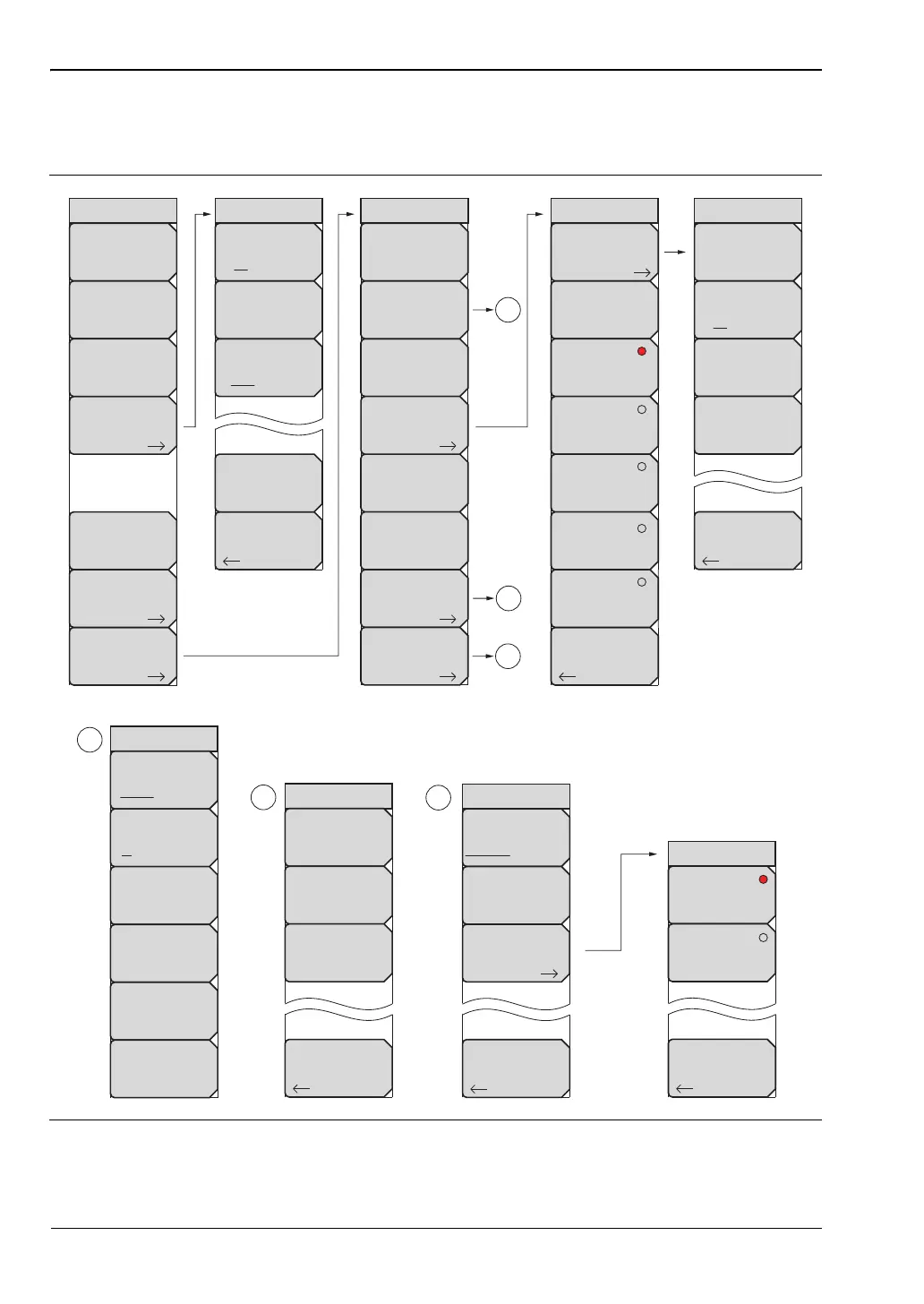
To access the System menu functions, press the Shift key, then the System (8) key.
Figure 5-1. System Menu
GPS
Back
GPS
On Off
GPS Voltage
3.3 V 5 V
GPS Info
Reset
System
System
Options
Application
Options
GPS
Status
Self
Test
Application
Self
Test
Calibrate
Touch
Screen
1
Ethernet
Type
Manual DHCP
Field
IP G-Way Sub
First Octet
Second Octet
Third Octet
Fourth Octet
1
Reset
System Options
Date
&
Time
Language
Name
Volume
Ethernet
Config
More
Display
Back
Reset
Factory
Defaults
Master
Reset
Update
Firmware
2
2
Back
Display Settings
Brightness
Display Blank
Default Colors
3
3
Back
System Options 2/2
Share CF &
Pwr Offset
All Modes Not Shared
Set
Remote Access
Password
Power–On
Requires Option 411
Black on White
Night Vision
High Contrast
Color on White
Back
Brightness Settings
Brightness
Auto Dim
On Off
Auto Dim
Delay (min)
15
Auto Dim
Brightness
10.00 %
Back
Power-On
Power Switch
When DC
Applied

Table of Contents

Other manuals for Anritsu S331E

Related product manuals