5-3 System Menu System Operations
5-8 PN: 10580-00252 Rev. K Site Master User Guide
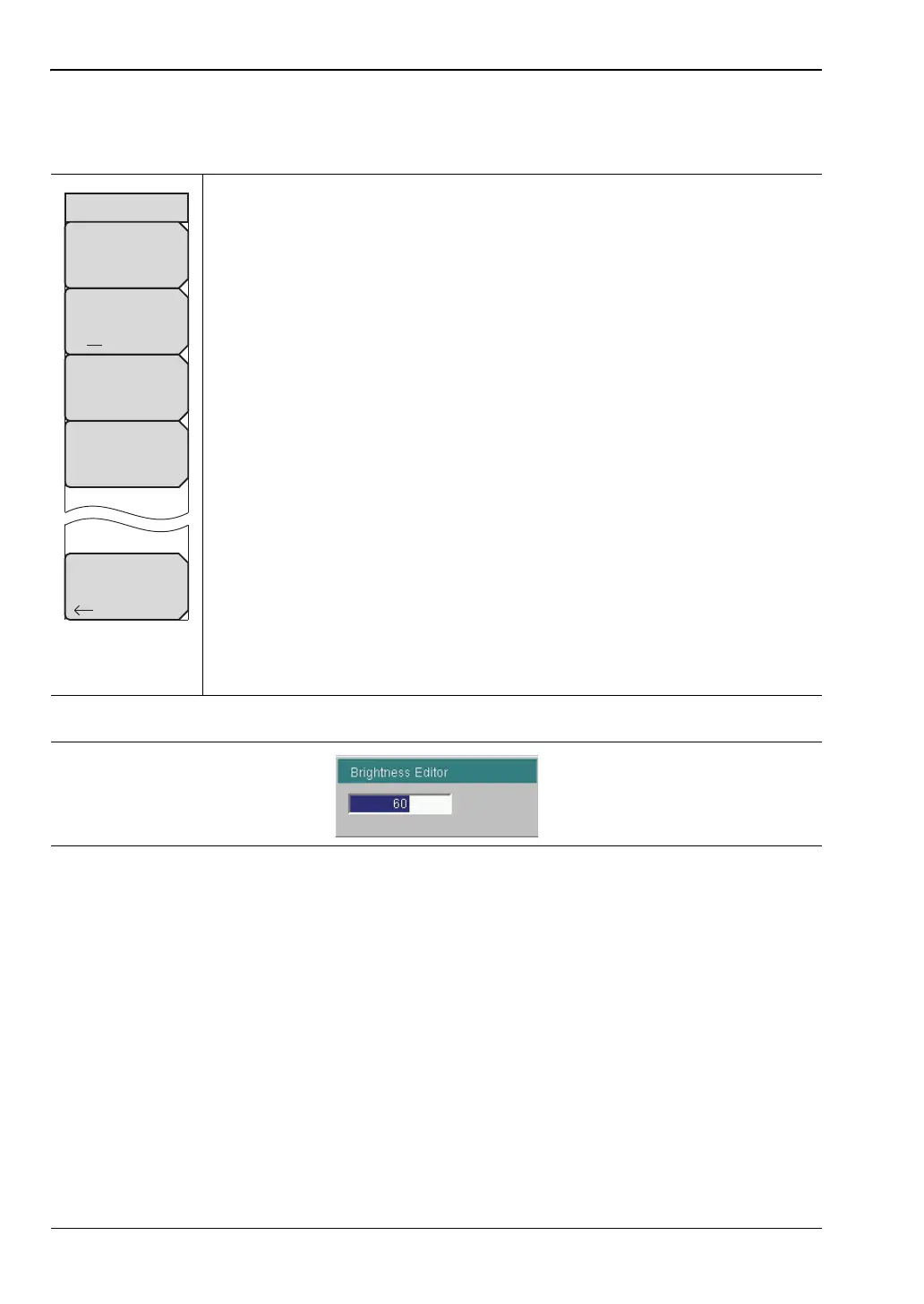
Brightness Settings Menu
Key Sequence: Shift, System (8) > System Options > Display > Brightness
The brightness of the display can be adjusted to optimize viewing under a
wide variety of lighting conditions.
Brightness: Press this submenu key to open the Brightness Editor window,
where you can adjust the display brightness level from 0 to 100, with 100
being the brightest. See Figure 5-10. Use the rotary knob to adjust the value
in increments of 5, or press the Up/Down arrow keys to change the value in
increments of 25. Press the Left or the Right arrow key to jump to 0 or 100,
respectively. Press Enter to accept the change. All display elements on the
instrument screen are affected by the Brightness setting.
Auto Dim On/Off: Press this submenu key to toggle the display
auto-dimming feature on and off. Enabling auto-dim can extend battery life.
Auto Dim Delay: Press this key to adjust the amount of idle time, from 1 to
15 minutes, before the instrument display goes dim. Use the arrow keys or the
rotary knob to adjust the value in increments of 1. You can also use the
numeric keypad, then press Enter. Out-of-range values are ignored.
Auto Dim Brightness: Press this submenu key to select the brightness
percentage level of the display when it is dimmed. Use the arrow keys or the
rotary knob to adjust the value in increments of 5%, from 0% to 25%. You can
also use the numeric keypad, then press % or the Enter key. Out-of-range
values are ignored.
Back: Press this submenu key to return to the “Display Settings Menu”
on page 5-7.
Figure 5-9. Brightness Settings Menu
Figure 5-10. Brightness Editor Input Box
Back
Brightness Settings
Brightness
Auto Dim
On Off
Auto Dim
Delay (min)
15
Auto Dim
Brightness
10.00 %











 To Next Page