8-3 Anritsu Software Tool Box Anritsu Tool Box
8-2 PN: 10580-00252 Rev. K Site Master User Guide
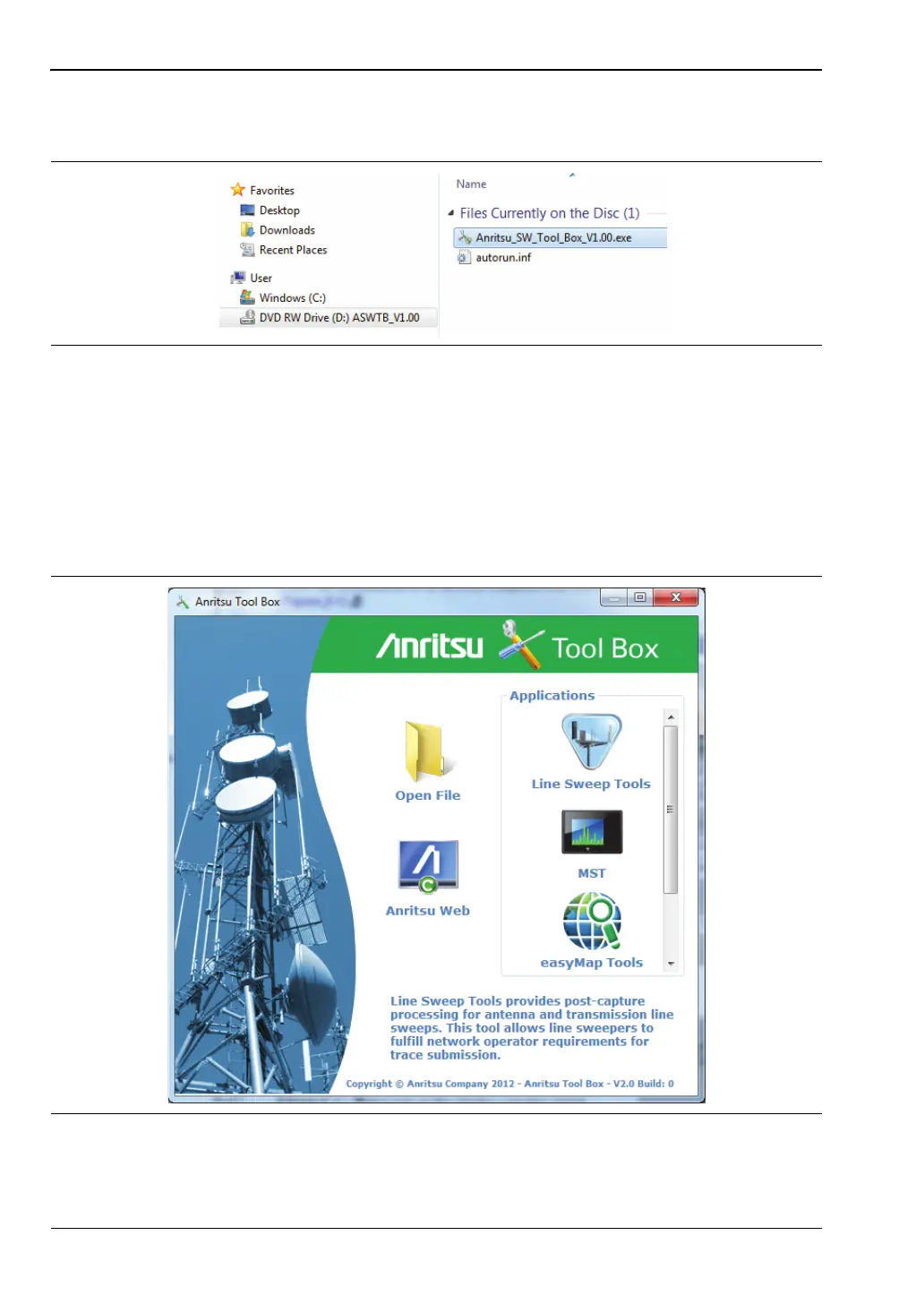
If the installer does not autostart, open the DVD in Windows Explorer and double-click the
executable setup file. See Figure 8-2.
8-3 Anritsu Software Tool Box
The Anritsu Tool Box serves as a central location from which you can open a previously saved
measurement, visit the Anritsu website, or launch an application. To open the Tool Box,
either double-click the desktop shortcut or select the Tool Box from the Windows Start menu,
under All Programs and the Anritsu folder. On the Tool Box screen, hover the mouse pointer
over any of the application icons to view a short description of the application. See Figure 8-3.
Figure 8-2. Tool Box Installer on the Anritsu Software DVD
Figure 8-3. Anritsu Tool Box Screen











 To Next Page