2-3 Instrument Front Panel Instrument Overview
2-4 PN: 10580-00252 Rev. K Site Master User Guide
Menu Key
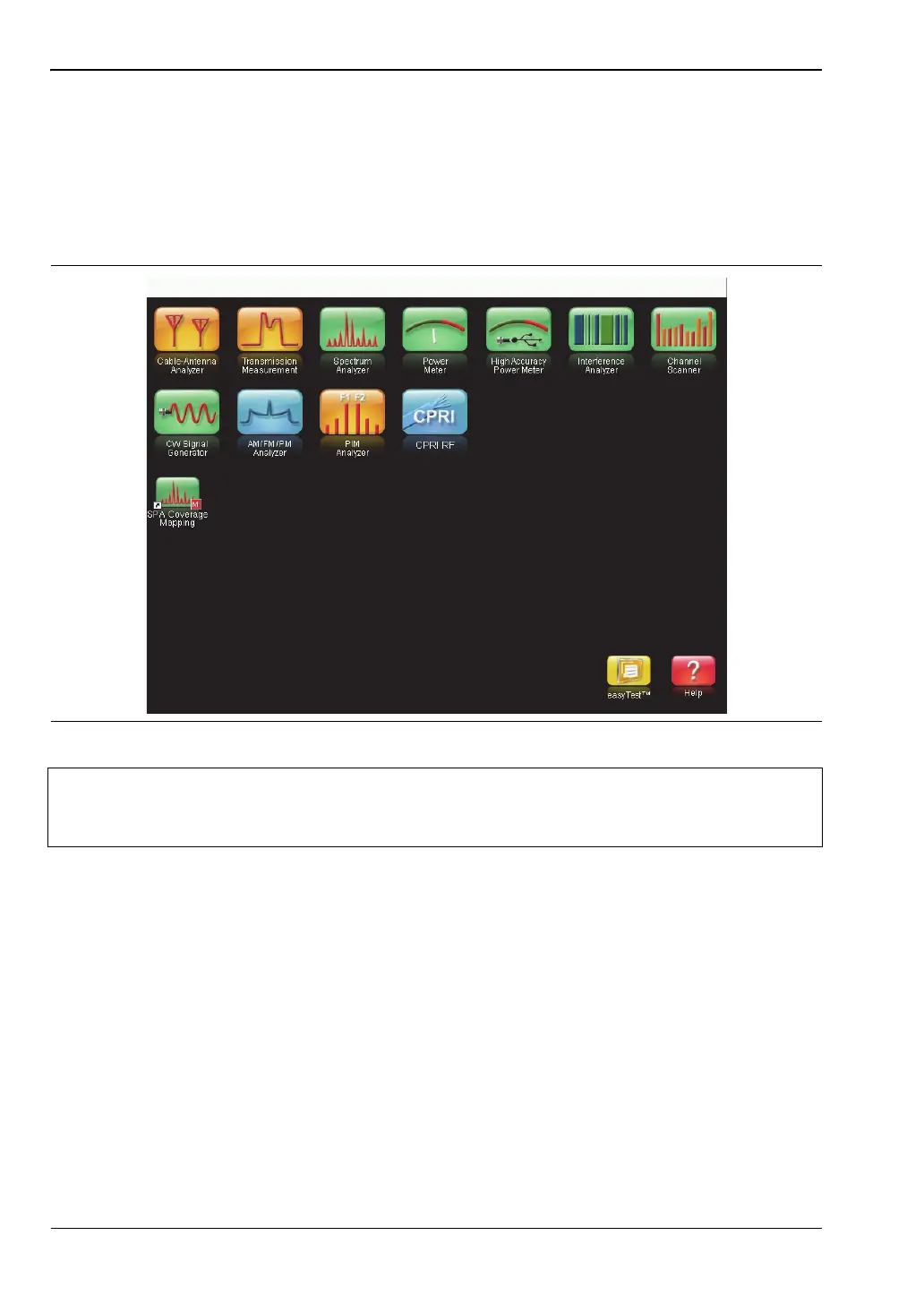
The Menu key displays a grid of shortcut icons for installed measurement modes and
user-selected menus and setup files. See Figure 2-3. Press one of the icons in the top three
rows to change modes. These icons are preinstalled and cannot be moved or deleted.
An alternative to the Menu key is to press Shift, then the Mode (9) key to display the Mode
Selector list box. Refer to “Mode Selector” on page 2-16.
Figure 2-3. Menu Key Screen
Note
Shortcut icons displayed in the top rows of the Menu screen vary with the
instrument model, firmware version, and installed options. Help for the Menu
screen is available by pressing the icon in the lower-right corner of the display.











 To Next Page