File Management 4-2 Managing Files
Site Master User Guide PN: 10580-00252 Rev. K 4-5
Follow these steps to define and use shortcut keys in the Quick Name Matrix. If all matrix
keys are already defined, proceed directly to Step 4.
1. To edit any matrix key, press and hold the key until the Edit Quick Name dialog opens.
See Figure 4-3 on page 4-3.
2. Use the touch screen keyboard to enter a new key label, then press Enter.
3. Repeat the steps above to define more Quick Name Matrix keys, until done.
4. Press the matrix key with the appropriate label to enter the desired text string at the
insertion point, in the Filename entry box. Press the Esc key to undo. You can use the
Space and Underscore keys to insert separators in the file name.
5. Repeat Step 4 as needed until the file name is complete.
Note that the Keyboard key (see Figure 4-5 on page 4-4) closes the Quick Name Matrix
screen and returns to the Save dialog. The next steps can be performed from either
screen.
6. Select the file type to save, either from the drop down list or by using the Change Type
submenu key.
7. Optionally, press the Change Save Location submenu key to select a different save
location.
8. Press Enter to save the file.
Change Save Location
You can save files to internal memory or to an external USB flash drive. To change the
destination location of the saved file, press the Change Save Location submenu key under the
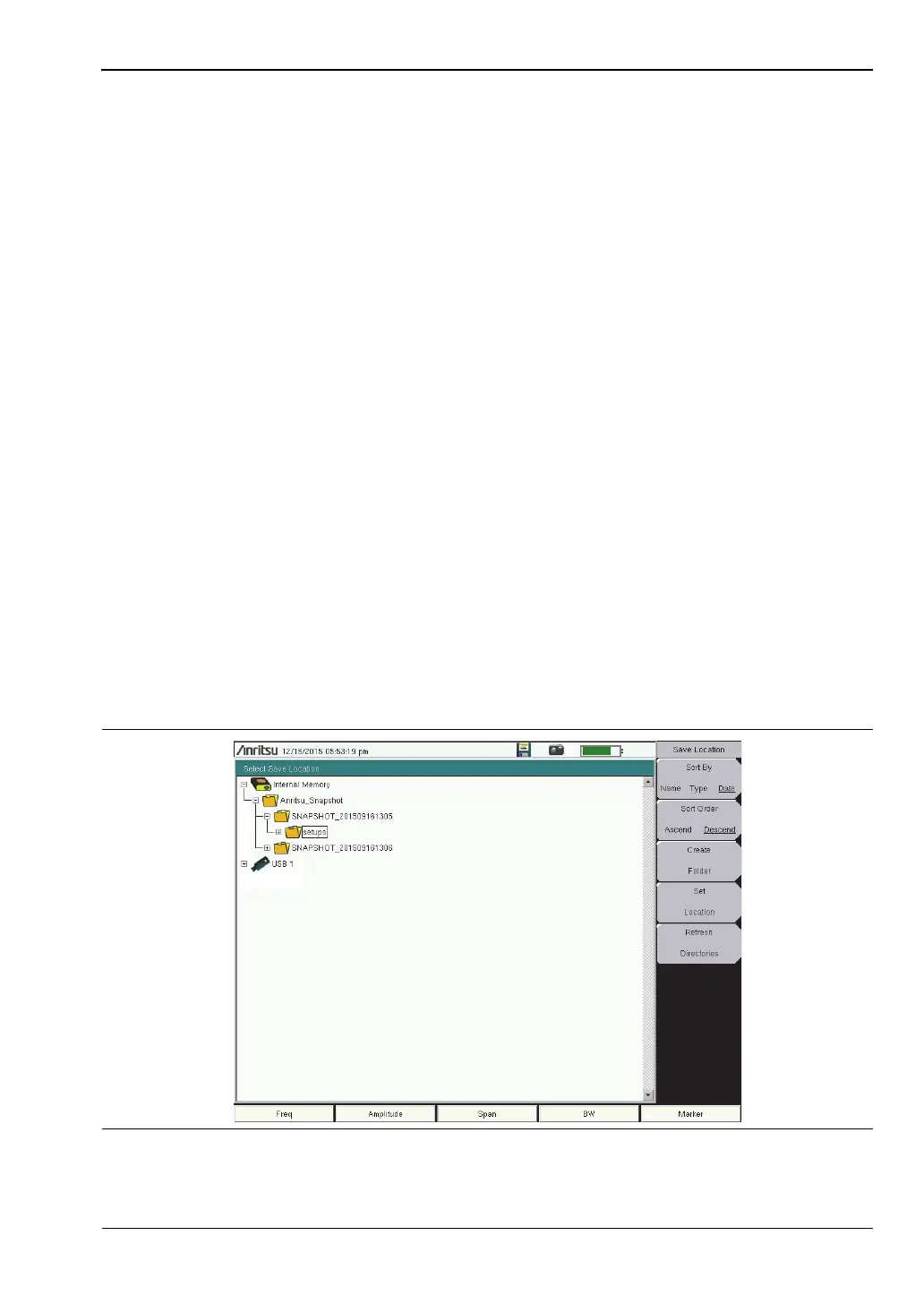
Save menu. Figure 4-6 illustrates the directory structure of the instrument’s internal memory
and external USB drive or drives, if connected. Only folders are listed, not files.
Figure 4-6. Save Location Screen











 To Next Page