12
4
[B]
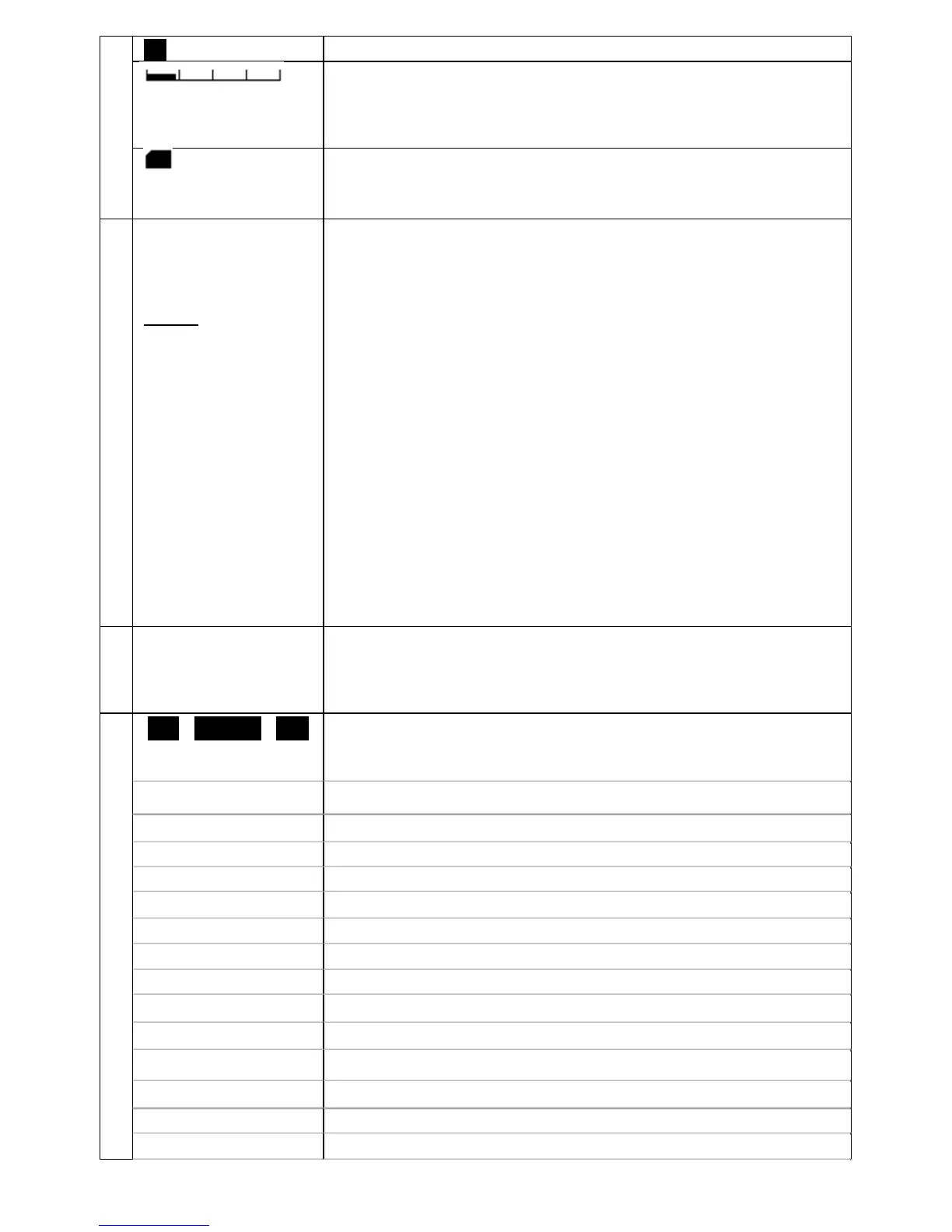
BUSY(The squelch is open)
S-Meter signal strength meter (relative signal strength)
Relative signal strength of incoming signal is indicated in
standards S points, from S1 to S9. Calibration above S9 is in
dB up to +60dB.
microSD card
Solid:Card ready
Blinking:Checking, please wait .
5
NSQ:nnn (or LSQ)
Adj: 10k
DUP
Others:
VolATT
CTC
DCS
RTN
VI
AGCF
AGCM
AGCS
RF-G
ATT
EAR
PAS
Noise squelch set at level nnn
Level squelch set at level nnn
Frequency step adjustment value
Offset frequency is active
Volume attenuator is active
CTCSS squelch is active
DCS squelch is active
Reverse tone squelch is active
Analog voice descrambler is active (not available for US
consumer version.)
Automatic gain control “fast” is set
Automatic gain control “mid” is set
Automatic gain control “slow” is set
Manual gain control is set
Signal attenuator is ON
The earphones cable acts as an antenna for FM
(64-107.99999MHz, IF bandwidth 100kHz only)
Frequency pass is on.
6
from CCCCCC /3
to CQCQCQ
rep1 CCCCCC C
rep2 CCCCCC C
Details on incoming signal. Type of information is mode
dependent.
7
[
◀
] [
A< - >B
] [
▶
]
Each of the three black rectangles
can appear as following:
Select with physical [◀], [ENT] and [▶] buttons below the
display.
◀
Move to left or lower the frequency (by 10-fold of set step).
▶
Move to right or higher frequency (by 10-fold of set step).
A<->B
Switch between VFO-A and VFO-B.
ENT
Validate an input
▲
Go one line up
▼
Go one line down
↩
Return to previous screen
BS
Erase a character at the right edge
C◀
Move to left digit
C▶
Move to right digit
SEL
Selection
SET
Settings
SET&
↩
Set and return to previous screen
NEXT
Go to next



 To Next Page