57
Wait until the boot procedure is complete and make sure that the SD card icon
appears on the right side of the LCD.
5.
Press [MENU] and use [▶] to select [CONF], followed
by [ENT].
6.
Press [▶] until you reach the line [SYS UPDATE],
followed by [ENT].
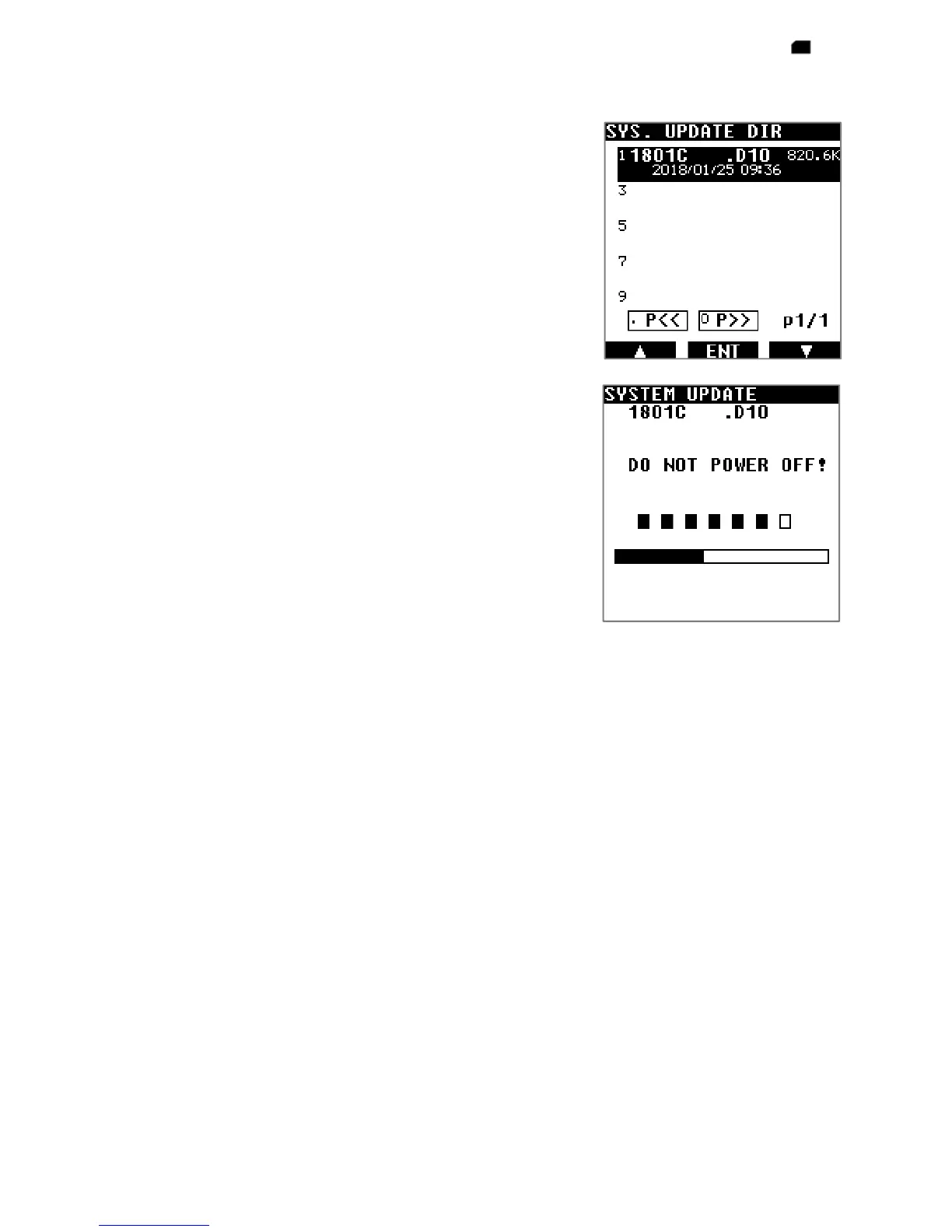
The firmware file will be automatically displayed.
If you have more than one firmware inside your card,
select the desired one.
7. Press [ENT] to start the update.
8. [DO NOT POWER OFF] will be displayed during the
update. Wait approx. 1 minute until it’s complete.
The receiver will reboot automatically.
It is now ready for use.



 To Next Page