POS MV V4 User Guide
System Configuration
Copyright © Applanix Corporation, 2009
4-13
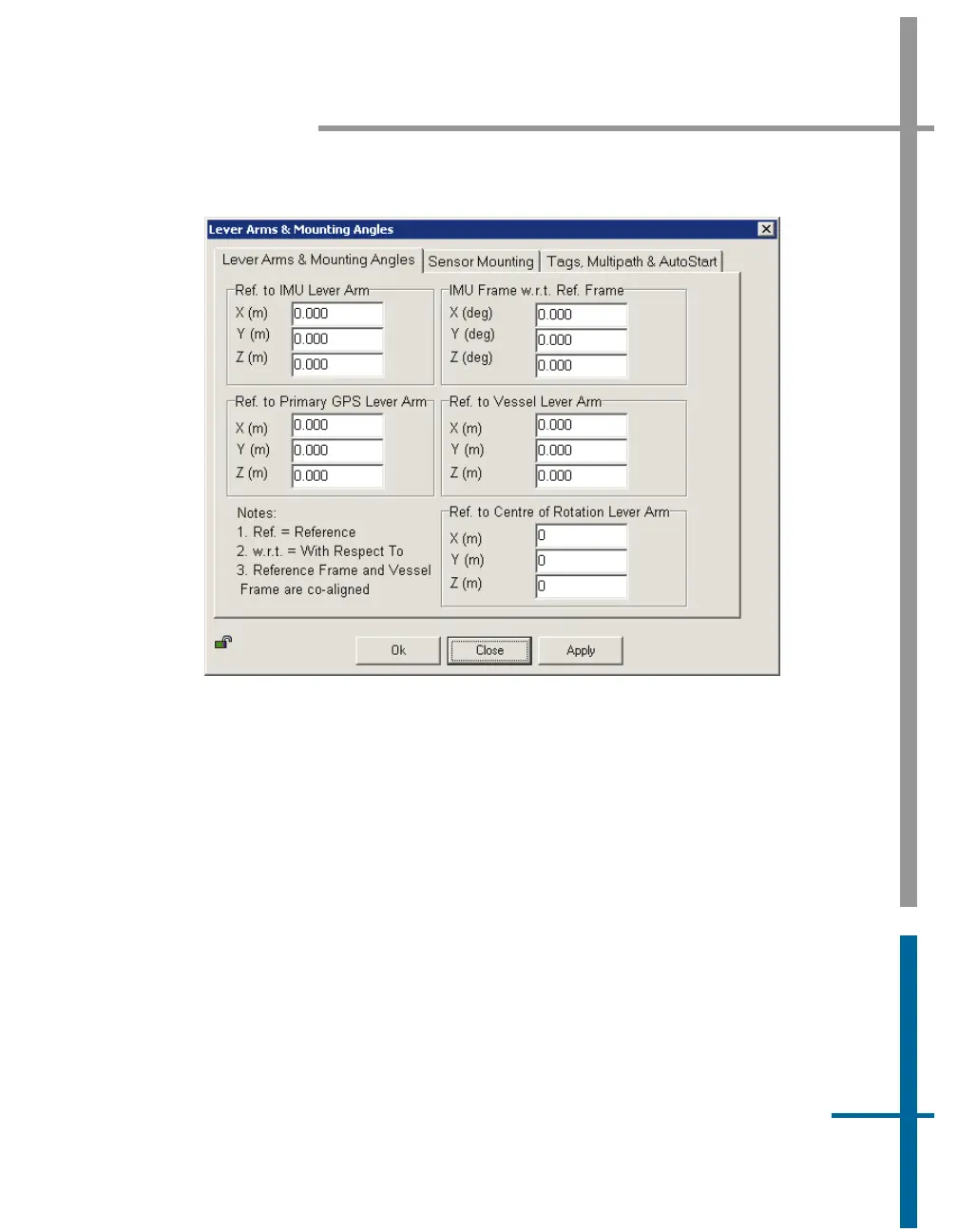
Figure 21: POSView Lever Arms & Mounting Angles Tab
Next, select the Sensor Mounting tab (
Figure 22) and enter the values for
the lever arm distances and mounting angles. Once these values are entered,
select the
OK button.
Note: These settings become active immediately. To save the settings to
non-volatile memory, select Settings, S
ave Settings. This permits the system
to initialize using these installation parameters whenever the PCS is powered-
on.
Note: Any changes made to the IMU or the Global Navigation Satellite
System (GNSS) lever arm parameters will cause the fields to reset and begin
again automatically.



 To Next Page