POS MV V4 User Guide
Fault Identification
Copyright © Applanix Corporation, 2009
9-42
output to unused COM port. If communications restored, note
defective COM port for future reference.
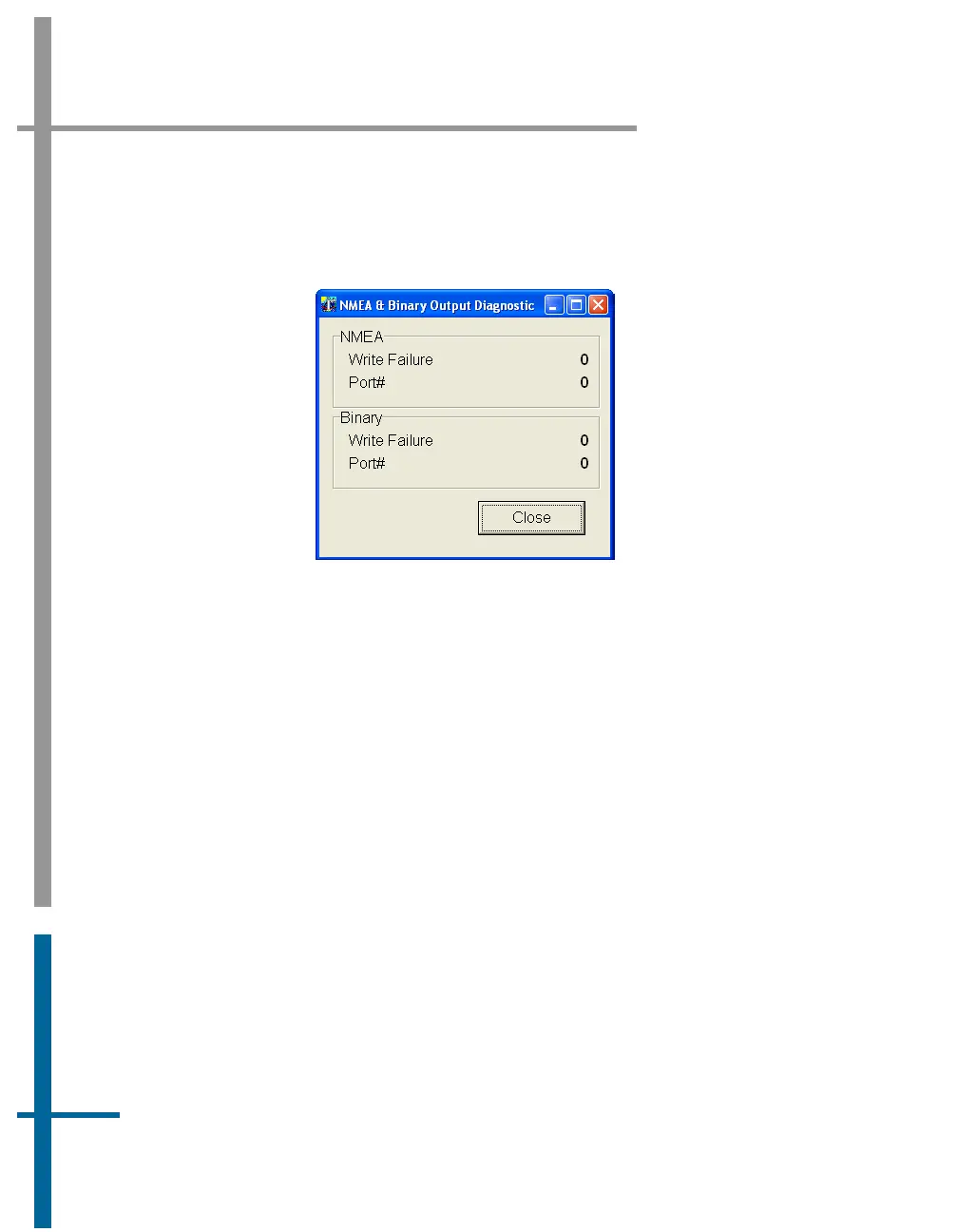
Figure 61: POSView NMEA & Binary Output Diagnostic
4. Check that baud rate is sufficient to transmit data selected.
5. Check serial cable integrity.
6. Disconnect remote end of cable from sonar or other receiving
equipment and connect cable to PC running serial program (e.g.
ProComm or Hyper Terminal). Adjust baud and protocol to match
PCS output settings. If data received from POS, problem is receiving
equipment.
To check the input functions (Base GNSS and Auxiliary GNSS) perform the
following steps:
1. Select Diagnostics, Base GNSS, Base 1 or 2, or Diagnostics, Aux
GNSS from controller menu bar, see
Figure 62.


 To Next Page