EasyManua.ls Logo

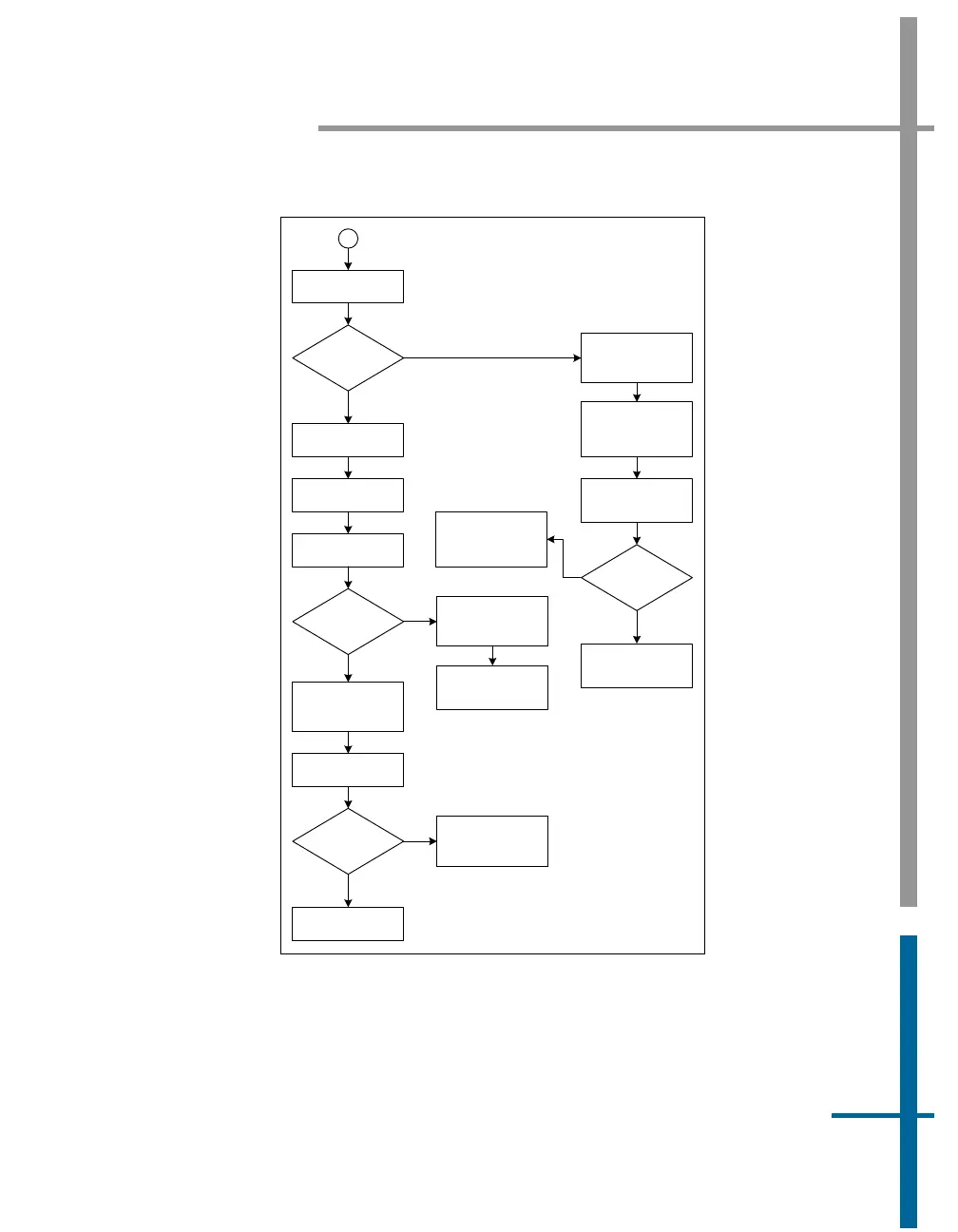
Applanix POS MV V4 - Contact Applanix; Figure 64: (2 of 2) Ethernet Communications Failure

Applanix POS MV V4
352 pages
Print Icon
To Next Page IconTo Next Page
To Previous Page IconTo Previous Page
Loading...
POS MV V4 User Guide
Fault Identification
Copyright © Applanix Corporation, 2009
9-4
5
Check LAN Tx LED
LAN Tx LED
flashes?
Reboot PC and
restart Controller
program
Y
N
A
Check
communication
between PC and
PCS
Check Ethernet
cable and
connectors
Cable OK?
Problem with TCP
drivers or Ethernet
adapter in PC
Y
Replace Ethernet
cable
N
Reboot the PCS
Check LAN Tx LED
PC to PCS
comms OK?
Y
N
Intermittent failure,
log for future
reference
LAN Tx LED flashes
Reconnect PCS and
PC to network
Swap GPS
receivers and
change PCS
Reboot the PCS
PC to PCS
comms OK?
System working, re-
install and initialize
parameters
Contact Applanix
Y
N
Figure 64: (2 of 2) Ethernet Communications Failure

Table of Contents

Related product manuals