POS MV V4 User Guide
Fault Identification
Copyright © Applanix Corporation, 2009
9-
The following paragraphs describe both types of failure indications.
Front Panel Indicators
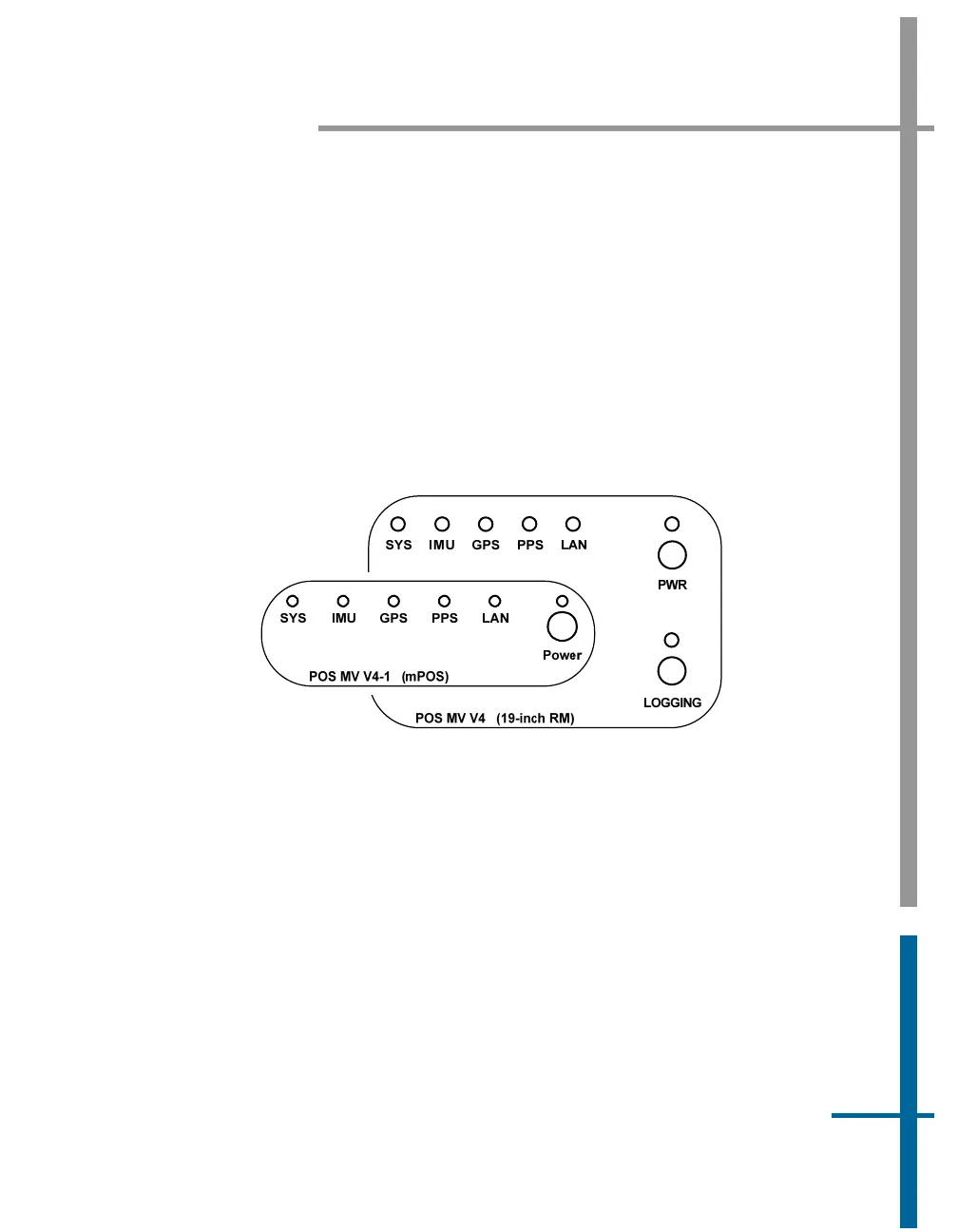
The lights on the PCS front panel display status information about the PCS
system, the IMU, the one pulse per second signal and the LAN connection.
The GNSS light indirectly indicates the status of the GNSS receivers; refer to
Figure 50. To isolate faults on any of these subsystems, follow the advice and
instructions provided in
Table 33.
Figure 50: PCS Front Panels
Table 33: PCS Front Panel Indicators - Fault Identification
Note: Front panel indicators have three different colours (red, amber and
green) and three states (flashing, steady-on and steady-off).
SYS light - indicates current status of POS MV:
Steady red: POS MV failure - shows red when PCS is first
powered-on. Changes to a valid condition when PCS
internal program begins to run, but will turn red again
if there is a fault in PCS.



 To Next Page