POS MV V4 User Guide
Fault Identification
Copyright © Applanix Corporation, 2009
9-38
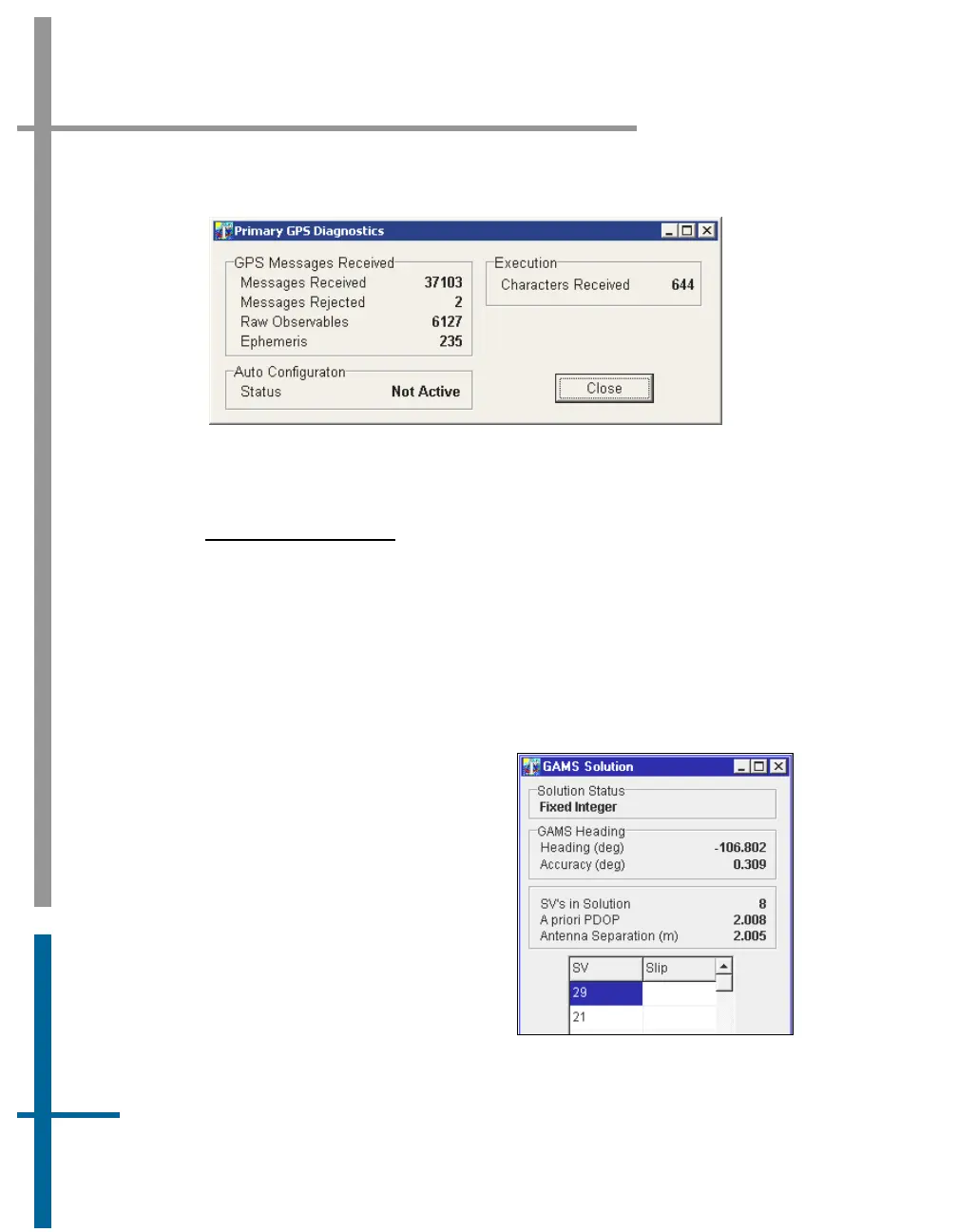
Figure 59: POSView Primary GNSS Diagnostics
b) Insufficient Satellites
Follow the instructions below to identify a problem caused by insufficient
satellite signals:
1. From controller main window select View, GAMS Solution and note
how many satellites appear in SVs in Solution field, see
Figure 60.
2. If SVs in Solution field has fewer than four satellites, mounting
location for GNSS antennas may be
cause. Ensure mounting position of
antennas provides unobstructed
view of sky in all directions. If either
antenna is moved, refer to
Installation section starting on page
2-1 and System Configuration
description starting on page
4-1 for
instructions.
3. If mounting locations for both GNSS
antennas are optimal and DR status
Figure 60: POSView GAMS
Solution



 To Next Page