POS MV V4 User Guide
Fault Identification
Copyright © Applanix Corporation, 2009
9-36
If the system fails to complete coarse levelling, follow the instructions below to
isolate the problem:
1. Check Nav Status on controller main window.
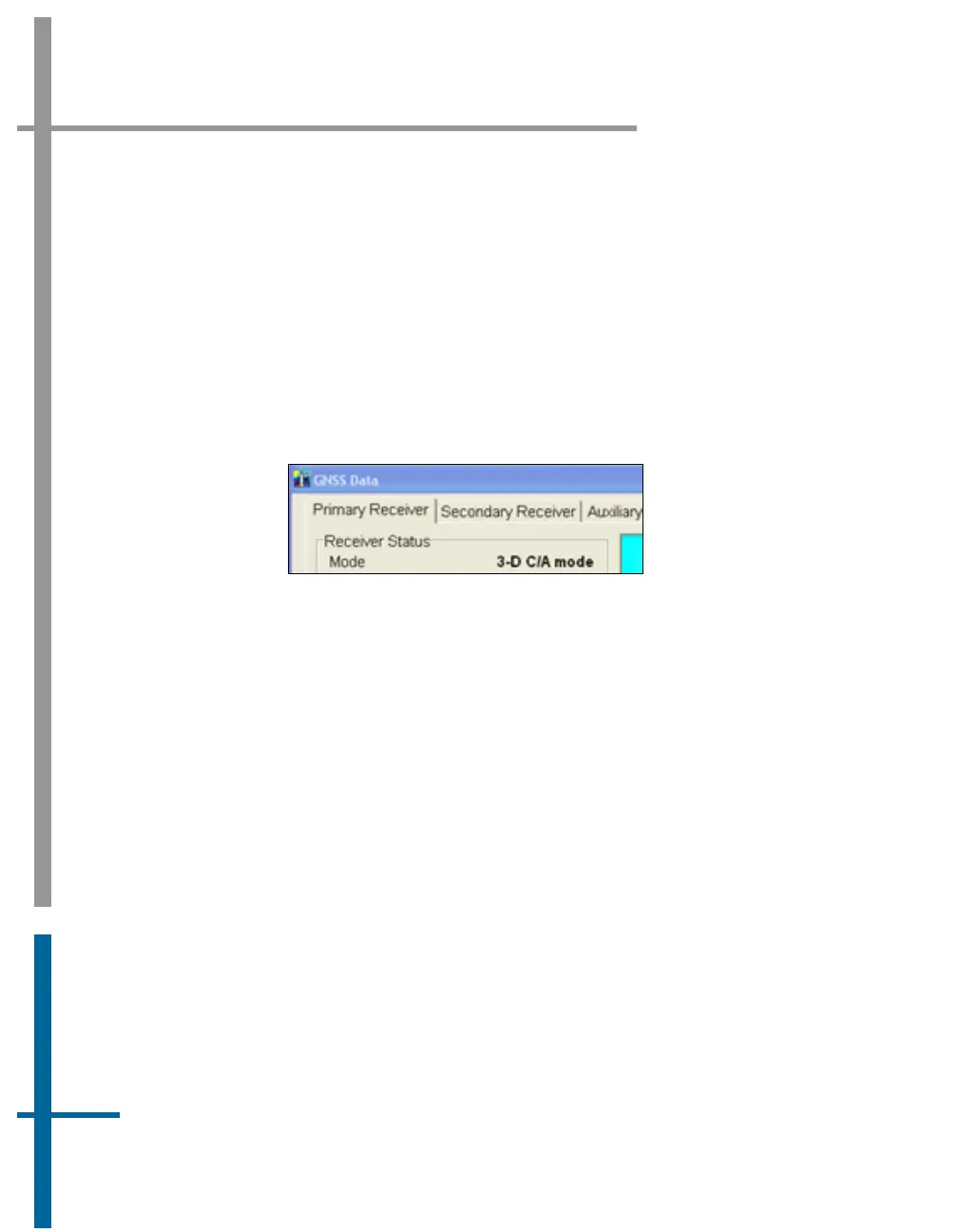
2. If Nav Status shows DR (Dead Reckoning), select View, GNSS Data
from the controller menu bar, see
Figure 58. If Receiver Status
Mode indicates No Nav Data follow
GNSS Not Available procedure
starting on page
9-36.
Figure 58: POSView GNSS Data - Receiver Status Pane
3. Check IMU Status on controller main window. If IMU Status shows
Failure or Warning, power-off system and contact Applanix for
instructions to return IMU for repair.
4. If IMU Status shows OK, check IMU base plate is mounted in
nominal horizontal orientation. If necessary, adjust installation to
make base plate of IMU as close to horizontal as possible.
5. If problem still exists, contact Applanix for instructions to return POS
MV system for evaluation and repair.
GNSS Not Available
When the POS MV system is powered-on, the GNSS receivers require
approximately two minutes to acquire satellites and to begin computing a
navigation solution. During this time, the Nav Status display on the controller
main window shows DR.


 To Next Page