EasyManua.ls Logo

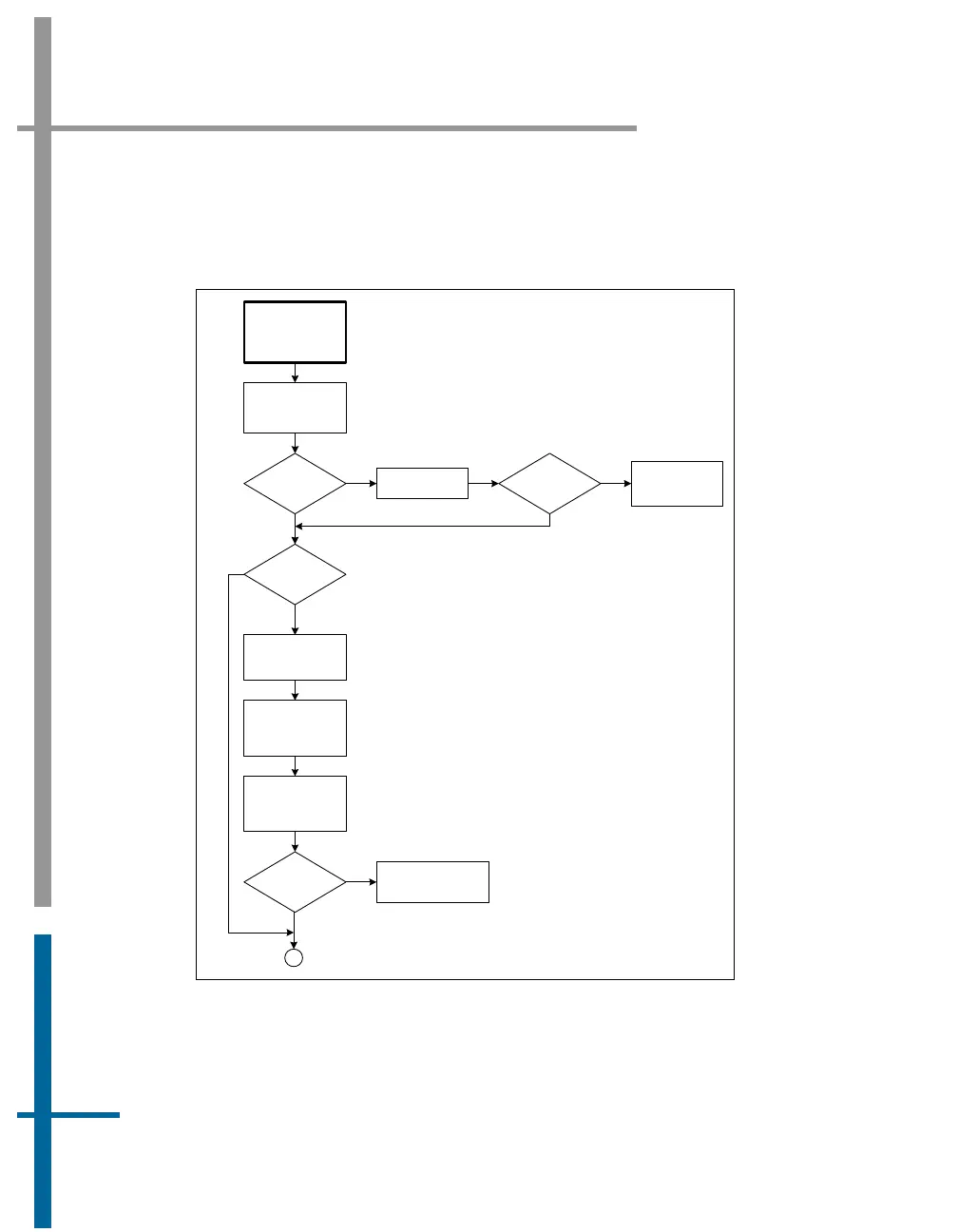
Applanix POS MV V4 - Figure 63: (1 of 2) Ethernet Communications Failure

Applanix POS MV V4
352 pages
Print Icon
To Next Page IconTo Next Page
To Previous Page IconTo Previous Page
Loading...
POS MV V4 User Guide
Fault Identification
Copyright © Applanix Corporation, 2009
9-44
63 and 64 provide troubleshooting procedures to identify the causes of
Ethernet communications failures.
Ethernet
Communications
Failure
(Broadcast)
Check SYSTEM
LED on PCS front
panel
SYSTEM LED
red?
Reboot the PCS
Y
SYSTEM LED
red?
Refer to Total
System Failure
procedure
Y
N
N
PCS on
multinode
network?
Y
Disconnect PCS
and PC from
network
PC to PCS
comms OK?
Check network cables
and integrity
N
Y
Establish stand
alone connection
between PC and
PCS
Check
communication
between PC and
PCS
A
N
Figure 63: (1 of 2) Ethernet Communications Failure

Table of Contents

Related product manuals