POS MV V4 User Guide
TrueHeave Operation
Copyright © Applanix Corporation, 2009
6-3
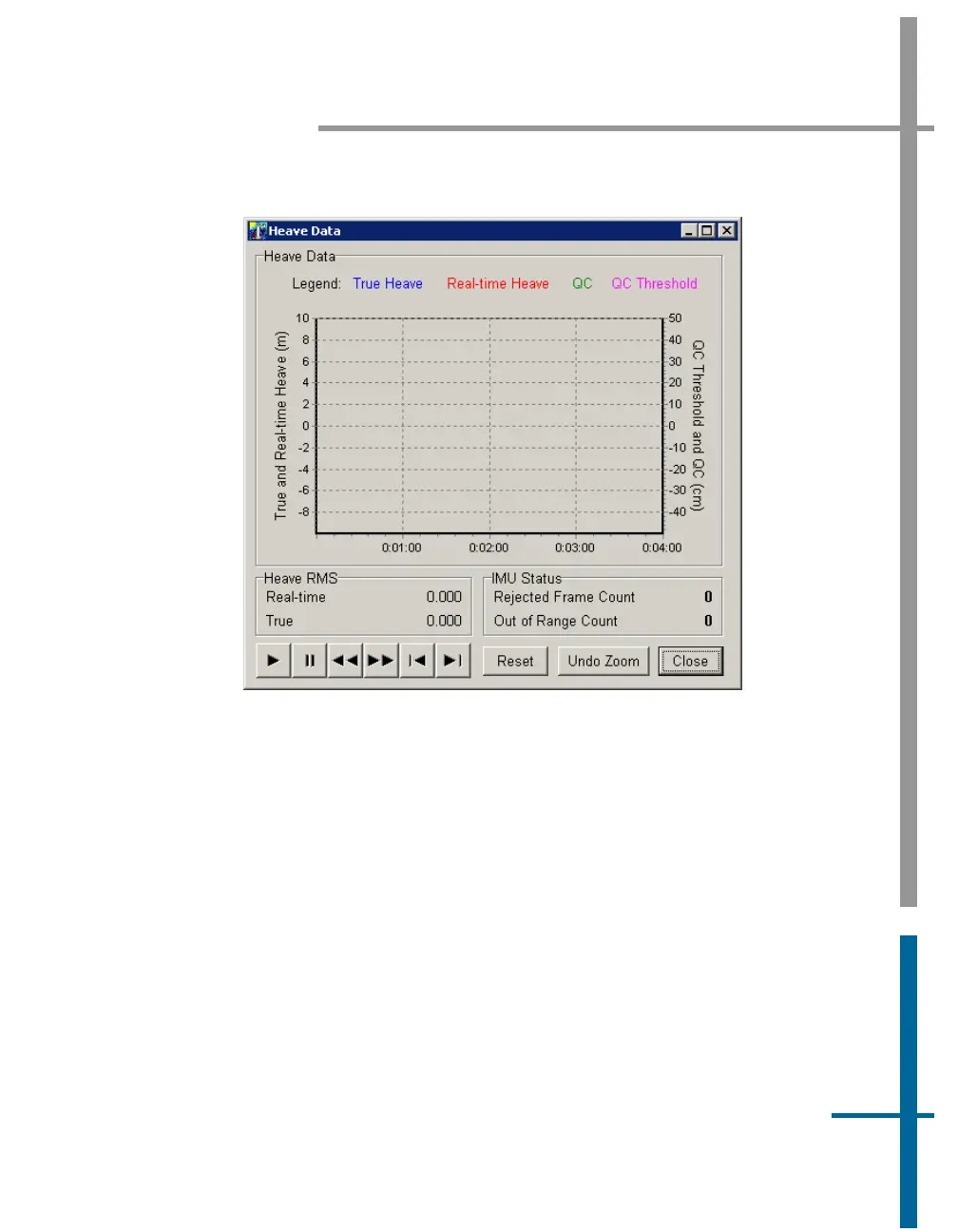
Figure 46: POSView Heave Data
TrueHeave Procedure
Use the following procedure to enable the TrueHeave feature prior to its first
use.
1. Initialize POS MV ensuring that all pre-set user accuracy values are
acceptable. This is indicated by green light buttons adjacent to the
Attitude, Heading, Position, Velocity and Heading labels in the
Accuracy pane on the MV-POSView Controller, see
Figure 47.
2. View real-time heave and TrueHeave data by selecting View, Heave
Plot, see
Figure 46. Due to the delay inherent in creating the



 To Next Page